
Livraison le jour même ou le lendemain

Qualité garantie

Débloquez vos offres de bienvenue: Livraison GRATUITE | Jusqu'à -80 % | 30 jours d'essai gratuits à JoyPlus
Téléchargez l'application
Is the "Insufficient Storage" message constantly popping up on your smartphone? Does your Nintendo Switch take forever to load games? Does your camera stop dead in its tracks mid-4K recording? If these scenarios sound familiar, it's high time you got yourself a new microSD card.
But let's face it, the memory card market can make your head spin. Between acronyms like SDHC and microSDXC, speed classes like U3, V30, and A2, and new standards like the SD Express card, it's easy to get lost. Don't worry! This guide is here to demystify it all and help you find the perfect micro SD memory card for your devices and budget, without drowning you in technical jargon.
Before you jump into our selection, let's review the key points to ensure you make the right choice.
The first criterion is capacity. But be careful, as it's directly tied to your device's compatibility.
Speed is the name of the game, especially for video recording and launching applications. There are three acronyms to remember:
Many microSD cards come with an SD adapter. This allows your microSD card with an adapter to transform into a full-size SD card. It's ideal for use in a camera, laptop, or external card reader. A small detail that dramatically increases the versatility of your purchase!
We've selected three models that excel in their respective categories, catering to a wide range of needs and budgets.
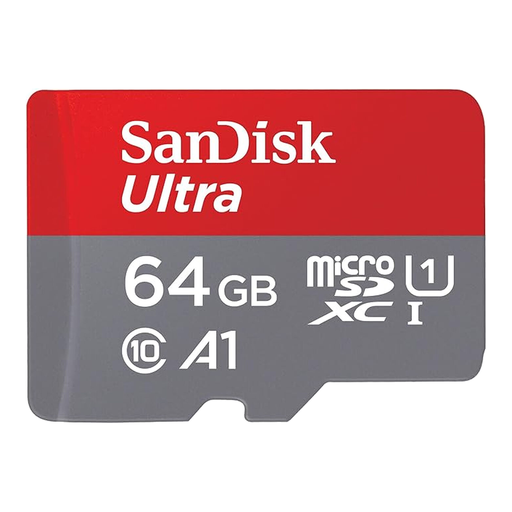
Why we recommend it: The SanDisk Ultra is a tried-and-true classic. Reliable and affordable, it's perfect for easily expanding your device's storage without breaking the bank. It offers an excellent price-to-performance ratio for everyday use.
Key Features:
Who is it for? For Android smartphone users who want to store more photos, music, and a few apps. It's the smart choice for a first-time purchase or for supplementary storage when raw performance isn't the top priority.
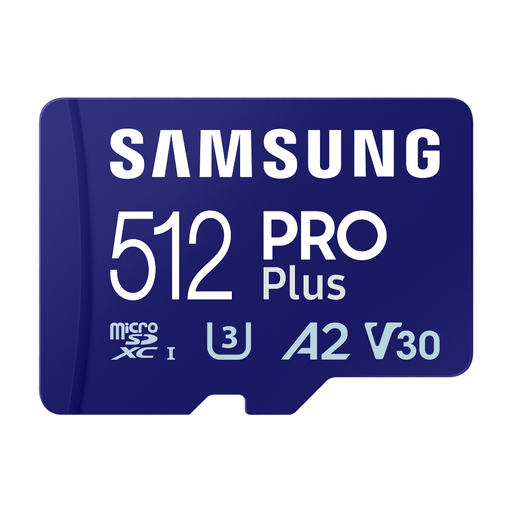
Why we recommend it: This Samsung card strikes the perfect balance between massive storage capacity and top-tier speeds. It's tailor-made for demanding users and handling large files.
Key Features:
Who is it for? This is the go-to choice for Nintendo Switch gamers, content creators, drone pilots, and photographers who demand speed, reliability, and high storage capacity.
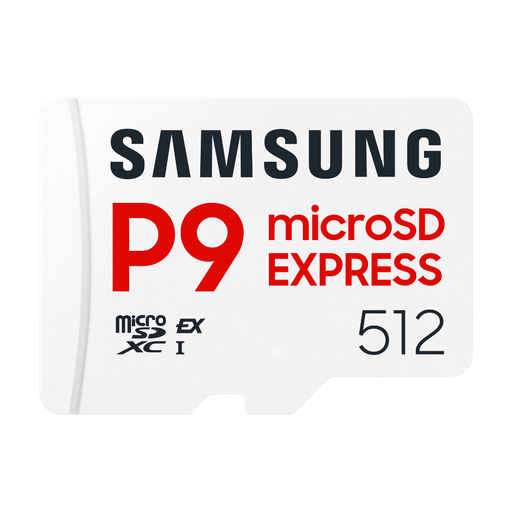
Why we recommend it: Heads up, this is a game-changer! This memory card takes the micro SD format to a new dimension thanks to the SD Express standard. By leveraging PCIe/NVMe technology, similar to that in our SSDs, it shatters speed records.
Key Features:
Who is it for? Exclusively for imaging professionals equipped with the latest generation of SD Express-compatible devices. It's a forward-looking investment for those where every second counts during data transfers.
Our selection is just a taste. The world of memory cards is vast and packed with options for every use case. For specific requirements or simply to compare other brands and capacities, feel free to browse our catalogue.
? Discover our full range of Secure Digital memory cards to find the perfect one for you.
It's primarily a matter of capacity. microSDHC (High Capacity) cards top out at 32GB. microSDXC (Extended Capacity) cards take over from there, ranging from 64GB up to 2TB (in theory). The crucial point is to always check your device's compatibility with the microSDXC format before buying a card of 64GB or larger.
Yes, the Nintendo Switch accepts microSD, microSDHC, and microSDXC cards. However, for a smooth gaming experience and minimal loading times, we strongly recommend choosing a microSD card for the Switch that has high read speeds (U3) and, ideally, an Application Performance Class certification (A1 or, even better, A2).
Yes, but not for everything. A fast card, especially one with an A2 certification, will significantly speed up the launch times of apps installed on it. File transfers to your computer will also be much quicker. However, it won't have any effect on the overall smoothness of your smartphone's interface or on apps that remain on the phone's internal storage.