
Livraison le jour même ou le lendemain

Qualité garantie

Débloquez vos offres de bienvenue: Livraison GRATUITE | Jusqu'à -80 % | 30 jours d'essai gratuits à JoyPlus
Téléchargez l'application
A 256GB memory card can meet a wide range of needs: photography, video, gaming on Nintendo Switch 2, external storage for Android devices or file transfers. However, the same capacity does not necessarily mean the same compatibility or performance.
Before placing your order, there are three common pitfalls to avoid:
A 256GB SD card is designed for devices with a standard SD slot, such as some cameras and camcorders. More compact, a 256GB microSD card is commonly found in Android smartphones, tablets, consoles and action cameras. An SD adapter can sometimes be used to insert a microSD card into an SD slot, but it does not improve the card’s performance.
The SDXC and microSDXC markings indicate a capacity above 32GB. However, compatibility should still be checked in the device’s manual. The SD Express and microSD Express standards use a faster interface, but only compatible devices can make full use of their potential.
Here are the main specifications to know when comparing cards:
For a 4K camera, a U3 V30 card is generally a sensible choice, subject to the manufacturer’s recommendations. For certain 8K workflows, RAW shooting or extended bursts, a UHS-II U3 V90 card may be more suitable. The device must, however, support this interface.
‘Up to’ speeds are measured under specific conditions. Actual performance varies depending on the reader, the device controller, the type of files and the temperature. A card advertised at 200 or 300MB/s will not necessarily reach that speed in an older camera or a smartphone with a slower interface.
For mobile use, also check the application class, such as A1 or A2, if your device allows applications to be installed on the card. When you are out and about, protection against water, shocks, X-rays and temperature fluctuations can also provide welcome peace of mind. However, these protections are no substitute for regular backups.
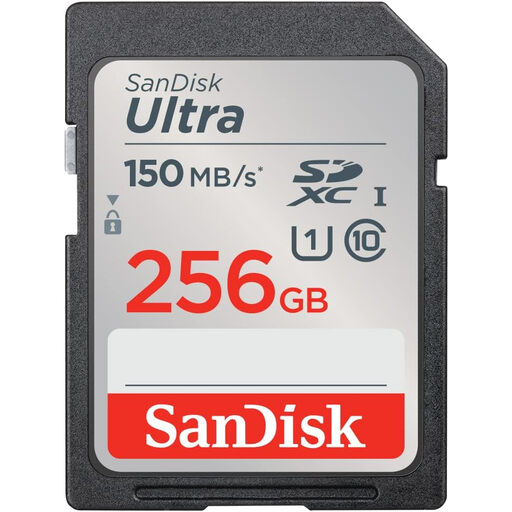
Why this choice suits this profile : This SDXC card is suitable for compact cameras and camcorders used for everyday photography and Full HD video. Its 256GB capacity means you will not need to change storage media too often.
The product details clearly specify the SDXC format and compatibility with suitable devices. Even so, check that your equipment supports SDXC before buying.
Read speeds of up to 150MB/s, Class 10 rating and protection against water, shocks, extreme temperatures and X-rays, according to the product details.
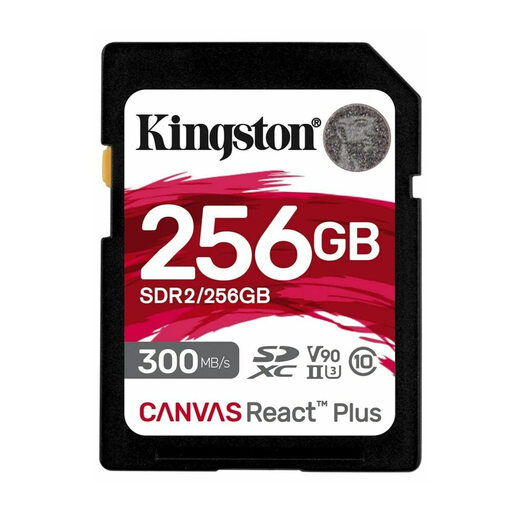
Why this choice suits this profile : It is aimed at photographers and videographers with UHS-II-compatible equipment who want to speed up transfers after a shoot.
The product details clearly distinguish the UHS-II interface and specify that the stated speeds require a compatible device.
Read speeds of up to 300MB/s and write speeds of up to 260MB/s, with U3 and V90 ratings, plus protection against water, shocks, extreme temperatures and X-rays.
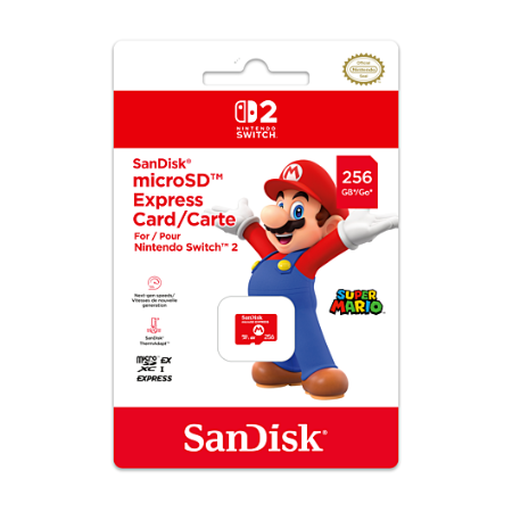
Why this choice suits this profile : This memory card for Nintendo Switch 2 is designed to expand the console’s storage and accommodate compatible digital games.
The microSD Express designation helps you avoid choosing a standard microSD card when the console requires this standard. However, check your model’s requirements before installation.
The microSDXC format, 256GB capacity and microSD Express standard are specified for storing games, downloadable content and screenshots.
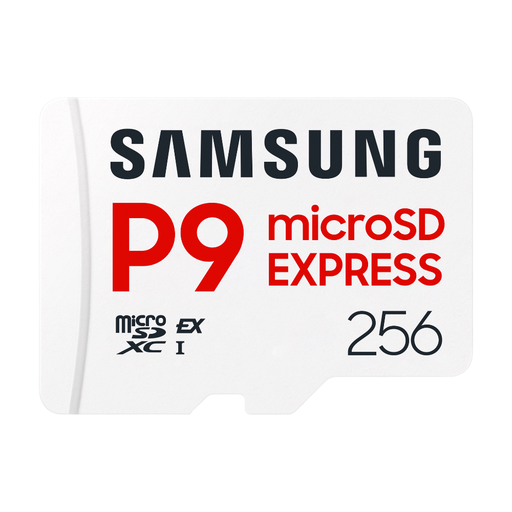
Why this choice suits this profile : It is designed for users with an SD Express host device who want to speed up the transfer of large files, particularly photos and videos.
The product details distinguish SD Express performance, with read speeds of up to 800MB/s, from UHS-I operation, with read speeds of up to 90MB/s. This clarification helps you avoid paying for a speed that an older device cannot use.
PCIe Gen3 x1 and NVMe 1.3 interfaces, A2 class, backwards compatibility with UHS-I and support for 6K video, according to the product details.
We have selected a complete, real-time updated list of products that meet these demanding criteria and European safety standards.
To avoid errors and protect your files:
A memory card is not a permanent backup. Even a model advertised as durable can fail, be lost or suffer data corruption.
Yes, provided the device has a microSD slot and supports this capacity and the microSDXC format. For applications, an A1 or A2 class can be useful, but installation also depends on the Android version and the manufacturer. Check your model’s technical specifications before buying.
For 4K, you will generally want a U3 V30 card, if this class is recommended by the camera. For certain 8K uses, RAW recording or extended bursts, a V90 UHS-II card may be more suitable, provided that the device, reader and software support this interface. Sustained write speed matters more than read speed alone.
It depends on the number of write cycles, temperature, improper removal and the type of use. Frequent video recording puts more strain on the memory than occasional document storage. Replace the card if errors appear, if the device regularly asks you to format it or if certain files become unreadable.