
Livraison le jour même ou le lendemain

Qualité garantie

Débloquez vos offres de bienvenue: Livraison GRATUITE | Jusqu'à -80 % | 30 jours d'essai gratuits à JoyPlus
Téléchargez l'application
A microSD memory card might seem simple to pick, but the differences between models have a direct impact on compatibility, performance and how long it will last. A card that works well with an Android smartphone won’t necessarily suit an action camera or a Nintendo Switch 2.
Three common pitfalls keep cropping up:
Choosing between a 64 GB microSD card, a 128 GB microSD card and a 256 GB microSD card depends on how many files you need to store and how often you can transfer them.
Before placing your order, check the maximum capacity your device supports. Some older smartphones and cameras won’t recognise high-capacity cards.
The Class 10 rating indicates a minimum write speed for certain uses, while UHS-I refers to the transfer interface. The A1 class, meanwhile, relates to the performance needed to launch and run apps on compatible devices.
For a microSD card for Android, check the following points:
For a microSD card for a camera, compatibility with the recording format and write speed should take priority over read speed alone.
The microSD Express card is a special case. It must be used with a device that supports this standard. An Express card is therefore not automatically interchangeable with a standard microSDXC UHS-I card.
An SD adapter lets you use a microSD card in a camera that has a standard SD slot. However, it won’t improve the card’s performance and won’t fix a format incompatibility.
For on-the-go use, also look at the protections the manufacturer claims: resistance to water, temperature changes or X-rays. These features don’t replace the need for regular backups. For important files, keep a second copy on a computer or an external storage device.
If your device has a USB-C port, a dual-connector USB stick can be more practical than a microSD card with its adapter. It lets you transfer photos and videos directly between a phone and a computer.
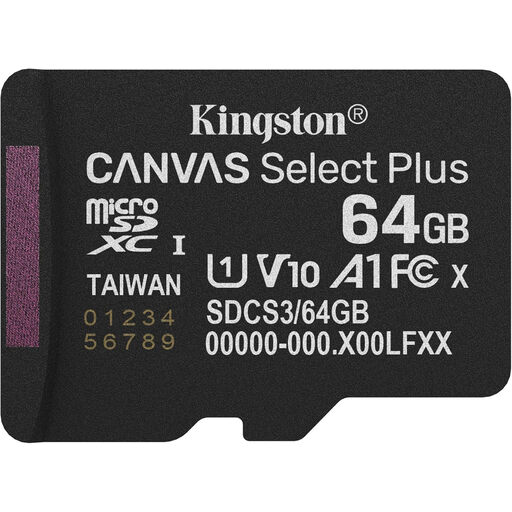
Why this suits this profile: This 64 GB microSDXC card is ideal for users who simply want to expand the storage of a compatible Android device or camera.
The capacity and features are clearly stated, with Class 10, UHS-I and A1 certifications. This model is sold without an SD adapter – make sure to check before you buy.
Advertised read speed up to 150 MB/s, protection against water, extreme temperatures and X-rays, according to the product information.
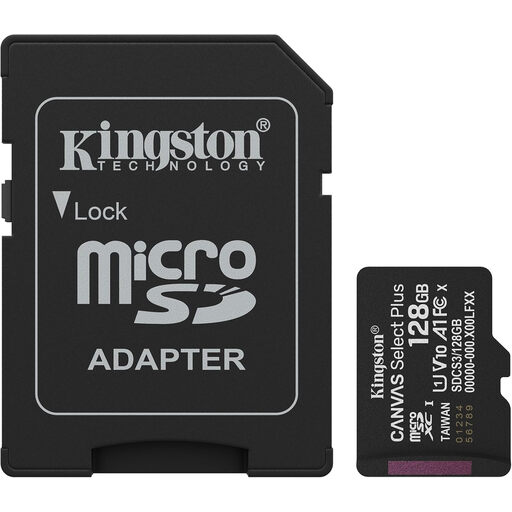
Why this suits this profile: With 128 GB and an included SD adapter, this card offers a versatile solution for a phone, camcorder or camera.
The adapter saves you buying a separate accessory for an SD slot. The A1 class is also stated for compatible Android devices.
Advertised read speed up to 150 MB/s, compact design and stated resistance from -25°C to 85°C.
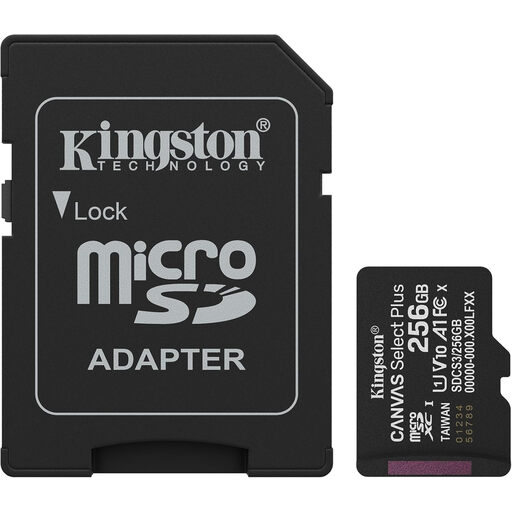
Why this suits this profile: Its 256 GB capacity is ideal for large photo libraries, videos and users who want to avoid swapping cards too often.
The product page clearly distinguishes the advertised read speed from the write speed, which can vary depending on capacity and the host device.
256 GB, advertised read speed up to 150 MB/s and SD adapter included. The card is certified Class 10, UHS-I and A1.
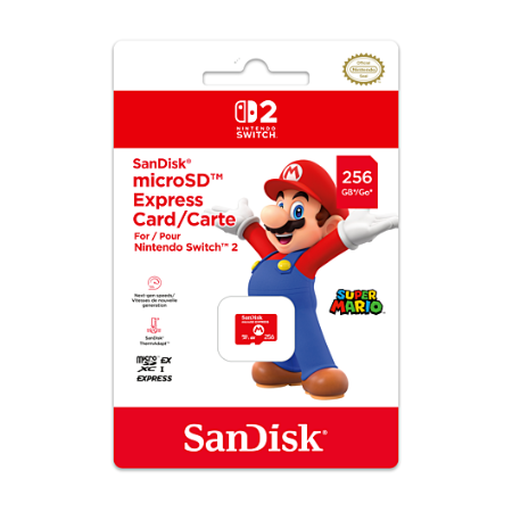
Why this suits this profile: This card is aimed at Nintendo Switch 2 owners who need space for their games, downloadable content and screenshots.
The microSD Express compatibility is clearly stated. Still, check that your console supports this standard before buying.
256 GB capacity, microSD Express standard and design stated for storing games and digital content.
For transferring files between a USB-C phone and a computer, the SanDisk Phone Drive USB-C 64 GB is a great alternative. Its USB-C and USB-A connectors mean you don’t need a separate adapter, while its read speed reaches, according to the manufacturer, 200 MB/s over USB 3.2 Gen 1. Remember to use the system’s eject function before removing it.
Yes, provided the phone has a compatible slot and supports this function. Depending on the model, the card can be used to store photos, videos and files, but moving apps isn’t always possible. Check the manufacturer’s instructions before formatting it.
There’s no universal lifespan. It depends on factors like how often you write to it, the quality of the reader, temperature and storage conditions. Avoid removing the card during a transfer and back up your important files to another device.
A 128 GB card is suitable for most regular, everyday uses. With 256 GB, the larger model offers more space for videos, games and large photo collections, provided your device accepts that capacity. Always check compatibility before opting for the highest capacity.