
Livraison le jour même ou le lendemain

Qualité garantie

Débloquez vos offres de bienvenue: Livraison GRATUITE | Jusqu'à -80 % | 30 jours d'essai gratuits à JoyPlus
Téléchargez l'application
The memory card market is a dense jungle of models, technical acronyms, and performance promises. Faced with this flood of information, it's easy to make a mistake and invest in a microSD card that's ill-suited for your needs. The result? Lagging 4K videos, slow-running apps on your smartphone, or worse, the outright loss of your precious data.
As a product expert at Joybuy, my mission is to help you see things more clearly. Let's forget the marketing jargon and get straight to the point. Here are the most common pitfalls to avoid and the essential criteria for making the right choice.
To avoid these pitfalls, you need to focus on three key parameters that determine a card's performance and reliability.
Right after capacity, speed is the most critical factor. It's hidden behind a multitude of acronyms:
A card's format is directly linked to its maximum storage capacity.
The first thing to do before buying: always check the maximum capacity supported by your device. An older device that is only SDHC-compatible will not be able to read an SDXC card.
For devices that write data continuously (dashcams, security cameras, video baby monitors), a "High Endurance" card isn't an option—it's a necessity. These cards are specifically designed to withstand thousands of hours of recording and resist extreme conditions (temperature, water, shock), ensuring their longevity and, most importantly, the security of your recordings.
To help you find the perfect card for your needs, here are a few options tailored to typical user profiles.
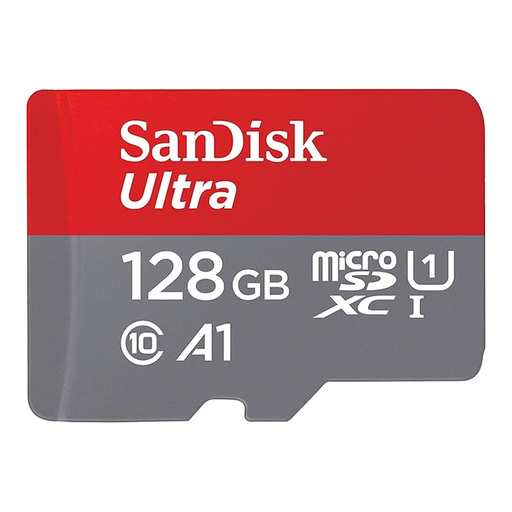
Why we chose it: It's the sweet spot for expanding smartphone or tablet storage. Its 128 GB capacity is more than enough for photos, videos, and apps, all without breaking the bank.
It features the A1 performance class, specifically designed to optimise app launch times. This helps you avoid the trap of a slow card that would bog down your smartphone's responsiveness.
Its excellent price-to-capacity ratio and the included SD card adapter make it a versatile solution for easily transferring files to a computer.
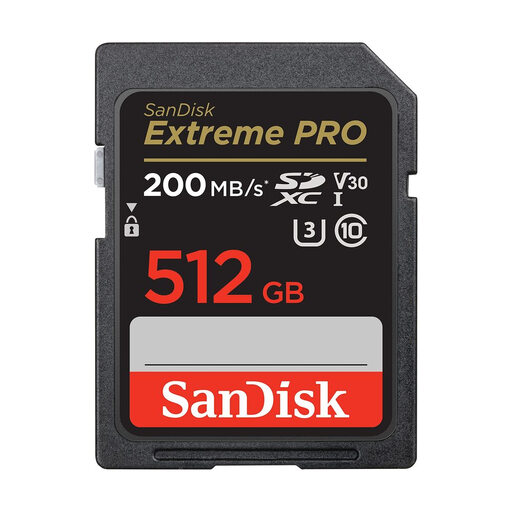
Why we chose it: This is the go-to card for photographers and videographers using a mirrorless or DSLR camera. Its large 512 GB capacity and high speeds make it the perfect partner for burst shooting and 4K UHD video.
With its clearly displayed U3 and V30 classes, it guarantees the minimum speeds required for 4K, preventing frame drops caused by a lagging card.
Its write speed of up to 140 MB/s lets you clear the camera's buffer instantly in burst mode, and its read speed of up to 200 MB/s significantly speeds up offloading footage.
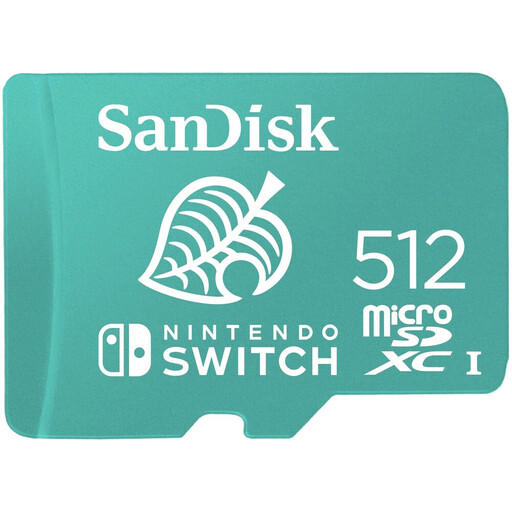
Why we chose it: This is the peace-of-mind solution for gamers. As an officially licensed product, this microSD card for Nintendo Switch guarantees perfect compatibility and optimised performance for reduced loading times.
It eliminates the risk of compatibility issues or sluggish performance that can occur with non-certified cards. No unpleasant surprises—it's made for the console.
The official Nintendo license and its massive 512 GB capacity allow you to store a huge digital game library without ever worrying about remaining space.
Discover our complete, up-to-date selection of products that meet our quality standards and the demands of modern devices.
It's all about size: the microSD card is much smaller than the standard SD card. microSD cards have found their home in our smartphones, drones, and action cameras. Good to know: most come with an adapter that allows them to be read in an SD card slot, like those found on laptops and cameras.
The foolproof check: consult your device's user manual or technical specifications. Look for two key pieces of information: the supported card format (SD, SDHC, SDXC) and the maximum accepted capacity (e.g., "up to 256 GB"). Using a card with a capacity greater than what's supported won't work—it simply won't be recognised.
Yes, backward compatibility is standard. For example, a UHS-II card will work in a UHS-I slot, but it will be throttled to the maximum speed allowed by the slot. In short, you'll be paying a premium for performance you won't get. It's better to choose a card with a speed that matches your device's capabilities to avoid overpaying.