
Livraison le jour même ou le lendemain

Qualité garantie

Débloquez vos offres de bienvenue: Livraison GRATUITE | Jusqu'à -80 % | 30 jours d'essai gratuits à JoyPlus
Téléchargez l'application
By Joybuy, Your Product ExpertPublished on: August 27, 2026
Choosing an SD card might seem simple: you look at the capacity in gigabytes (GB) and the price. However, this approach often leads to disappointment. An unsuitable card can cause choppy 4K video recordings, lagging apps on your smartphone, or worse, the loss of your precious photos. As a product expert, my mission is to help you decode this technical jargon to make an informed choice and avoid marketing traps.
Before diving into the specifications, let's review the most common—and potentially costly—mistakes.
To avoid getting fooled again, you just need to master three indicators that define a card's true performance.
Storage capacity is directly linked to the card's format. The key point: verify compatibility with your device.
A word of caution: An older device that is only SDHC-compatible will be unable to read an SDXC card. Always check the manual for your camera, drone, or console.
These logos guarantee a minimum write speed, a much more reliable indicator than the theoretical peak speed displayed on the packaging.
The interface is the card's physical connection. It determines the maximum theoretical transfer speed.
Here are our hand-picked recommendations, chosen to meet specific needs and help you avoid any nasty surprises.
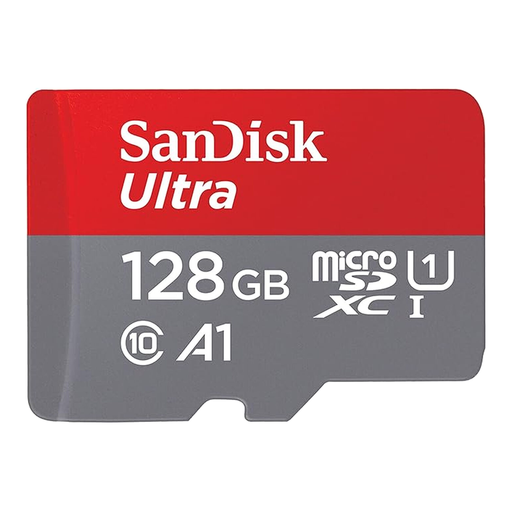
Why we picked it: Ideal for expanding the storage of an Android smartphone or a Nintendo Switch. It offers the perfect balance between a comfortable 128 GB capacity and performance optimized for applications.
Its A1 certification ensures that apps installed on it won't slow down your device. This is a crucial detail often missing from entry-level cards.
An excellent performance-to-price ratio for versatile use, with the bonus of an SD adapter that makes it even more flexible.
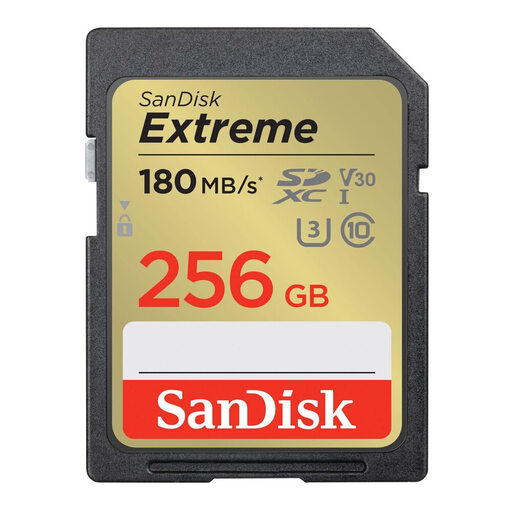
Why we picked it: A reliable choice for owners of mirrorless and DSLR cameras. The SanDisk Extreme is built for burst photography and 4K UHD video, without any compromise.
It proudly displays its U3 and V30 certifications. This guarantees a minimum write speed of 30 MB/s, putting an end to choppy videos.
Its write speed (up to 130 MB/s) is a decisive advantage for instantly clearing the camera's buffer in burst mode.
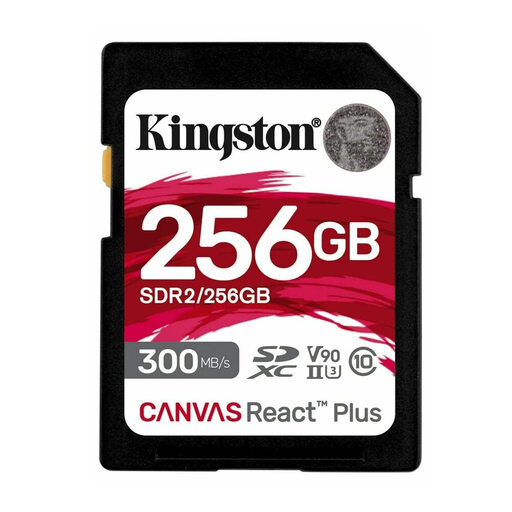
Why we picked it: The go-to card for content creators who handle very large files (4K/8K video, RAW photos). Its UHS-II interface and V90 class are designed for the most intense workflows.
This card doesn't just settle for a high read speed. With a write speed reaching 260 MB/s and a V90 certification (a guaranteed minimum of 90 MB/s), it eliminates any bottleneck, even in 8K.
Its UHS-II interface dramatically speeds up file transfers to a computer (via a compatible reader). A precious time-saver in post-production.
We have selected a full range of memory cards that meet our criteria for performance and reliability.
1. Should I format a new SD card? Yes, it's essential. Formatting a new card directly in the device that will use it (camera, console, etc.) ensures perfect compatibility and optimizes its structure for peak performance.
2. What is the lifespan of an SD card? The lifespan is measured in write cycles. For typical use, a card from a reputable brand will last for many years. However, for very write-intensive uses (surveillance cameras, dashcams), it is imperative to choose a "High Endurance" model, specifically designed to withstand thousands of hours of continuous recording.
3. Is a microSD card with an adapter less powerful than a standard SD card? Absolutely not. The format (microSD or SD) has no impact on performance. A high-end microSD card, like a Samsung PRO Plus or a SanDisk Extreme, will deliver the exact same speeds in its adapter as its SD format equivalent. The adapter is just a passive converter that never throttles the speed.