
Livraison le jour même ou le lendemain

Qualité garantie

Débloquez vos offres de bienvenue: Livraison GRATUITE | Jusqu'à -80 % | 30 jours d'essai gratuits à JoyPlus
Téléchargez l'application
A 360 mm ARGB CPU AIO liquid cooler makes an impressive first impression with its large radiator, three fans and lighting effects. But a setup this stylish can quickly become a headache if your case isn’t compatible, the RGB connections don’t match or the noise level isn’t right for your needs.
Whether you’re a PC gamer, content creator, PC builder or simply using an Intel or AMD processor, here’s what to check before buying a 360 mm CPU liquid cooler.
The mention of Intel LGA 1851 or AMD AM5 means the pump block can be fitted to the processor. It doesn’t guarantee that the radiator will fit in your case.
A 360 mm radiator is generally between 394 and 397 mm long and accommodates three 120 mm fans. Before placing your order, check:
A 5 V, 3-pin ARGB system must never be connected to a 12 V, 4-pin RGB header. A single mistake could damage the lighting. Check your motherboard manual and look for 5V-D-G, ADD_GEN2 or equivalent connectors.
Some models also rely on a proprietary connector, a dedicated controller or an internal USB port. The Cooler Master ML Core Nex Digital 240, for example, uses a 9-pin internal USB 2.0 connector for its digital display and customisation software.
An LCD, AMOLED or digital display adds a real touch of style, but may require extra cables and software installation. The same applies to very fast fans: they can shift heat more effectively, but also become more noticeable when the processor is under heavy load.
The best choice depends on the balance you’re looking for between temperatures, noise, space, appearance and ease of installation.
For a recent platform, look for clear AIO Intel LGA 1851 and AIO AMD AM5 compatibility details. According to their respective product specifications, the models featured here support Intel LGA 1851 and LGA 1700 sockets, as well as AMD AM5 and AM4 sockets.
The kit should include the right brackets for your platform. The Cooler Master ML 360 Atmos II LCD ARGB, for example, has an offset mounting system for LGA 1851. Always follow the instructions provided, and never force a part that doesn’t fit naturally.
A 360 mm radiator offers a larger heat-exchange surface than a 240 mm model, but it also needs more room. Several models have listed dimensions of around 394 × 120 × 27 mm, not including the fans.
To maintain consistent airflow:
Check for 4-pin PWM fan connectors and ARGB headers that match your motherboard. Manufacturers measure their stated noise levels under specific conditions, so actual noise can vary considerably depending on your case, ambient temperature and chosen fan curve.
A PC liquid-cooling kit is sealed: it must not be opened or refilled. Regularly dust the fans and fins with the computer switched off and unplugged. If there’s a leak, shut down your PC immediately and disconnect its power supply.
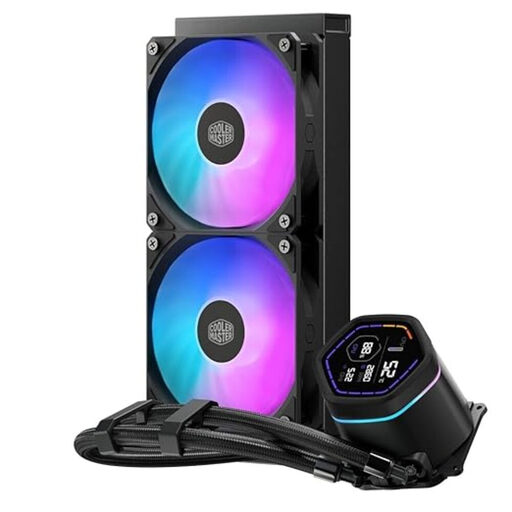
Why this model suits this profile: Its 240 mm format takes up less room than a 360 mm model, while still offering a pump with a digital display and two pre-installed ARGB fans.
Its compact format reduces the risk of incompatibility with a smaller case. The brackets and thermal paste are listed as pre-installed.
LGA 1851, LGA 1700, AM5 and AM4 compatibility; 50.1 × 54.4 mm LED display; advertised 5-year warranty.
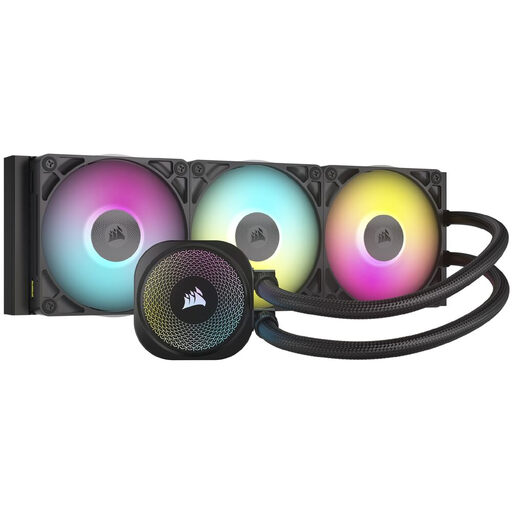
Why this model suits this profile: This CPU liquid cooler combines a 360 mm radiator, a copper cold plate and magnetically connected RX ARGB fans.
Daisy-chain connections keep the number of visible cables down. You’ll still need to check the available space and plan for the iCUE ecosystem.
397 × 120 × 27 mm radiator; three 120 mm RX ARGB fans; LGA 1851 and AM5 compatibility.
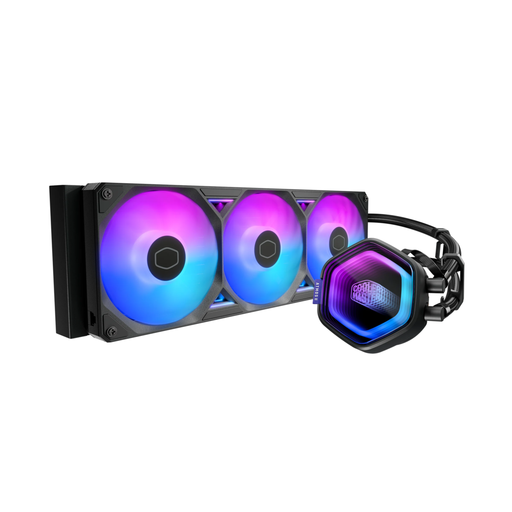
Why this model suits this profile: Its three SickleFlow Edge ARGB fans and 360 mm radiator are designed for builds looking for visible, customisable liquid cooling.
Quick mounting and pre-installed fans reduce build time. However, this model is only suitable for cases that support 360 mm radiators.
Pump speed listed at 3,400 rpm ± 300; three fans running at 690–2,500 rpm; brackets for LGA 1851, LGA 1700, AM5 and AM4.
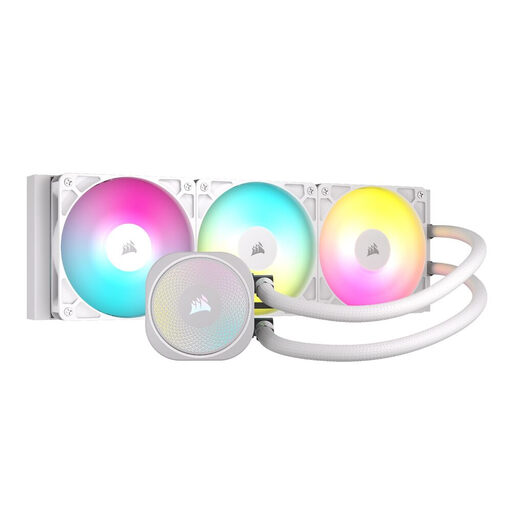
Why this model suits this profile: Its white finish, three PWM ARGB fans and 5 V, 3-pin connectors make it a great fit for a light-coloured PC with synchronised lighting.
Standard ARGB connections make it easy to integrate with compatible motherboards, provided you have a 5 V header.
394 × 120 × 27 mm radiator; copper cold plate; LGA 1851, LGA 1700, AM5 and AM4 compatibility.
We’ve put together a comprehensive, regularly updated selection of products that meet these demanding criteria and comply with European safety regulations.
No. Radiator size alone doesn’t determine compatibility. Check the socket, the processor’s thermal output, your case dimensions and your motherboard’s capabilities. A 360 mm model may be a good choice for a processor under heavy load, but a 240 mm model can also suit a less demanding build.
It depends on the pump, fans, environment and maintenance. Warranties vary between models: some product specifications state five years, while others say six. Either way, you should still check the fans, tubes and temperatures regularly.
The pump and fans draw power from the motherboard. Total power consumption varies according to pump speed, the number of fans and the ARGB lighting. LEDs add a modest amount of power consumption, while very fast fans may use more energy when the processor is under heavy load.