
Livraison le jour même ou le lendemain

Qualité garantie

Débloquez vos offres de bienvenue: Livraison GRATUITE | Jusqu'à -80 % | 30 jours d'essai gratuits à JoyPlus
Téléchargez l'application
By the Joybuy Team, our product experts – Updated August 27, 2026
The blinking ink light... a classic scenario, and always at the worst possible moment. An urgent report to print, the kids' homework, or a souvenir photo to immortalise? Finding yourself with a dead printer is the ultimate frustrating breakdown. The first instinct? Rushing out to buy a replacement Canon ink cartridge. But be careful—the aisle is huge, and the pitfalls are many.
To help you avoid a purchase you might regret, let's review the common mistakes that cost you both time and money.
To avoid these pitfalls, you just need to master a few key points. They will ensure you choose a Canon printer ink that is perfectly suited to your needs and your equipment.
This is the absolute basic, the first thing to check. Every Canon printer is designed to work with specific cartridge series. Using a different model number, even if it seems to fit correctly, is the surest way to waste your money.
How to find the right model number?
A Canon black cartridge PG-540 is not interchangeable with a PG-560. This simple check is your best guarantee.
The choice between an original (OEM) cartridge and a compatible one is often a matter of budget, but the implications go far beyond the sticker price.
Manufacturers generally offer two sizes for the same model number:
To make the right choice, assess your monthly print volume. If you're changing cartridges every month, the XL size is likely the most cost-effective.
To help you see more clearly, here are some recommended products for three typical user profiles.
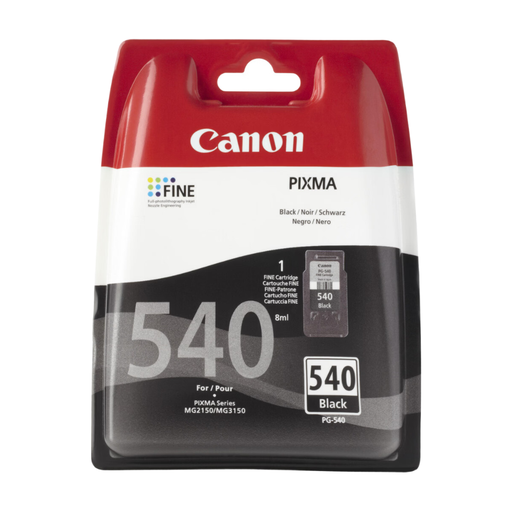
Why this choice? This pack is a perfect all-in-one solution for versatile use. It covers both black and white document printing and colour printing needs, with the added bonus of paper to immortalise a few photos. A solution that's as practical as it is economical.
As an official Canon cartridge pack, it eliminates any risk of incompatibility. The PG-540 and CL-541 models are among the most common for entry-level and mid-range PIXMA printers.
Combines everything you need (ink and photo paper) in a single pack at a great value.
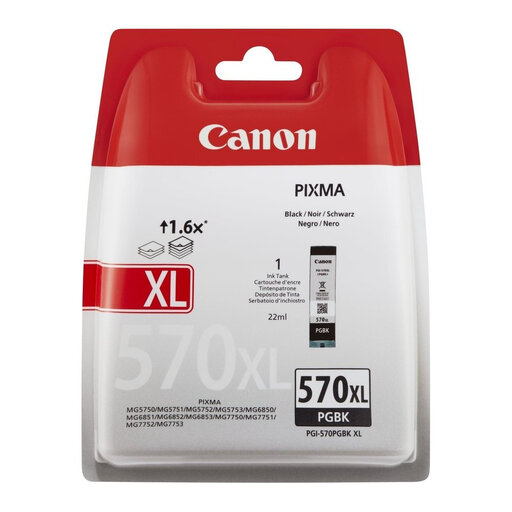
Why this choice? This high-capacity Canon XL cartridge pack is designed for high-volume printing. It's the cost-effective choice for those who print large quantities of text documents (reports, invoices, etc.) and are looking for an optimised cost per page.
It directly addresses the cost-per-page pitfall by offering a high-capacity original solution. The high yield (approximately 500 pages for pigment black) reduces the frequency of replacements and optimises long-term spending.
Very competitive cost per page and a system of separate ink tanks, allowing you to replace only the colour that has run out.
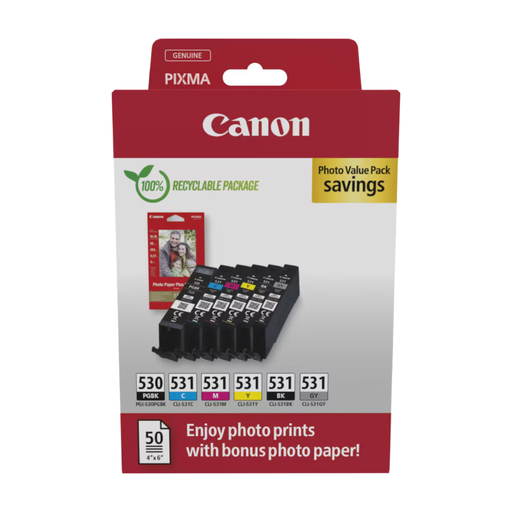
Why this choice? Designed for high-end PIXMA PRO series photo printers, this pack uses a 6-ink system, including a grey Canon colour cartridge. This configuration is key to achieving accurate colourimetry and subtle gradients, especially in black and white prints.
It eliminates the risk of disappointing photo results. The grey ink expands the colour gamut and improves tonal neutrality, a crucial detail that standard cartridges cannot offer for quality photography.
Superior photo print quality thanks to an extended colour gamut and better management of monochrome tones.
Discover our full selection of products that meet our quality and compatibility criteria.
A cartridge's lifespan is measured in page yield rather than time. Its yield is indicated as a number of pages, according to the ISO/IEC 24711 standard. An XL cartridge will therefore print more pages than a standard one. However, it is recommended to use a cartridge within six months of opening it to prevent the ink from drying out.
The most reliable method is to check the model number directly on the cartridge currently installed in your PIXMA printer. You can also consult the device's manual or the official Canon website by entering your printer model.
The short answer is no. Most Canon printers require all cartridges to have ink in them to operate. This is a safety measure that prevents the printhead from running dry and overheating, which would damage it irreversibly. It is therefore advisable to replace the empty cartridge as soon as the printer signals it.