
Livraison le jour même ou le lendemain

Qualité garantie

Débloquez vos offres de bienvenue: Livraison GRATUITE | Jusqu'à -80 % | 30 jours d'essai gratuits à JoyPlus
Téléchargez l'application
An XXL gaming mouse mat can transform your desk setup: your keyboard and mouse share the same surface, sweeping movements feel more natural, and your desktop is better protected from scuffs and scratches. But not all large-format mats are created equal, and they don't all suit the same needs.
Some listings focus mainly on a flashy design without detailing the quality of the base. Others claim to be "waterproof" when the surface only resists splashes. And a mat that's too large might overhang your desk or get in the way of cables. Here are the points to check before you buy, along with a selection tailored to different profiles.
A 900 x 400 mm mouse mat will usually accommodate your keyboard and mouse, but you still need to measure the available depth on your desk. A lip, a monitor stand or a sliding keyboard tray can reduce the space you can actually use. XXXL models, such as those measuring 1,200 x 570 mm, need an even clearer surface.
Stability depends on the quality and grip of the rubber, but also on the condition of your desk. Even a non-slip base can slide if it's sitting on dust. Also check the edge finish: are the edges stitched or just cut? A stitched border usually reduces the risk of fraying from repeated friction.
A water-repellent or spill-resistant surface makes cleaning easier after knocking over a drink. That doesn't mean the mat can be submerged or machine-washed. To preserve the print, the fabric and the rubber base, it's best to use a slightly damp cloth, then leave the mat to dry flat.
The 900 x 400 mm format has become a classic for gaming desk mats that cover both keyboard and mouse. A width of 40 cm gives good range for players who use a low sensitivity, provided your desk is deep enough.
Thickness affects comfort and the transition between the desktop and the mat. Models 2 to 4 mm thick usually offer a good balance of flexibility, stability and wrist comfort. A 4 mm thickness can also smooth out small desk imperfections, but it does raise the keyboard slightly.
A woven fabric or microfiber surface works well with most optical and laser sensors. Product specs sometimes mention a "control" surface or a balance between speed and control. These terms describe the glide feel, but the result also depends on your mouse feet and personal preference.
For everyday use, go for a consistent texture with no seams under the mouse area. Flat, stitched or reinforced edges are especially welcome if your forearm often rests on the mat.
A non-slip rubber base should stay perfectly flat and grip the desk without any visible warping. Before first use, unroll the mat on a clean surface and let it settle flat.
For cleaning, start by removing dust with a dry cloth, then use a slightly damp cloth if needed. Avoid abrasive cleaners, bleach, machine washing and heat sources. These precautions also apply to models marketed as waterproof or washable mouse mats: always check the manufacturer's recommendations.
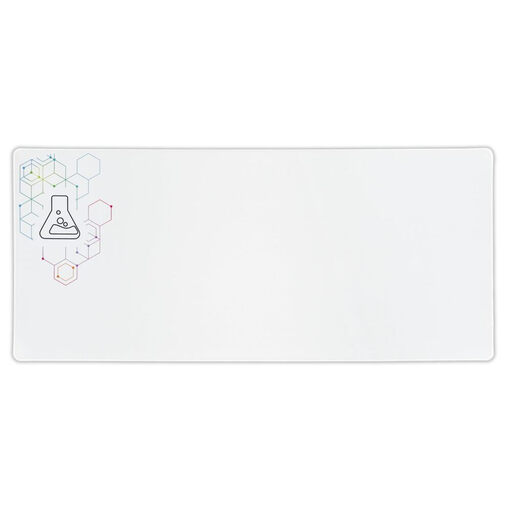
Why this choice suits this profile: Its 900 x 400 mm dimensions let you place both keyboard and mouse on a single gaming desk mat without taking over your entire desktop. The white finish adds a clean touch to versatile setups.
The listing mentions a non-slip rubber base, 4 mm thickness and anti-fray stitched edges. These concrete details let you judge the product beyond its looks alone.
Polyester surface, 900 x 400 x 4 mm format, non-slip base and a stated 2-year warranty.
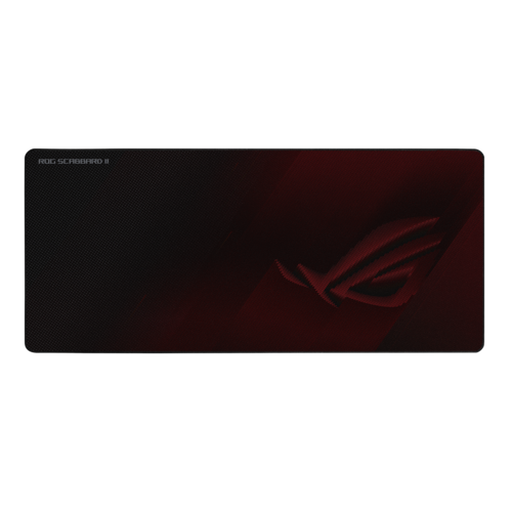
Why this choice suits this profile: This 900 x 400 mm model is aimed at users who want a refined finish and easy maintenance for a daily-use gaming setup.
The listing mentions a hybrid water-repellent, oil-repellent and anti-dust surface, plus flat stitched edges. Useful features for limiting stains and preventing your wrist from catching.
Hybrid surface, natural rubber base, flat stitched edges and an extended format for keyboard and mouse.
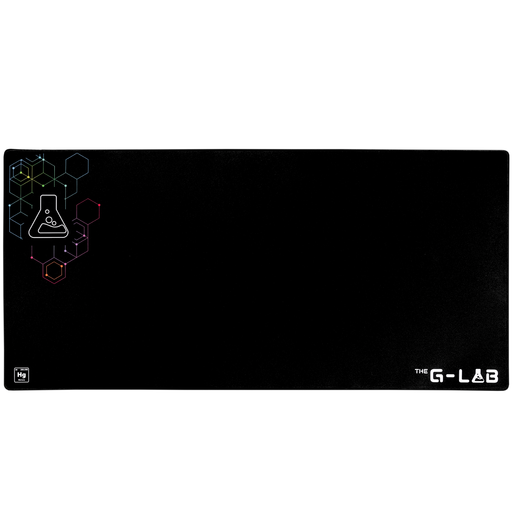
Why this choice suits this profile: With dimensions of 1,200 x 570 mm, it's designed for large desks and gamers who want to bring several peripherals together on one continuous surface.
The listing specifies the dimensions, 4 mm thickness, non-slip base and reinforced stitched edges. However, do check your desk depth before ordering.
XXXL format, 4 mm thickness, control-oriented surface, stitched edges and a stated 2-year warranty.
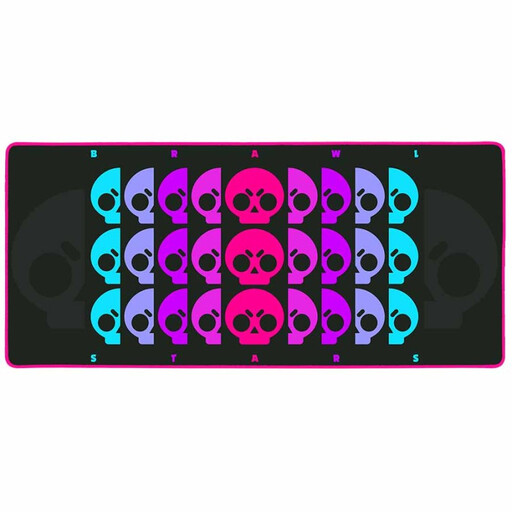
Why this choice suits this profile: This Brawl Stars mat combines a 90 x 40 cm format with an officially licensed design. It lets you personalise your gaming desk without sacrificing practicality.
The listing doesn't stop at the design: it mentions a water-repellent surface, stitched edges and a non-slip rubber base. Liquids should still be wiped up quickly though.
90 x 40 cm format, officially licensed Brawl Stars illustration, splash-resistant surface and stitched edges.
No. Measure the available width and depth, taking into account the front edge, monitor feet and cables. A 900 x 400 mm model fits many desks, while an XXXL at 1,200 x 570 mm needs a deeper surface.
A gaming desk mat usually covers both the keyboard and mouse. It often has a non-slip base and a surface designed for sweeping movements. A standard model is more compact and generally limited to the mouse area. The right choice depends on the space you have and how you play.
It all depends on how intensively you use it, the quality of the stitching, sun exposure and how well you look after it. Regular cleaning, avoiding creases and keeping the base flat all help preserve comfort and glide quality.