
Livraison le jour même ou le lendemain

Qualité garantie

Débloquez vos offres de bienvenue: Livraison GRATUITE | Jusqu'à -80 % | 30 jours d'essai gratuits à JoyPlus
Téléchargez l'application
As a Product Expert at Joybuy, my role is to help you navigate the complex world of home security. Choosing a wireless home alarm kit can quickly become overwhelming, as marketing promises often hide deal-breaking flaws. The goal of this guide is simple: to give you the keys to making a smart choice, focusing on reliability and everyday ease of use.
Before you even start comparing spec sheets, it's crucial to be aware of the common issues that can turn a good investment into a constant source of frustration.
To ensure you make the right choice, focus on a few non-negotiable technical criteria. These are what will guarantee the performance and longevity of your system.
The reliability of your alarm depends on the quality of communication between its components, and with you.
Your needs today may not be the same tomorrow. A good system should be able to grow with you. Check the maximum number of accessories the hub can manage. A model capable of handling 30, 50, or even 100 devices gives you plenty of room to grow in the future, without having to throw everything out and start from scratch.
For a wireless system, battery life is crucial.
Rather than a random list, we've matched products to user profiles to help you find the solution that's truly right for you.
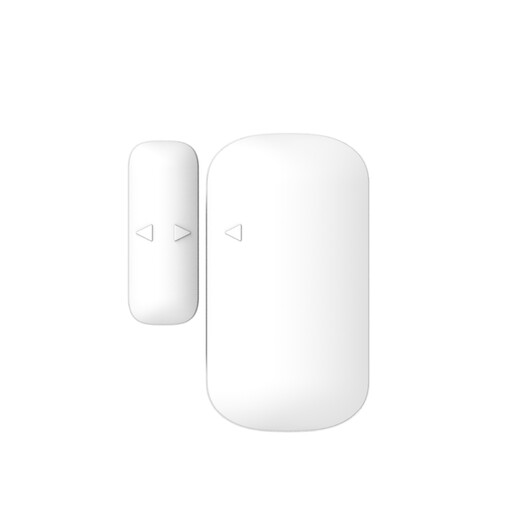
Why we chose it: Perfect for homeowners or renters looking to get their first security system without the hassle. This kit includes everything you need to get started: a hub, door sensors, a motion detector, and remote controls. Its integration with the Tuya ecosystem makes it highly versatile for home automation.
Scalable, this system can support up to 30 accessories, giving you room to grow and helping you escape the closed ecosystem trap. The TuyaSmart app provides free alerts, allowing you to dodge hidden subscription fees.
It combines a 2.4 GHz Wi-Fi connection for smartphone alerts with an 868 MHz radio frequency for reliable and robust communication with sensors. The hub also includes a backup battery.
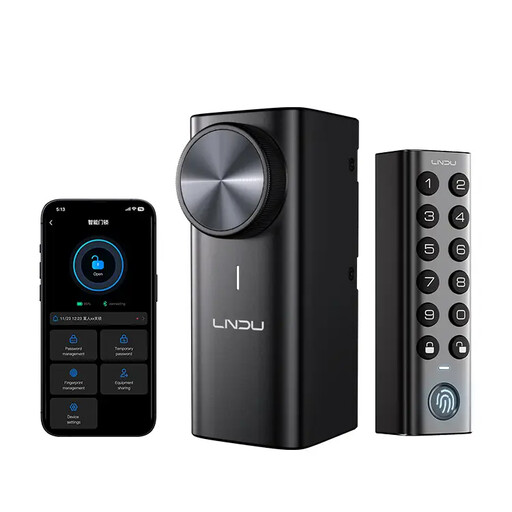
Why we chose it: Ideal for securing and modernising your front door. This smart fingerprint lock replaces your existing cylinder without needing to change the entire door, offering keyless access that is both convenient and secure.
Designed for DIY installation, it saves you the cost of a locksmith. Its long battery life (up to 240 days) and mechanical backup unlock help you guard against power failures—a common pitfall of low-end models.
Its multiple unlocking methods (fingerprint, code, app) offer maximum flexibility. Its IP65 certification makes it weather-resistant, ensuring reliable operation even outdoors.
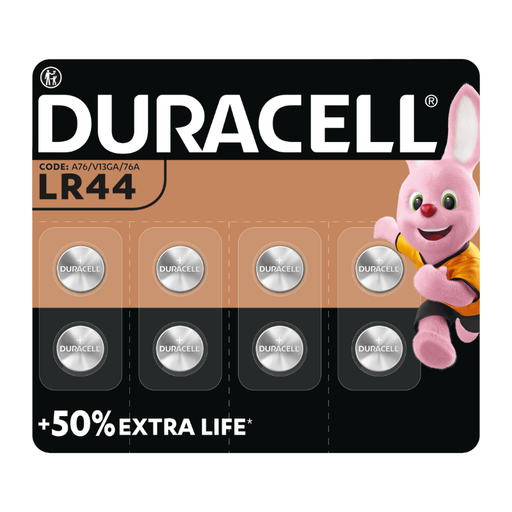
Why we chose it: For the most pragmatic users, who know that the reliability of a wireless system hinges on the quality of its power supply. This pack of LR44 batteries is an essential accessory for many door sensors, thermometers, and other small devices.
By choosing a trusted brand, you protect yourself from cheap batteries that leak or die in record time—a real risk to both your security and your wallet. The 5-year storage guarantee ensures your spare batteries will be ready when you need them.
We've curated a complete selection of products that meet our selection criteria and current safety standards.
Battery life varies greatly depending on the device, its usage frequency, and the quality of the batteries. Generally, you can expect:
A good connected security system is designed to anticipate these scenarios. During a power outage, the hub's backup battery takes over, and the system remains locally active (the siren will still trigger during a break-in). If the internet goes down, you won't receive notifications, but the alarm will still function on-site. The most advanced models offer an optional 4G SIM card for maximum security.
Absolutely. Almost all current wireless alarm kits are designed for DIY (Do-It-Yourself) installation. The instructions are clear, the sensors are simply attached with the included double-sided adhesive, and the setup is done step-by-step through the smartphone app. This can save you hundreds in installation fees.