
Livraison le jour même ou le lendemain

Qualité garantie

Débloquez vos offres de bienvenue: Livraison GRATUITE | Jusqu'à -80 % | 30 jours d'essai gratuits à JoyPlus
Téléchargez l'application
Tired of cables that fray after a few months, batteries that take an eternity to charge, and the headache of USB4 or Thunderbolt?standards? Rest assured, you're not alone. While USB-C successfully unified our connectors, it also turned choosing the "right" cable into a real challenge. An unsuitable model doesn't just slow down charging: it can also completely bottleneck your largest file transfers.
As tech experts and partners of Joybuy, our mission is to help you make sense of it all. In this guide, we'll break down the technical jargon and present our selection of the best USB-C cables. Whether you're looking for the perfect companion for your future iPhone 16, your MacBook Pro, or your high-powered PC, you're sure to find your match.
Before you grab the first cable you see, let's review the three key points that separate a great cable from a useless gadget.
Expressed in watts (W), charging power is the most critical factor: it dictates the speed at which your battery will get its juice back.
Do you often juggle large files? Then transfer speed is non-negotiable.
A cable is meant to be plugged, unplugged, bent, and carried... in short, it's meant to be used. A braided USB-C cable made of nylon or composite materials handles abuse (abrasion, twisting) much better than a simple plastic one. Also, make sure the connectors are reinforced: this is the classic weak point where cables eventually fail.
Enough theory, let's get practical! Here are three models that caught our eye, each tailored to a specific need.
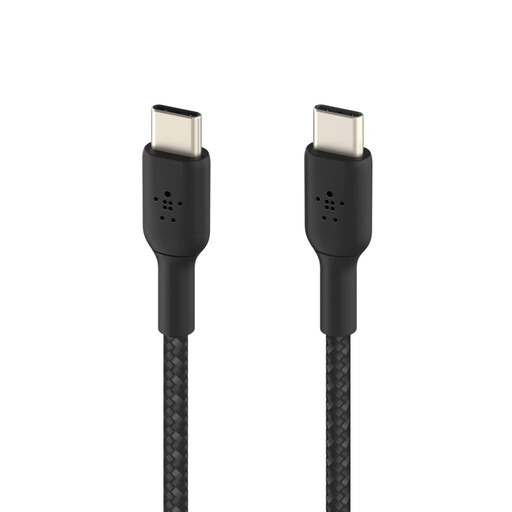
Editor's Note: This Belkin cable strikes the perfect balance. It's high-performing, durable, and has an eco-friendly touch, making it built for the daily grind.
Advantages:
Who is it for? For anyone looking for a reliable, durable, do-it-all cable to charge a 60?W compatible smartphone, tablet, or ultra-portable laptop.
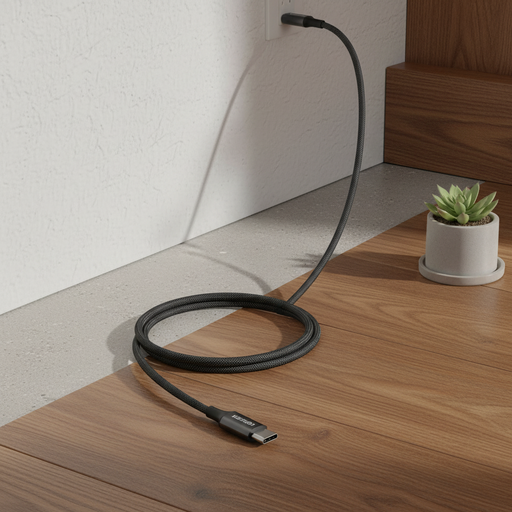
Editor's Note: UGREEN gets straight to the point: delivering serious charging power (100?W) without breaking the bank. An excellent choice for laptop owners.
Advantages:
Who is it for? For those whose absolute priority is 100?W charging for a laptop, and for whom data transfer speed is secondary (the cable is limited to USB 2.0, i.e., 480?Mbps).
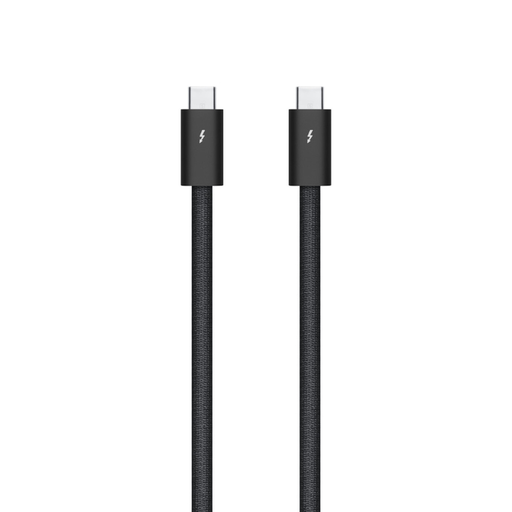
Editor's Note: This is the Formula 1 of cables. Designed by Apple for professionals and the most demanding users, it pushes every limit, whether for data transfer or power delivery.
Advantages:
Who is it for? For creatives (videographers, photographers, designers) and tech enthusiasts who demand the absolute best for their Apple ecosystem (Mac, Pro Display XDR) or any other cutting-edge hardware.
Our selection focuses on specific needs, but the market is full of different models. If you're looking for a different length or just want to compare, feel free to explore our catalogue.
Discover our full range of 1?m cables to find that hidden gem.
To put it simply: USB-C is the connector (the oval shape everyone knows). USB4 and Thunderbolt 5 are the "engines" that define the speed and capabilities (video, data) that run through that connector. So, a Thunderbolt 5 cable uses a USB-C connector, but its performance is light-years ahead of a basic USB-C cable limited to USB 2.0.
Absolutely not. That's an excellent question! Thanks to technologies like USB Power Delivery (PD) and E-Marker chips, the cable, charger, and your device all communicate with each other. Your phone will only "request" the power it needs (20?W in this case), even if the cable can deliver 100. Using a more powerful cable is therefore completely safe.
Simply because it's much tougher. The braided jacket acts like armour, protecting it from bends, friction, and general wear and tear. If you're the type to toss your cable in a bag, it's a small investment that will significantly increase its lifespan.