
Livraison le jour même ou le lendemain

Qualité garantie

Débloquez vos offres de bienvenue: Livraison GRATUITE | Jusqu'à -80 % | 30 jours d'essai gratuits à JoyPlus
Téléchargez l'application
Mounting your TV on the wall is an excellent way to save space, modernise your living room, and improve your viewing comfort. But with the maze of available models, choosing the right TV wall mount can quickly become a headache. Between VESA standards, the type of wall you have, and the different orientation options, it's easy to feel overwhelmed.
Don't worry! This guide is here to break down all the key points to check before you buy and to present our selection of the best products, helping you make the right choice, safely and confidently.
Before you break out the drill, there are three crucial points to verify to ensure an installation that is both safe and perfectly functional.
This is the essential starting point. Every mount is designed for a maximum weight and one or more mounting standards, known as VESA standards. This standard simply corresponds to the distance in millimetres between the four screw holes on the back of your screen (e.g., 200x200 mm or 400x400 mm).
To find this information, check your TV's manual, its online technical specifications, or simply take out a tape measure to measure the distance between the holes.
The stability of your installation depends entirely on your wall. Not all walls can support the weight of a television, especially a heavy one on an articulating arm.
The mechanism you choose will depend on your room's layout and your viewing habits.
To help you make your choice, we have selected three reliable and versatile models that meet different needs.
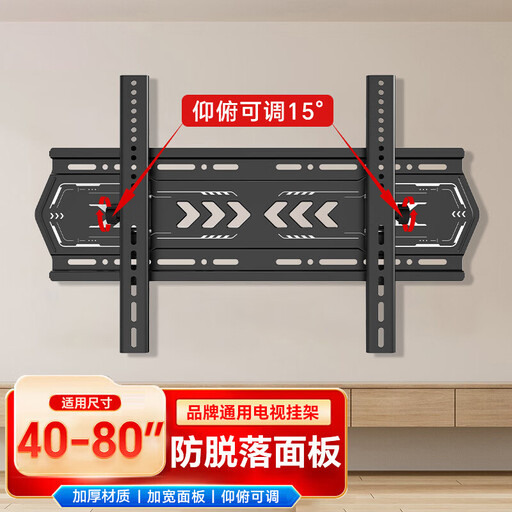
Key features: This model stands out for its versatility. Compatible with screens from 32 to 75 inches, it covers the vast majority of televisions on the market. Its tilting function allows you to adjust the viewing angle for optimal comfort.
Pros:
Who is it for? For those looking for a simple and effective solution for a medium to large-sized TV, with the ability to adjust the tilt for better viewing comfort.
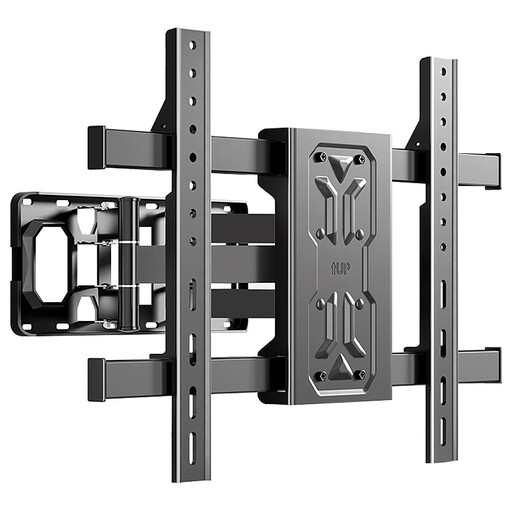
Key features: This tilting and swivelling TV wall mount focuses on sturdiness and flexibility. Capable of supporting 45 kg and equipped with thick steel arms, it inspires confidence and offers a wide range of motion. Its extension up to 34 cm allows for precise screen positioning.
Pros:
Who is it for? Ideal for owners of TVs up to 55 inches who want maximum flexibility to position their screen without compromising on sturdiness.
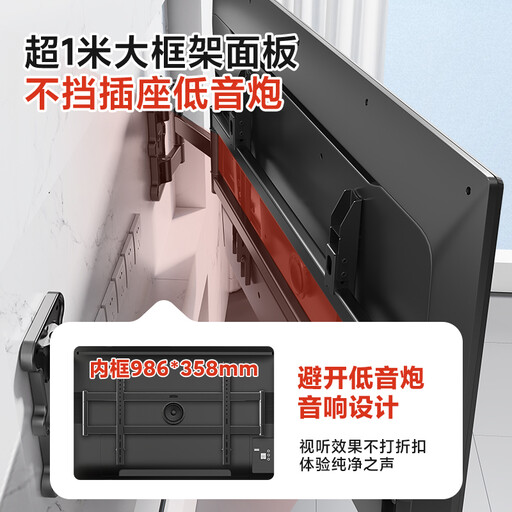
Key features: This mount is aimed at the heavyweights: extra-large TVs up to 100 inches. Its telescopic structure and reinforced design are engineered to safely support the most imposing screens, worthy of a home cinema setup.
Pros:
Who is it for? For owners of very large screens looking for an ultra-sturdy TV wall mounting solution capable of supporting significant weight and size without ever wobbling.
If these models don't meet your needs or if you're looking for a specific mechanism, feel free to explore our full catalogue.
Discover our complete range of swivel TV mounts to find the perfect model for your setup.
The golden rule: only install a mount on a load-bearing wall. To find out, knock on the wall: a solid, dull sound indicates a strong wall (concrete, solid brick). A hollow, resonant sound reveals a plasterboard partition. If in doubt, a stud finder will help you locate the wood or metal studs behind the plaster. Don't take any risks: if the wall isn't suitable, abandon the idea.
The VESA (Video Electronics Standards Association) standard is a universal system that defines the distance in millimetres between the four mounting holes on the back of your television. For example, a VESA standard of 400x400 means the holes form a 40 cm square. You can find this information in your TV's manual, on its online spec sheet, or simply by measuring the spacing yourself.
Yes, if you are reasonably handy with DIY and have the right tools (drill, spirit level, appropriate wrenches...). The most important thing is to follow the installation instructions provided with the mount to the letter. For heavy and bulky TVs, it is essential to have two people for the final hanging step to avoid disaster. Safety first