
Livraison le jour même ou le lendemain

Qualité garantie

Débloquez vos offres de bienvenue: Livraison GRATUITE | Jusqu'à -80 % | 30 jours d'essai gratuits à JoyPlus
Téléchargez l'application
Trying to combine the portability of a tablet with the efficiency of a laptop? It can be a real challenge. Between studies, remote work, and leisure, the need for a versatile, high-performance, and affordable device has never been greater. The tablet with keyboard and stylus is emerging as the ideal solution, offering incredible flexibility for note-taking, word processing, video calls, or simply entertainment.
As a product expert at Joybuy, my mission is to help you make the right choice. This guide breaks down the essential criteria and offers a selection of models with an unbeatable price-to-feature ratio.
Before taking the plunge, it's crucial to understand the features that will truly make a difference in your daily use. Here's what to look for to ensure you make the right decision.
A tablet is no longer just a screen for consuming content. Recent models include a PC mode that transforms the Android interface into a true desktop environment, complete with a taskbar and multi-window display. This is a huge plus for productivity, especially for students and mobile professionals. A 2-in-1 tablet that comes with its keyboard and stylus gives you a complete workstation right out of the box.
Tablet means mobility. A 4G and Wi-Fi tablet (or even Wi-Fi 5G) connection guarantees you near-constant internet access, whether you're on public transport, at university, or in a café. This is an essential criterion if you don't want to be at the mercy of public Wi-Fi networks.
By the same token, a tablet with long battery life is crucial. Take a look at the battery capacity, expressed in milliampere-hours (mAh). A battery of 7000 mAh or more is a good indicator of endurance, allowing you to get through the day without stress.
The size and quality of the screen are fundamental criteria. An 11-inch tablet offers the ideal compromise between viewing comfort and portability. For a top-tier multimedia experience, especially for HD streaming, opt for high-resolution panels (Full HD+ or 2K) with a 90 Hz refresh rate for perfect fluidity. Widevine L1 certification is also a real bonus: it's what guarantees you can watch your Netflix or Prime Video content in high definition.
Here are a few models that tick all the boxes for versatility and performance, while remaining at budget-friendly prices.
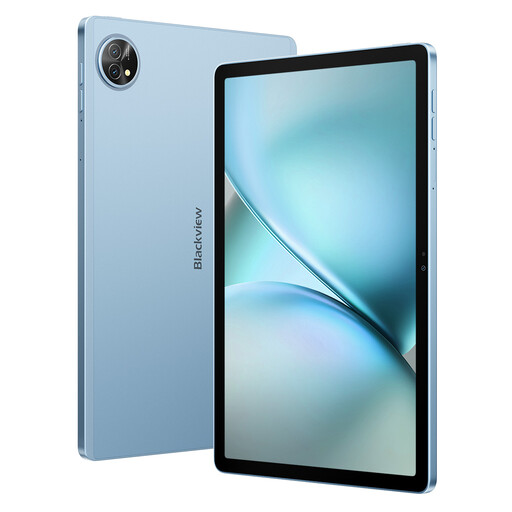
Why it stands out: This model focuses on raw performance, with an impressive amount of RAM and very generous storage, all in a ready-to-use package.
Its strengths:
Who is it for? Ideal for the power user, student, or professional who juggles numerous applications, stores large files, and is looking for a turnkey solution without needing to buy anything extra.
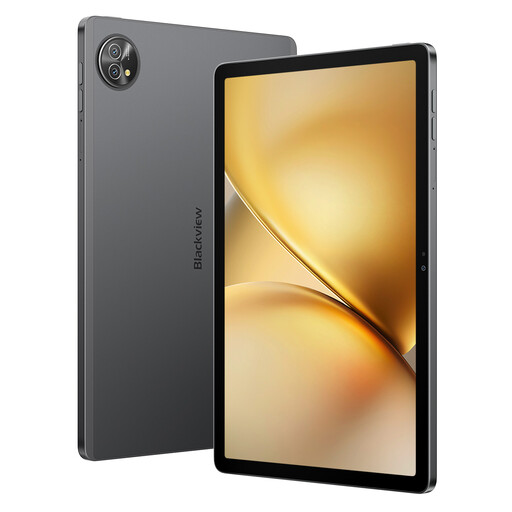
Why it stands out: It offers the same multitasking power as its bigger sibling but with more standard storage, making it an option with a particularly aggressive price-performance ratio.
Its strengths:
Who is it for? Perfect for those who primarily seek fluidity and responsiveness for daily apps and work, and for whom 128 GB of (expandable) storage is more than enough.
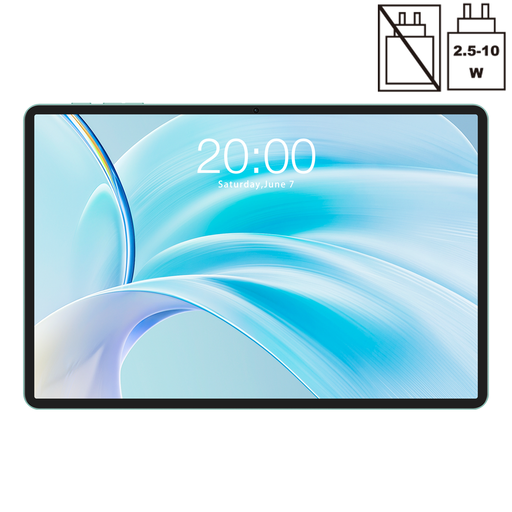
Why it stands out: This model positions itself as an affordable and very current Android tablet, featuring a recent version of the OS and a balanced spec sheet for daily use.
Its strengths:
Who is it for? An excellent option for those looking for a modern and accessible tablet for web browsing, watching videos, and using light office applications. Note: depending on the offer, the keyboard and stylus may be sold separately.
To complete your mobile setup, don't overlook power. If you need to charge your new tablet, smartphone, and other devices simultaneously, a multi-port charger can be a game-changer.
? To optimise your workspace, discover our selection of dual USB outlets.
1. What is PC mode on a tablet for?PC mode reorganises the tablet's interface to mimic that of a desktop computer. It displays a taskbar, allows apps to be opened in resizable windows, and radically simplifies navigation between different software. It's a decisive advantage for multitasking, whether you're writing a document or managing a spreadsheet.
2. Is 4G on a tablet really necessary? It all depends on your usage. If your tablet never leaves your home, office, or places with reliable Wi-Fi, a Wi-Fi-only model will do just fine. However, if you are often on the move (commuting, classes, external meetings) and need constant internet access for your emails, cloud files, or video calls, a 4G and Wi-Fi tablet will offer you flawless freedom and productivity.
3. Can a 2-in-1 tablet really replace a laptop? For most everyday tasks, the answer is yes. For note-taking, web browsing, email management, word processing, and media consumption, a tablet with a keyboard and stylus often proves to be more practical and portable. However, for very demanding or specific software (advanced video editing, 3D modelling, development, etc.), a traditional laptop will still have the edge due to its raw power and software compatibility.