
Livraison le jour même ou le lendemain

Qualité garantie

Débloquez vos offres de bienvenue: Livraison GRATUITE | Jusqu'à -80 % | 30 jours d'essai gratuits à JoyPlus
Téléchargez l'application
Protecting your home is one thing, but having to run cables everywhere and commit to monthly subscriptions is another. Securing your garden or the front of your house can quickly become a costly headache. In response, a new generation of cameras is changing the game by offering a solution that is finally self-sufficient, high-performance, and cost-effective.
This guide is here to help you navigate the world of wireless outdoor solar security cameras. We'll break down the key technical points and present our selection of the best models to help you make the right choice, without the marketing fluff.
Before diving into a comparison, it's important to master a few key concepts that will make all the difference in daily use. Here are the points to check to ensure you make the right decision.
A camera's primary purpose is to provide clear, usable footage. Resolution is therefore the number one criterion.
The main advantage of these cameras is their complete energy and digital independence.
A good outdoor Wi-Fi security camera is one that only alerts you when it's truly necessary.
Here are the models that caught our eye, combining performance, battery life, and an affordable price point.
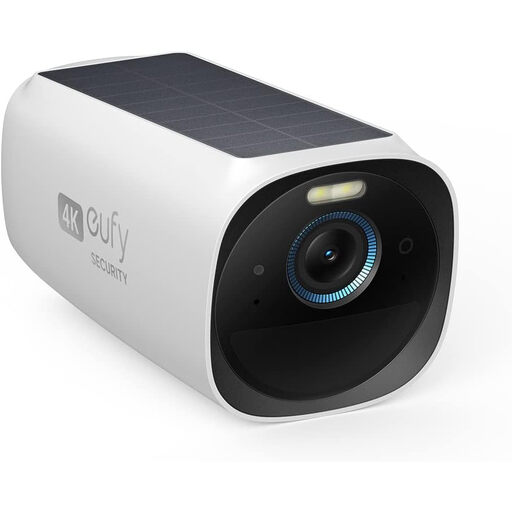
Why it stands out?: This model focuses entirely on flawless image quality with its 4K resolution. Its solar panel is directly integrated, ensuring virtually unlimited battery life. The brand also highlights its Starlight system, designed to enhance colour clarity at night.
Pros?:
Who is it for??: For users who already have (or plan to get) the eufy Security ecosystem and its HomeBase 3. It's the premium choice for those who demand the very best in image quality. Note: This camera requires the HomeBase 3 to operate.
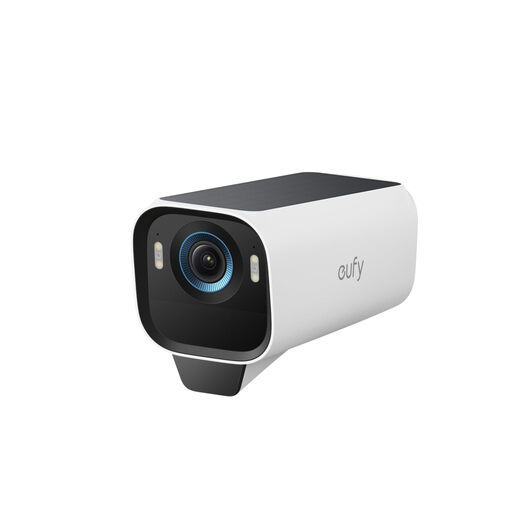
Why it stands out?: The eufyCam S3 Pro goes even further with night vision, featuring its MaxColor technology that promises ultra-detailed colour images, even without a spotlight. Its dual detection (radar + PIR) aims to eliminate 99% of false alerts, according to the manufacturer.
Pros?:
Who is it for??: Ideal for monitoring very dark areas where night-time identification is a key priority. It will appeal to users who demand reliable alerts and appreciate the installation flexibility of its separate solar panel. Note: The HomeBase 3 is also required.
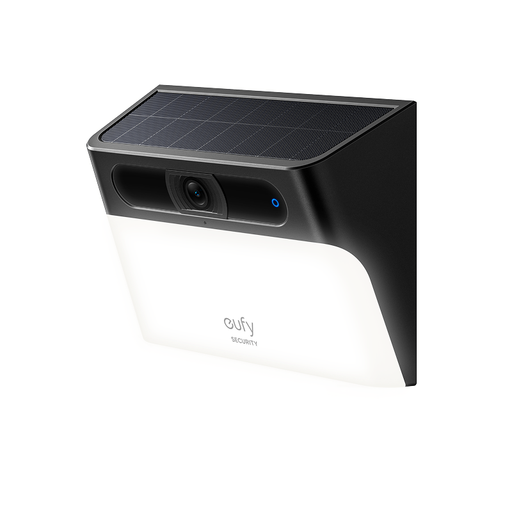
Why it stands out?: A clever 2-in-1 solution that merges a security camera with a wall light. It illuminates your entryway (300 lumens) while monitoring it, making it a device that is as practical as it is deterrent.
Pros?:
Who is it for??: Perfect for replacing an old light fixture by the front door, garage, or along a pathway. It's the ultimate pragmatic choice for those who want to combine lighting and security in a single, ultra-simple-to-install device.
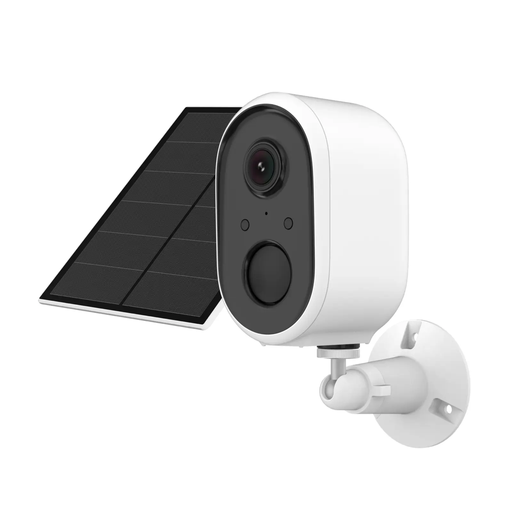
Why it stands out?: This model plays the openness card by integrating with the Tuya ecosystem (via the Smart Life app), one of the most universal smart home platforms. This is a major asset for those who already own other compatible connected devices.
Pros?:
Who is it for??: For fans of the Tuya / Smart Life ecosystem, or for those looking for a versatile and affordable solution without wanting to be locked into a single brand's ecosystem.
If your goal is more about observing wildlife in your garden, specific models exist?: trail cameras. Discreet and designed to blend into the scenery, they are optimised for detecting animals.
Discover our selection of outdoor motion detection cameras for wildlife.
1. Does a solar camera work in winter or on cloudy days?? Yes, without any issues. These cameras include a high-capacity battery. The solar panel is just there to keep it topped up. Even an overcast sky is enough to generate some power. Typically, a single day of full sun provides several days, or even weeks, of battery life, enough to get through the winter with peace of mind.
2. Is a subscription required?? Absolutely not. In fact, that's one of the biggest advantages of these products. All the models in our selection allow for subscription-free outdoor surveillance thanks to local storage (memory card or base station). Your videos stay with you. Brands sometimes offer optional cloud subscriptions for advanced features, but they are never essential.
3. Is installing an outdoor Wi-Fi security camera complicated?? That's one of their key strengths?: installation is a breeze. There are no power or video cables to run, which eliminates 90% of the complexity. Simply screw the camera and its panel into a well-exposed spot, connect it to your 2.4 GHz Wi-Fi network via the manufacturer's app, and follow the steps. The job is usually done in under 30 minutes.