When choosing a robot vacuum to use without Wi-Fi, consider which controls you need offline: starting a cycle and returning to the dock, or also selecting a mode and scheduling cleaning. Rowenta describes remote-control functions and three modes for the X-PLORER Serie 20 RR6875WH, while Roborock confirms that the Qrevo MaxV can start a full clean or spot clean and return to the dock using its buttons. Check the initial setup requirements and the functions available on the exact model separately.
Who is a robot vacuum without Wi-Fi suitable for?
Households without a dedicated smartphone
You want to start and stop the robot directly, without relying on an app for everyday cleaning. Rowenta describes remote-control functions for the X-PLORER Serie 20 RR6875WH; check the manual and the controls supplied with the exact model.
Households with unreliable Wi-Fi
You want cleaning cycles to continue and the robot to return to its dock even if the network drops out, and are happy to do without some remote-control functions. Roborock confirms that the Qrevo MaxV has some controls available directly on the robot.
Data-conscious shoppers
You want to know whether connectivity can be disabled, and to distinguish this from simply not using the app. The CNIL recommends checking connected features and options for disabling them before you buy.
Which features should you check before buying?
On-device controls
Choose this if: you mainly want to start cleaning without an app. Rowenta describes remote-control functions and three modes for the X-PLORER Serie 20 RR6875WH; check which controls are available on the version you’re considering.
Check: documentation of on-device modes does not prove that mapping or all connected features are available offline.
Features available without Wi-Fi
Choose this if: a full clean or spot clean, plus a return to the dock, is enough for you. Roborock confirms that the Qrevo MaxV can do this using its buttons.
Check: Roborock says that connecting the robot gives you access to features including scheduling and power selection; it has not confirmed whether initial setup is possible without an account.
Limited connectivity
Choose this if: you’re happy to connect the robot during setup, but want to limit its connectivity afterwards.
Check: whether Wi-Fi can be disabled and which features remain available depends on the model; the CNIL recommends checking these options before you buy.
On-device controls, a cycle’s ability to run independently and app-controlled features are separate considerations. Check each one in the manual for the model you’re considering.
| What matters to you |
What to check |
Who cares most about it |
| Starting it without a smartphone |
Whether it has buttons or a remote control; which features are available before pairing. |
I want to start a cycle without reaching for my phone and know which controls are available. Around 36% of consumers are thought to prioritise starting their robot without a smartphone. |
| Keeping it running if the network drops out |
Confirmation that it can complete a full or spot clean and return to the dock without Wi-Fi. |
When the network is unreliable, I want the cycle to continue and the robot to find its dock. Around 29% of consumers are thought to put offline operation first. |
| Limiting connectivity |
Model-specific options for disabling connectivity and the features affected; information about the data processed. |
I want to limit connectivity and understand how my data is used before registering the device with a service. Around 21% of consumers are thought to prioritise control over connected features. |
| Keeping advanced settings |
Features available offline; initial setup, compatibility and app update requirements. |
I want to keep the scheduling or settings I find useful, without assuming they’ll work offline. Around 14% of consumers are thought to prioritise customisation and keeping track of it. |
Pitfalls to avoid
-
Assuming cleaning without Wi-Fi means setup without an account
Initial setup and everyday controls may involve different steps. The fact that a robot can clean offline doesn’t confirm that it can be set up without an app or account.
Check the initial setup steps and the controls you can use afterwards separately in the manual for the exact model, especially if you don’t have a smartphone available.
-
Assuming mapping or scheduling will work offline
For the Qrevo MaxV, Roborock confirms that full and spot cleaning are available without Wi-Fi, but says that connecting the robot unlocks features including scheduling and power selection.
Before choosing a model, make a note of the settings you need and check which ones remain available without a connection.
-
Assuming that not using the app disables Wi-Fi
Not opening an app doesn’t prove that the device’s connected interfaces are disabled.
Ask how connectivity can be disabled on the model you’re considering and which features remain available afterwards. The CNIL recommends checking these options before you buy.
Brands to consider for use without Wi-Fi
Rowenta
The X-PLORER Serie 20 RR6875WH is worth considering if you’re looking for on-device controls and a choice of modes.
- Rowenta describes remote-control functions and three navigation modes for this model.
- The page consulted also covers parts and manuals; it doesn’t confirm whether the robot is available new or provide details of every control you can use without a smartphone.
Roborock
The Qrevo MaxV is an example of a connected model with some controls available without Wi-Fi.
- Roborock confirms that you can start a full clean or spot clean and return to the dock using the buttons, without Wi-Fi.
- Features including scheduling and power selection require a connection; setup without an account has not been confirmed.
iRobot
The Roomba Combo Essential helps illustrate the difference between starting a clean with a button and setting up the robot.
- iRobot says you can start cleaning with this model by pressing a button.
- iRobot’s guide for Roomba Classic models describes connecting to the app; this doesn’t confirm the initial setup requirements for every model.
Lefant
The M210 is worth considering, but be sure to distinguish between the different versions.
- The available information doesn’t confirm which controls are available before pairing on the exact version. Don’t confuse it with the M210P, M210 Pro or M210 Pro OMNI.
Joybuy products to consider
This selection features robot vacuums to consider for use at home without Wi-Fi. For each model, check the initial setup requirements and which controls are actually available offline.
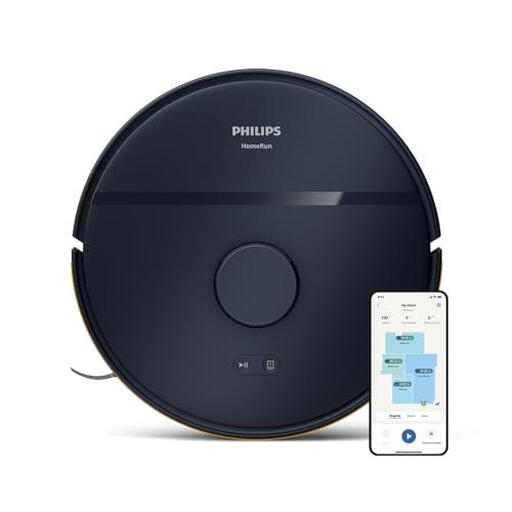 Image unavailable
Philips XU2000/10, dark blue
If you plan to use this model without Wi-Fi, check the manual for its initial setup requirements and the controls available offline.
Listed colour: dark blue.
View on Joybuy
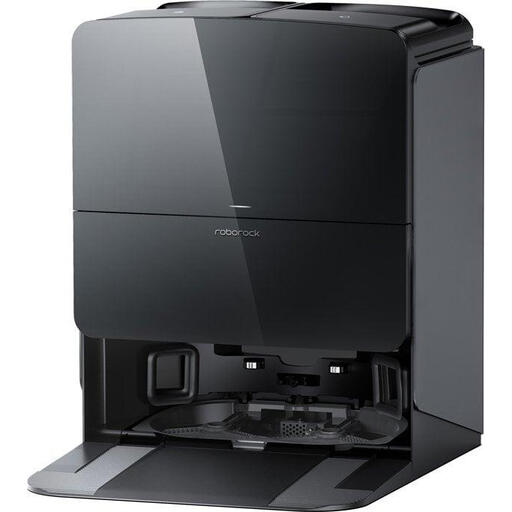 Image unavailable
Roborock Saros 10R, black
If you plan to use this model without Wi-Fi, check the manual for its initial setup requirements and the controls available offline.
Listed colour: black.
View on Joybuy
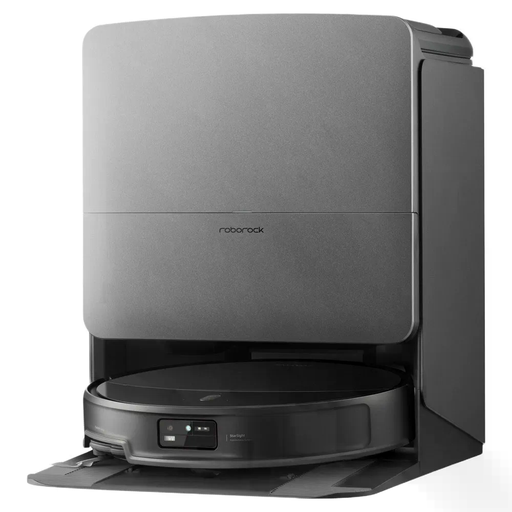 Image unavailable
Roborock Saros 20X, 36,000 Pa, black
If you plan to use this model without Wi-Fi, check the manual for its initial setup requirements and the controls available offline.
Value listed in the product name: 36,000 Pa. Listed colour: black.
View on Joybuy
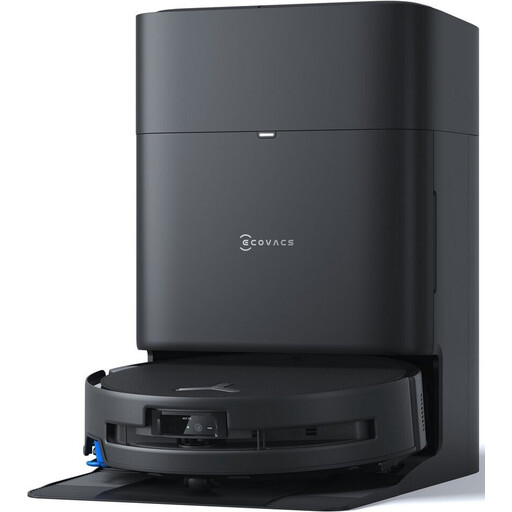 Image unavailable
Ecovacs Deebot T80S Omni, 24,800 Pa
If you plan to use this model without Wi-Fi, check the manual for its initial setup requirements and the controls available offline.
Value listed in the product name: 24,800 Pa.
View on Joybuy
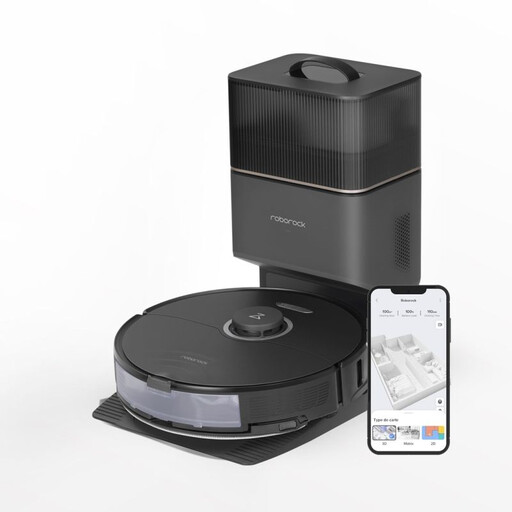 Image unavailable
Roborock S8+, black, 5,200 mAh
If you plan to use this model without Wi-Fi, check the manual for its initial setup requirements and the controls available offline.
Capacity listed in the product name: 5,200 mAh. Listed colour: black.
View on Joybuy
Frequently asked questions
Does “without Wi-Fi” mean “no smartphone needed from the moment you unbox it”?
No. A cleaning feature that works without Wi-Fi doesn’t prove that initial setup can be completed without an app or account. iRobot’s guide for Roomba Classic models requires an app connection; check the setup process and everyday controls separately for the model you choose.
Does not using the app disable the robot’s Wi-Fi?
No. Not using the app doesn’t confirm that Wi-Fi is disabled. The CNIL recommends checking before you buy whether connected features can be turned off; check the model’s settings and which features remain available afterwards.
How do I prepare for the first clean without an app?
Follow the manual for the model in question: preparation, charging and maintenance steps vary between models. If you don’t have a smartphone available, first check whether you can complete the initial setup without an app.
Does a commercial warranty replace the statutory warranty in France?
No. When a consumer buys goods from a professional seller, the statutory guarantee of conformity is compulsory; a commercial warranty is separate and optional. The Ministry of the Economy and the DGCCRF explain that claims under statutory guarantees should be made to the seller, subject to the applicable conditions.


