Homes with a map for each floor
You move the same robot between several floors and want it to recognise the rooms and zones on each one without having to remap every time.


If you’re happy to carry the robot between floors, check how many maps it can save and how it behaves when cleaning a floor without its dock. Multi-floor mapping doesn’t guarantee that it can recharge or resume cleaning automatically on that floor. Moving the dock too can make recharging or maintenance easier, while having a robot on each floor means less carrying but more devices to look after. Near a staircase, always follow the safety guidance in the manual for your model.
You move the same robot between several floors and want it to recognise the rooms and zones on each one without having to remap every time.
You need to plan for recharging or maintenance at the dock if a cleaning cycle on one floor might exceed the available battery charge.
You clean near a staircase or open drop and need to take the sensors and the restrictions in your model’s manual into account.
Start with map management, then check how the robot recharges or resumes a cycle without its dock, and what precautions to take near stairs.
| Feature | What to check | Who it matters most to |
|---|---|---|
| Finding the map for each floor | Number of permanent maps supported by the exact model; how to create and select maps. | If you want to move one robot around without rebuilding maps, this matters to shoppers who prioritise one map per floor, representing around 36%. |
| Finishing a cycle and managing the dock | Battery life suited to the area; how the robot behaves at the end of a cycle without its dock, and the model-specific procedure for resuming. | If a cycle might exceed the available battery charge, you’ll want to know where the robot can recharge and resume. Shoppers who prioritise uninterrupted cleaning represent around 29%. |
| Using the robot near stairs | Whether it has cliff sensors, how they should be maintained, objects near the edge and any restrictions in the manual. | Near a staircase or open landing, you’ll want to know the sensors’ limitations and the model’s instructions before starting the robot. Shoppers who prioritise safety near drops represent around 21%. |
| Reducing how often you carry it | How often each floor needs cleaning; whether you can carry the robot or dock, and whether maintenance parts are compatible. | If you clean every floor frequently, you may prefer to cut down on trips rather than regularly carry the same device. Shoppers who prioritise reducing how often they carry it represent around 14%. |
An older ECOVACS FAQ mentions two fixed maps and one temporary map for the DEEBOT it covers; that limit doesn’t automatically apply to other models.
Before buying, check how many permanent maps the exact model supports.
For some models specifically covered by Roborock support, the robot can return to its starting point when moved without its dock. This doesn’t mean it can recharge or automatically resume cleaning on that floor.
Check separately how the robot works without its dock and the resumption procedure for the model you’re considering.
Roborock manuals specify restrictions on use near raised surfaces and warn of risks from low objects close to stairs.
Keep the edge clear and follow the manual for the version you’ve bought. Don’t disable an anti-fall feature to cross a dark-coloured rug.
The Q7 M5 and Q7 M5 Set are examples of multi-floor mapping, while the QV 35A offers a configuration with a multifunction dock.
The Roomba 105 Combo is an example of ClearView LiDAR mapping with app settings; features vary by generation.
DEEBOT procedures for multiple maps and the brand’s guidance can help you assess how to set up the robot for each floor.
The models featured here are associated with multi-floor mapping. For the exact model, check how many maps it saves, which features are available without the dock, and what precautions to take near stairs.
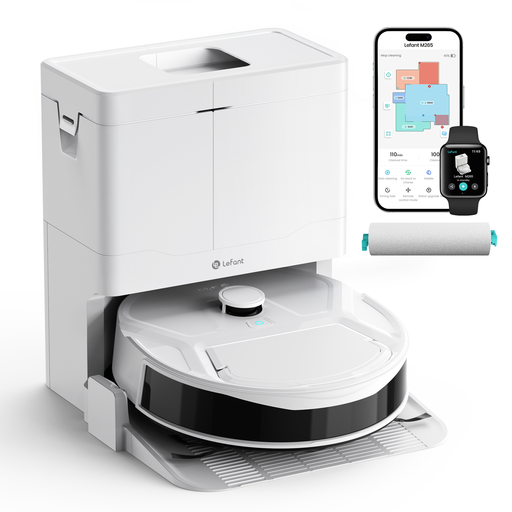 No image available
Worth considering if you’re looking for a robot whose name indicates multi-floor mapping; check how many maps it can save before planning to create one for each floor.
The name indicates 20 000 Pa of suction power, a 20 cm cleaning width and an anti-tangle hair system.
 No image available
Worth considering if a multifunction dock is part of your setup; check what it can do on the floor where you plan to use it, and how the exact variant manages maps.
The name indicates 16 600 Pa of suction power, a mopping function and an Omni dock that washes the mop with hot water and dries it with hot air. The product page calls for suitable barriers before using it near stairs.
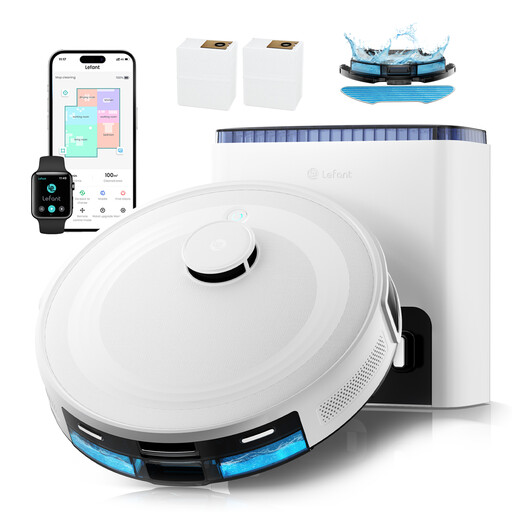 No image available
Worth considering if you’re looking for multi-floor mapping; check the number of maps and how the dock can be used for the model you choose.
The name indicates 6 000 Pa of suction power, a claimed 130-minute battery life, a self-emptying dock with a claimed 75-day capacity, and compatibility with 2,4 GHz and 5 GHz Wi-Fi, Alexa, the app and Apple Watch.
 No image available
Worth considering if you’re looking for multi-floor management; check the variant information for the number of maps and the conditions for recharging and resuming.
The name indicates 8 000 Pa of suction power, a 200-minute battery life, LiDAR navigation, automatic recharging, a self-emptying dock and control via Wi-Fi and the app.
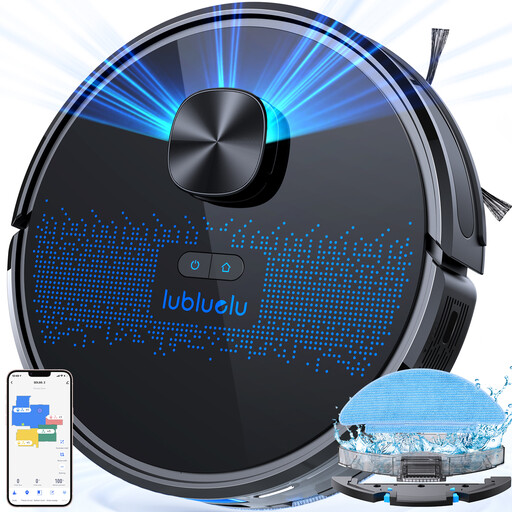 No image available
Worth considering if you want to save several floor plans and set rooms or zones in an app; check that the number of maps suits your home.
The name indicates 4 000 Pa of suction power, five maps, laser navigation and app control.
No. For the models specifically listed in its support information, Roborock describes the robot returning to its starting point when you move just the robot. The recharging and resuming features described by iRobot assume the robot can reach its dock. Check how the exact model behaves before planning a long cleaning cycle without a dock.
The map creation and management procedures documented by ECOVACS and iRobot use their apps. That doesn’t mean every cleaning control requires an app: check your model’s manual to see which physical controls are available.
Check the cliff sensors and your model’s instructions, maintain the sensors as directed in the manual, and move away from the edge any objects the manufacturer warns could cause a problem. The French Roborock QV/QR/Qrevo manual consulted prohibits use on a raised surface without a barrier; a virtual boundary should not be treated as an exemption from this instruction.
For a consumer purchase from a professional seller, the statutory legal guarantee of conformity applies to new, second-hand and refurbished goods. The DGCCRF states that you have two years from delivery to take action in the event of a lack of conformity; any commercial guarantee does not replace it.