
Livraison le jour même ou le lendemain

Qualité garantie

Débloquez vos offres de bienvenue: Livraison GRATUITE | Jusqu'à -80 % | 30 jours d'essai gratuits à JoyPlus
Téléchargez l'application
The dream of a 200-inch cinema screen in your bedroom, living room, or even your backyard is certainly appealing. A portable projector embodies this promise of freedom, but the market is a jungle of complex spec sheets and often misleading marketing claims. To avoid buyer's remorse, it's crucial to know how to sidestep the most common pitfalls.
Our editorial team is here to help you cut through the noise. Let's break down the criteria that truly matter.
The initial excitement of a purchase can quickly turn to disappointment if the product doesn't live up to expectations. Here are the three most common issues:
To make an informed choice, focus on these three objective and verifiable specifications.
The only reliable metric for comparing brightness is the ANSI lumen. It's an international standard that guarantees a standardized and honest measurement.
The native resolution is the actual number of pixels the projector can display. This is the only spec that defines the sharpness of the image.
A device that "supports 4K" but has a native resolution of 720p will display a 720p image, period. For a true 4K projector experience, the projector must have a native resolution of 3840?x?2160 pixels.
A good Wi-Fi and Bluetooth projector is essential for modern streaming.
Here is our selection, based on the objective criteria we've just established, to meet different needs and budgets.
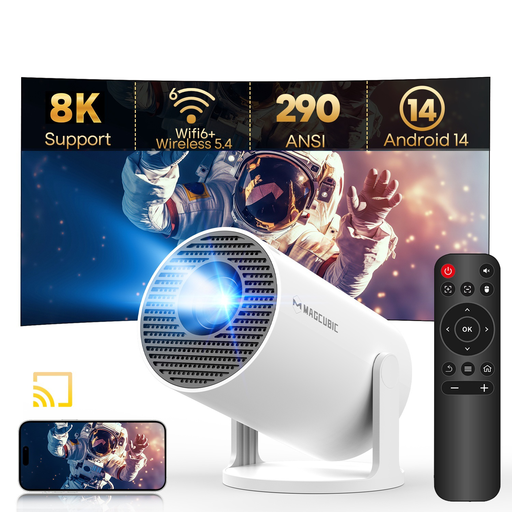
Why we chose it: Ultra-compact and lightweight, it's the perfect model to get started without breaking the bank. Ideal for a teen's room, a movie night with friends, or to pack in your suitcase for vacation.
With its Wi-Fi 6 and a recent Android 11 system, it avoids the trap of slow, outdated 'smart' features—a common issue on entry-level models.
Its modern connectivity (Wi-Fi 6, Bluetooth 5.0) and recent OS make it an out-of-the-box solution for streaming, without needing to buy an extra TV stick.
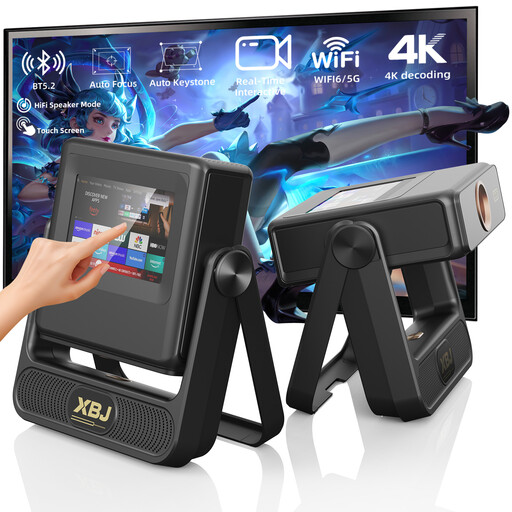
Why we chose it: Designed for those who won't compromise on image quality for their home cinema. Its high brightness and native 1080p resolution make it a serious contender to replace your living room TV.
It's upfront about its specs with 900 ANSI lumens of brightness and a native 1080p resolution. This clear, verifiable data protects it from the 'fake 4K' and fanciful lumen rating scams.
Its integrated touch screen offers direct and intuitive control, far more practical than just a remote. The auto-focus and automatic keystone correction dramatically simplify setup.
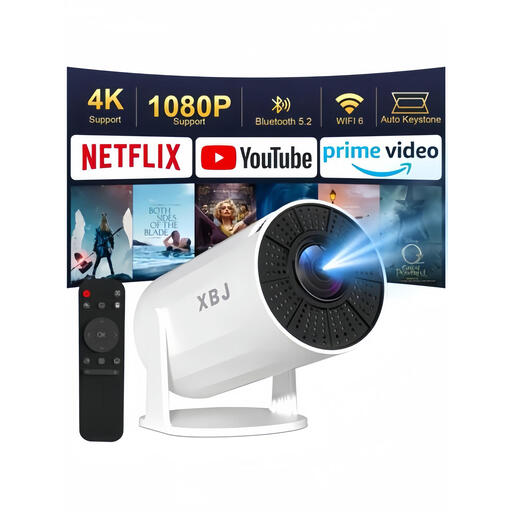
Why we chose it: Its unique rotating base lets you project an image absolutely anywhere: on the wall, the ceiling, or even the floor. It's the perfect tool for creative minds who want to turn any surface into a screen.
No more setup headaches. Thanks to the automatic vertical keystone correction and its adjustable stand, you no longer need to prop the device up with books to get a straight image.
Its 180° rotating base offers unparalleled projection versatility. Ideal for watching a movie in bed by projecting on the ceiling, or for following a yoga class with a virtual coach on the wall.
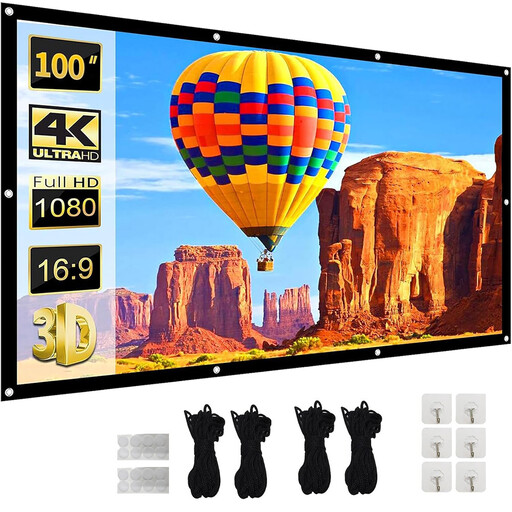
Why we chose it: To get the most out of your projector, a good screen isn't a luxury; it's a logical companion. It enhances contrast, colour fidelity, and perceived brightness.
It helps you avoid the pitfall of a washed-out image on a wall that is never perfectly white. Even the best paint isn't as smooth or neutral as a real screen, which inevitably degrades the final picture.
Its polyester fibre material is designed to be wrinkle-free and offers a wide 160° viewing angle. In practical terms, this means every viewer enjoys the same image quality, no matter where they are sitting.
For total immersion, the choice of screen is just as crucial as the projector itself. Discover our complete selection of screens, suitable for all spaces and budgets.
Most modern portable models use an LED light source. Unlike traditional lamps (2,000 to 5,000 hours), an LED offers a much longer lifespan, typically between 20,000 and 30,000 hours. This translates to years of daily use before you would notice any decline in brightness.
While it's tempting to project onto a white wall, a projector screen is highly recommended to achieve the best possible image quality. A dedicated screen provides a perfectly uniform surface and a special coating that improves contrast, colour saturation, and sharpness. It's a small investment that enhances the one you made in your projector.
This is a very common question, and the answer is: generally, no. Due to digital rights management (DRM/HDCP), streaming giants like Netflix, Prime Video, and Disney+ block screen mirroring from a smartphone. The simplest and most reliable solution is to use the native apps installed on the projector or to plug a streaming stick like a Chromecast or Fire TV Stick into its HDMI port.