
Livraison le jour même ou le lendemain

Qualité garantie

Débloquez vos offres de bienvenue: Livraison GRATUITE | Jusqu'à -80 % | 30 jours d'essai gratuits à JoyPlus
Téléchargez l'application
Whether you're a remote worker, digital nomad, student, or avid gamer, a laptop's screen space quickly reaches its limits. Getting a portable monitor is no longer a luxury, but a genuine asset for boosting your productivity and comfort.
With a crowded market of options, it can be tough to know where to start. This guide is here to help you choose the perfect second screen for your laptop by breaking down the key technical criteria and use cases.
To make the right choice, let's review the essential points to check before you buy.
This is the first, and arguably most important, criterion. Most recent models rely entirely on USB-C. If your computer, tablet, or smartphone has a USB-C port that supports DisplayPort Alt Mode, you're in luck! A single cable is all you need for both video signal and power. This is the ideal setup—the simplest and most streamlined for life on the go.
For older machines or game consoles, a Mini-HDMI port becomes essential. Be aware that in this case, you will need an external power source for the monitor, usually via a second USB-C port connected to a wall outlet or a portable power bank.
Image quality depends directly on the panel technology. The majority of portable monitors feature an IPS (In-Plane Switching) panel, known for its wide viewing angles and good colour accuracy. It's the versatile choice, ideal for both office work and creative tasks.
For gamers, the top priority is the refresh rate. A 144Hz portable monitor delivers incomparably smoother motion than a standard 60Hz screen, which is a decisive advantage in fast-paced games. For strictly office work or a monitor for remote work, 60Hz is more than enough.
Finally, a few features can make all the difference:
We have selected three models that perfectly illustrate this diversity, from on-the-go gaming to pure productivity.
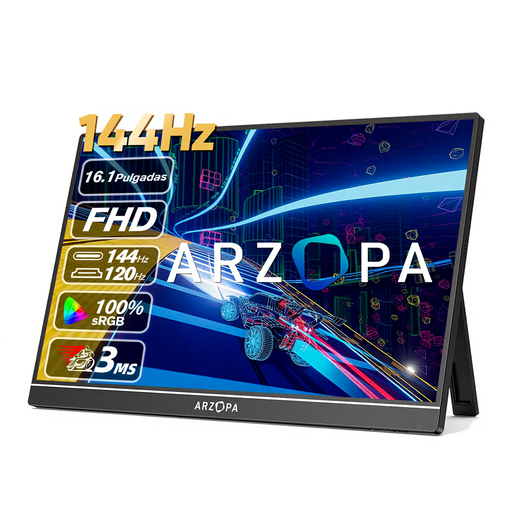
What sets it apart: This monitor goes all-in on gaming performance. Its 144Hz refresh rate and 16.1-inch Full HD panel make it the ideal companion for laptop or console (Switch, PS5, Xbox) gamers who refuse to compromise on smoothness, even on the go.
Key features:
Who is it for? The ARZOPA Z1FC portable gaming monitor is clearly aimed at gamers looking for a larger, more responsive display than their laptop or Nintendo Switch screen.
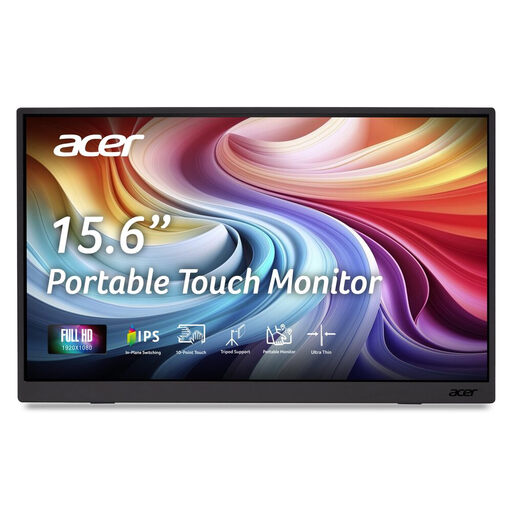
What sets it apart: The standout feature of the Acer PM161QT is its 10-point capacitive touchscreen. This is a game-changing feature for interacting with your applications, whether you're annotating a document, sketching an idea, or simply navigating more intuitively in Windows and Android.
Key features:
Who is it for? This portable monitor is an excellent option for creatives, professionals giving interactive presentations, or anyone who wants a large touchscreen for their smartphone or tablet.
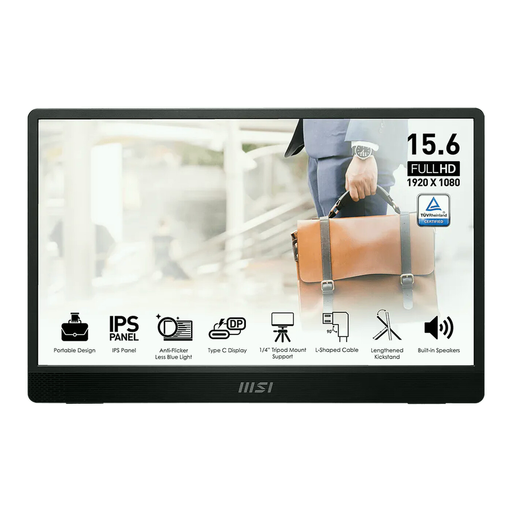
What sets it apart: The MSI Pro MP161 E2 is tailored for professionals on the move. Feather-light at 0.75 kg and with an ultra-slim 1.08 cm profile, it's clearly designed for mobility. Its real strength is its integrated 0-180° rotating kickstand, which allows it to be used in both landscape and portrait mode—a very practical feature for coding, reading long documents, or managing information feeds.
Key features:
Who is it for? The practical choice for remote or travelling professionals, developers, writers... In short, for anyone looking for a versatile and ergonomic portable screen to juggle their tasks.
Our selection highlights some representative models, but the market is vast. If your number one criterion is lightness or compactness, other models might be a better fit for you.
? Explore our full selection of lightweight portable monitors to find the perfect travel companion.
The easiest way is with a USB-C cable, provided that the port on your computer or tablet is compatible (supports DisplayPort Alt Mode). A single cable then handles both the video signal and power. Otherwise, you'll need to use an HDMI (or Mini-HDMI) cable for video and add a second USB-C cable connected to a power source (wall outlet, power bank) for power.
It all depends on the connection. If your device's USB-C port is powerful enough, it can power the monitor by itself. However, if you are using HDMI or if the USB-C port's power output is too low, an external power supply (wall outlet or power bank) becomes necessary.
Yes, absolutely. Most consoles connect via the monitor's HDMI port (or Mini-HDMI with an adapter). Be aware that in this setup, you must power the monitor separately via its USB-C port, as HDMI only carries the audio/video signal.