
Livraison le jour même ou le lendemain

Qualité garantie

Débloquez vos offres de bienvenue: Livraison GRATUITE | Jusqu'à -80 % | 30 jours d'essai gratuits à JoyPlus
Téléchargez l'application
Whether you're on the go, at the office, or working from home, your laptop screen can often feel too cramped. Juggling windows, comparing documents, or simply wanting a more comfortable workspace quickly becomes a challenge. The solution? A portable monitor, to regain the flexibility of a dual-screen setup, wherever you are.
This guide is here to help. As the Head of Product Recommendations at Joybuy, my role is simple: to give you the keys to choosing the equipment that truly meets your needs, without the unnecessary marketing jargon.
Before diving into our selection, here are the essential points to consider to make the right choice.
This is the most critical factor. How the monitor connects to your device is paramount. The two main standards are:
For a travel monitor, the name says it all: portability is king.
Your specific use case will dictate which features to prioritise:
Now that we've covered the basics, here are a few models that stand out from the crowd, designed for very specific needs.
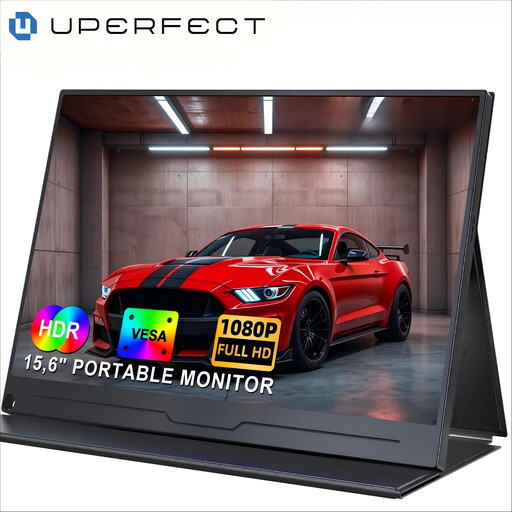
Why it stands out: This is the go-to choice to get started. With its 15.6-inch diagonal and Full HD resolution, it offers viewing comfort identical to that of many laptops, making it a natural extension of your workspace.
Key features:
Who is it for? The perfect companion for professionals and students looking for a versatile and comfortable screen to extend their display, both on the move and at a fixed workstation.
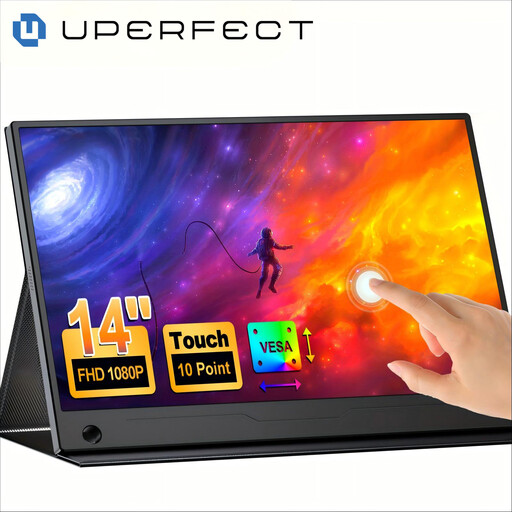
Why it stands out: The addition of a touchscreen is a game-changer. It's no longer just a display screen, but a truly interactive work surface. Its 14-inch format also makes it more compact.
Key features:
Who is it for? Ideal for graphic designers, trainers, and anyone who wants to add an interactive dimension to their mobile productivity.
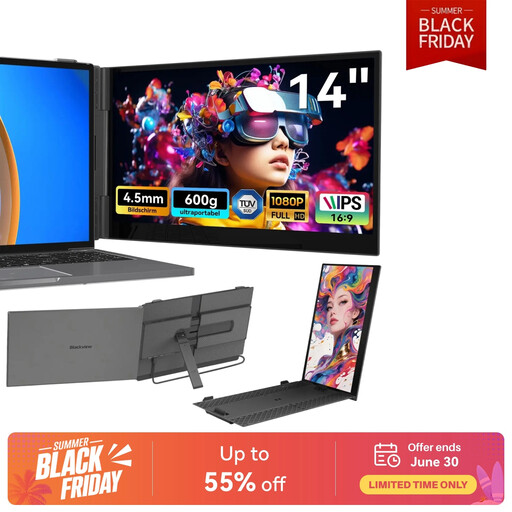
Why it stands out: This model shakes up the conventions of portable monitors. It doesn't sit next to your computer; it clips directly onto it. The spec sheet speaks for itself: 600g on the scale and 4.5mm thick. The epitome of ultra-portability.
Key features:
Who is it for? The dream companion for frequent travellers, consultants, and remote workers who juggle multiple locations. If minimal bulk is your top priority, look no further.
Our selection highlights models that are perfect for mobility and productivity. If you're looking for other sizes, 4K resolution, or more specific features, feel free to explore our full catalogue.
? Discover our full range of multi-screen monitors
1. How do I connect a portable monitor? The connection is most often made via a USB-C port (if your computer is compatible) or an HDMI port. With USB-C, a single cable is sufficient. With HDMI, you will need a second USB cable to power the monitor.
2. Do I need an external power supply for a portable monitor? It all depends on the model and your computer. A USB-C connection from a sufficiently powerful port can power the monitor directly. However, with an HDMI connection or a low-power USB-C port, you will need to plug the monitor into a wall outlet or an external battery pack.
3. Can I use a portable monitor with a console or smartphone? Yes, absolutely! Most models are compatible. You can connect a Nintendo Switch, a PS5/Xbox (via HDMI), or an Android smartphone (via USB-C, if it supports video output) to play or work on a larger screen, even on holiday.