
Livraison le jour même ou le lendemain

Qualité garantie

Débloquez vos offres de bienvenue: Livraison GRATUITE | Jusqu'à -80 % | 30 jours d'essai gratuits à JoyPlus
Téléchargez l'application
Whether you're working remotely, travelling for business, or just need more screen real estate, your laptop's display can quickly feel limiting. A portable monitor is the ideal solution to boost your productivity and visual comfort, wherever you are.
But with an overwhelming number of options on the market, it can be hard to know where to start. This guide breaks down the key criteria and presents a selection of the best models to help you find the perfect portable screen for your needs, whether for work, gaming, or entertainment.
Before you buy, let's review the technical specifications that will make all the difference in your day-to-day use.
These two factors determine the sharpness of the image and, most importantly, the amount of workspace you'll have.
As for size, it's always a trade-off between comfort and portability. A 15.6-inch screen is the standard size that's easiest to slip into a bag, while an 18-inch model (or larger) will offer a user experience close to that of a standard desktop monitor.
For an on-the-go display, ease of connection is crucial.
If gaming is your priority, the refresh rate becomes a non-negotiable criterion.
Enough theory, let's get practical. Here are a few models that stand out from the crowd and meet very specific needs.
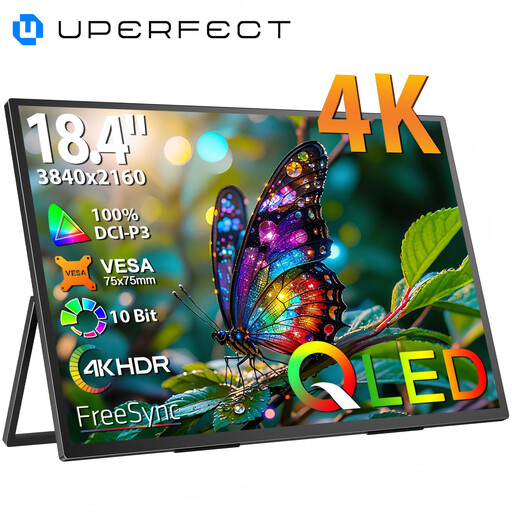
Why it stands out: Its very large 18.4-inch screen, combined with a stunning 4K QLED panel, makes it the ultimate mobile display solution for those who refuse to compromise.
Pros:
Who is it for? Creatives (video editing, photo retouching, design) who demand the best, as well as spreadsheet pros who want to replicate their desktop comfort on the go.
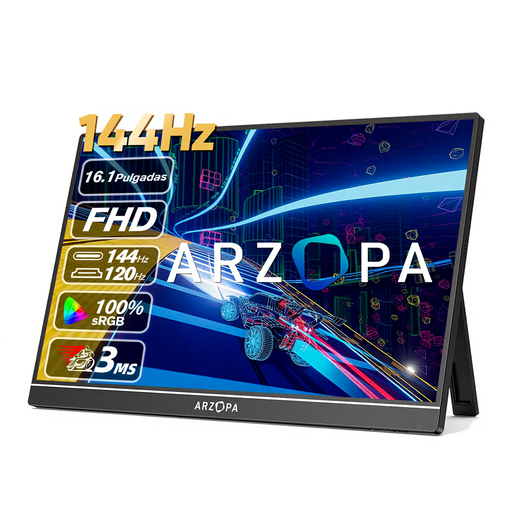
Why it stands out: With its 144 Hz refresh rate, it's the performance ally for gamers on the go.
Pros:
Who is it for? PC and console gamers who refuse to sacrifice smoothness for mobility. An excellent portable gaming monitor for never missing a frame.
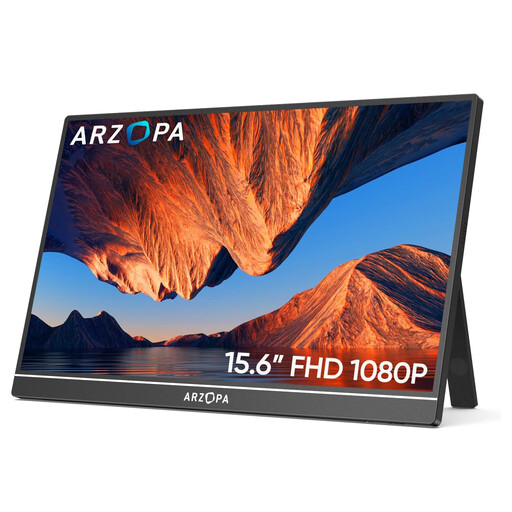
Why it stands out: This is the quintessential smart choice. It offers the essentials of a second laptop screen in a compact, affordable, and ready-to-use package.
Pros:
Plug-and-play operation via its USB-C and HDMI ports.Who is it for? Students, remote workers, and anyone looking for a simple and incredibly effective solution to expand their display without any hassle. The ideal productivity companion.
Not fully convinced by our selection? Don't worry, the market is full of alternatives. For example, some screens offer touch-sensitive panels, built-in batteries, or even more ingenious stands.
To explore more options, take a look at our complete selection of monitors with stands and find the perfect one to take with you everywhere.
Most recent models are powered directly via your computer's USB-C port, which handles both the video signal and power. If you are using the HDMI port or if your USB-C port isn't powerful enough, you will need to connect a second USB cable to another port, a wall outlet, or even a power bank.
Yes, absolutely. The majority of portable monitors equipped with a Mini HDMI or HDMI port are compatible with consoles. For the best gaming experience on a PS5 or Xbox Series X, a portable gaming monitor with 120 Hz (or higher) is highly recommended. For the Nintendo Switch, it's the perfect solution to enjoy your games on a larger screen, even while on holiday.
Generally, no. Almost all portable monitors are plug-and-play. Once connected, Windows, macOS, or ChromeOS will instantly recognise them as a second screen, with no driver installation required.