
Livraison le jour même ou le lendemain

Qualité garantie

Débloquez vos offres de bienvenue: Livraison GRATUITE | Jusqu'à -80 % | 30 jours d'essai gratuits à JoyPlus
Téléchargez l'application
Whether you're working remotely, travelling, or just need more screen real estate at home, your laptop's single screen can quickly feel limiting. Juggling windows is a hassle that kills productivity and immersion. The solution? A portable monitor to effortlessly expand your workspace, wherever you are.
This guide is here to help you choose the perfect portable monitor for your needs, whether it's for work, study, or play. We'll cover the essential criteria and review our top picks for 2026.
Before diving into our selection, let's go over the key technical specs that will make all the difference for your future second screen.
This is the first thing you should check. Today, USB-C is the standard. Its advantage: a single cable handles both video and power, provided your device has a USB-C port that supports DisplayPort Alt Mode.
For broader compatibility, especially with older PCs or gaming consoles, a Mini-HDMI (or standard HDMI) port is a real plus. Be aware that in this case, you'll need an external power source, often via a second USB-C port or a power adapter.
The combination of resolution and refresh rate is crucial for image quality.
By definition, a portable external monitor must be easy to carry. Keep an eye on the weight (which usually ranges from 600g to 1kg) and the device's thinness. Most models come with a protective cover that doubles as a stand—a small detail that makes a huge difference on the go.
Here is our selection of models that caught our eye and are tailored for specific uses.
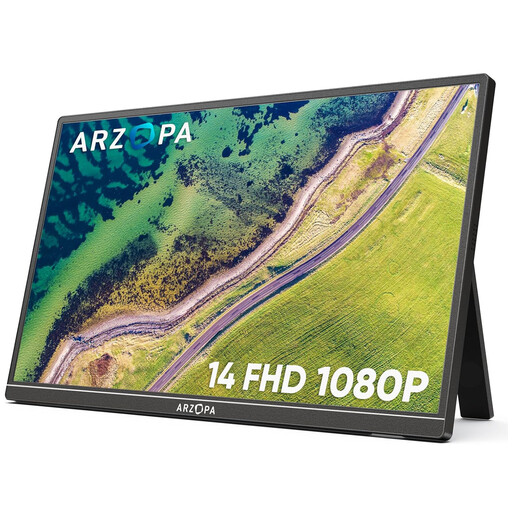
Key Selling Point: Ultimate portability. Weighing in at just 600g with a record-thin profile, it slips into any bag. Its integrated stand and minimalist connectivity make it the ideal work companion.
Pros:
Who is it for? For mobile professionals, remote workers, and students looking for an ultra-simple second screen to boost productivity.
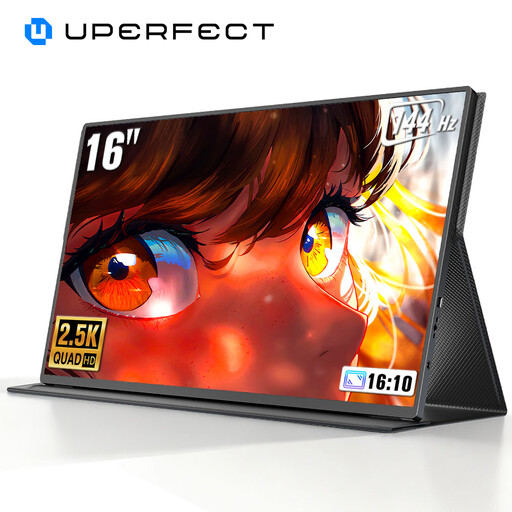
Key Selling Point: Raw performance for demanding gamers. Its combination of 2K (2560 x 1600) resolution and a 144 Hz refresh rate promises an image that is as detailed as it is smooth.
Pros:
Who is it for? For PC or console gamers (PS5, Xbox Series) who want a premium gaming experience on the go, without compromising on responsiveness or image quality.
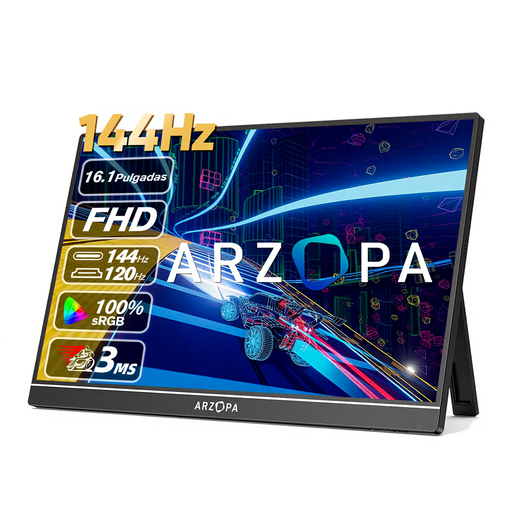
Key Selling Point: The best of both worlds. It combines a large 16.1-inch panel with a 144 Hz refresh rate in Full HD. A perfect mix for being just as comfortable in an Excel spreadsheet as in a competitive game.
Pros:
Who is it for? For the versatile user who switches between work during the day and gaming at night. It's the smart choice to enjoy the smoothness of 144 Hz without having to invest in a more demanding 2K resolution.
Our selection is just a starting point. If you're looking for a different screen size, budget, or feature set, many other hidden gems await.
Feel free to explore our full catalogue to find the perfect model.
? Discover All Our Portable Monitors
Connecting is simple and usually done in one of two ways. The most convenient method is a single USB-C cable, if your computer or tablet's port handles both the video signal and power. Otherwise, you'll need an HDMI cable for the video and a second USB-C cable connected to a power source (your PC's port or a wall outlet) for power.
It all depends on the model and your connection. With USB-C (in DisplayPort mode), the monitor draws power directly from the source device. However, if you use the HDMI port, an external power supply via another USB-C port is almost always required, as HDMI only transmits audio and video.
Absolutely! The vast majority of portable monitors with an HDMI port (or Mini-HDMI with an adapter) are compatible with consoles like the PS5, Xbox Series X/S, or Nintendo Switch. It's a fantastic solution for building a portable gaming setup.