
Livraison le jour même ou le lendemain

Qualité garantie

Débloquez vos offres de bienvenue: Livraison GRATUITE | Jusqu'à -80 % | 30 jours d'essai gratuits à JoyPlus
Téléchargez l'application
Upgrading your PC graphics card can transform your gaming experience, speed up creative software and extend the life of your computer. Yet spec sheets often highlight a high clock speed or 8K compatibility without detailing the very real constraints: power supply, dimensions, video memory or cooling.
Before you place an order, here are the points to check to avoid a card that’s incompatible or over-specced for your needs.
A graphics card with 8 or 16 GB of memory doesn’t guarantee good performance on its own. The GPU architecture, memory bus width, memory type and bandwidth all play a decisive role.
For example, modern GDDR7 memory can offer very high bandwidth, while a card with more memory but using DDR3 will generally remain limited to office work or multimedia. So you need to look at the full spec sheet rather than focusing on a single figure.
A powerful gaming graphics card may require a 650, 750, 850 or even 1,000 W power supply, depending on the model. Newer cards sometimes use a 16-pin 12V-2x6 connector. This must be compatible with your power supply unit and fully inserted, without excessive cable bending.
Conversely, a GeForce GT 1030 drawing around 20 W can run without an external power connector. The choice therefore depends as much on your power supply as on your budget.
A card measuring 300 mm or more may not fit in a mid-sized or compact case. Remember to check:
For a compact PC, a low profile graphics card will often be more suitable than a bulky gaming model.
For Full HD gaming, 8 GB can be enough depending on the games and settings. For content creation, video editing, 3D work or certain AI applications, more generous video memory makes handling heavy projects easier.
Cards like the RTX 5090 come with 32 GB of GDDR7, while several RTX 5080 models make do with 16 GB. With its 16 GB of GDDR7, 256-bit bus and announced bandwidth of 896 GB/s, the RTX 5070 Ti can be an interesting compromise, particularly on the Palit model featured here.
A graphics card compatible with ray tracing uses dedicated units to simulate shadows, reflections and lighting more realistically. When enabled at a high level, this technology can however reduce the frame rate.
The latest NVIDIA GeForce RTX cards also support technologies like DLSS 4, while AMD Radeon RX cards are based on the RDNA 3 architecture and Radeon software tools. Before choosing a brand, check compatibility with your games, editing software and creative applications.
A two or three-fan system generally dissipates heat better under load, at the cost of taking up more space. Some cards offer a 0 dB mode that stops the fans when temperature and load are low.
Passive cards, like certain GeForce GT 1030 or GT 710 models, are mechanically silent but rely heavily on the case’s overall airflow. Their heatsink can also become very hot after a long session.
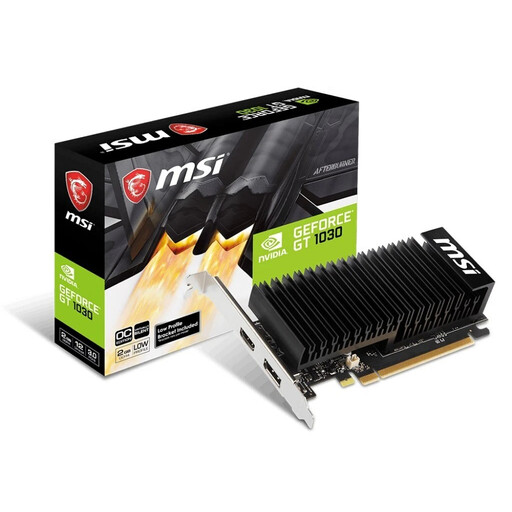
Why this suits this profile: Its low profile design and claimed 20 W power draw make it a simple solution for upgrading a desktop or compact PC.
The lack of an external connector reduces the power supply checks needed. You should still confirm you have a PCI Express slot and adequate ventilation.
2 GB DDR4, passive cooling, single slot design and HDMI and DisplayPort outputs.
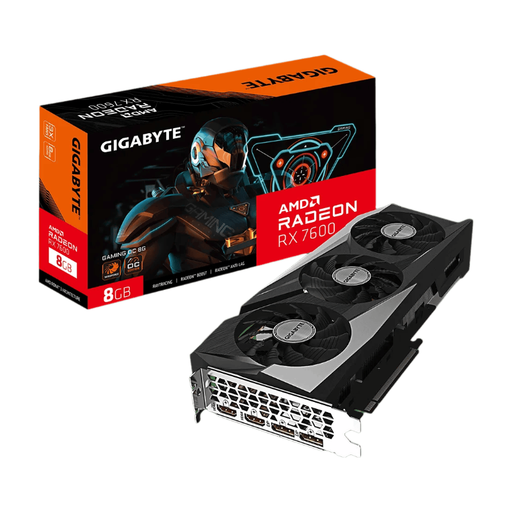
Why this suits this profile: This AMD Radeon RX 7600 targets mainstream gaming and graphics applications, with 8 GB of GDDR6 and support for four monitors.
Its 282 mm length and recommended 550 W power supply must be checked against your case limits and existing PSU capabilities.
8 GB GDDR6, boost clock up to 2,755 MHz and an 8-pin power connector.
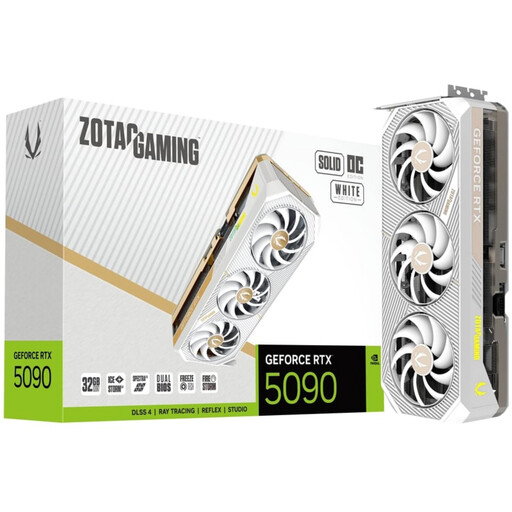
Why this suits this profile: With 32 GB of GDDR7 and a 512-bit interface, it’s designed for high-resolution gaming, intensive creative work and certain AI workflows.
Its size, 2.08 kg weight and 12V-2x6 connector require a spacious case, a compatible power supply and installation of the included support bracket.
32 GB GDDR7, 21,760 CUDA cores, up to 8K output and triple-fan cooling.
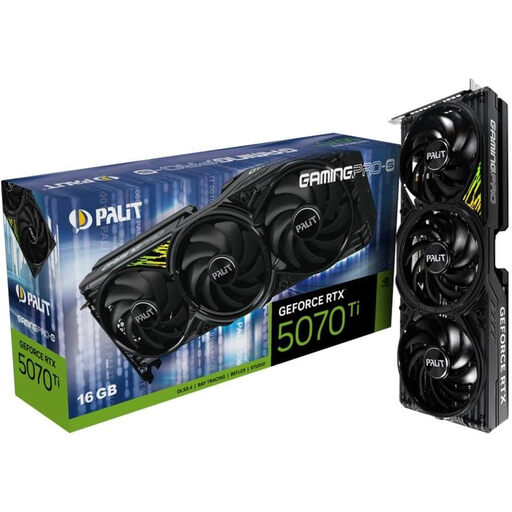
Why this suits this profile: Its specs target gamers, creators and AI application users looking for a modern card without jumping straight to an RTX 5090.
Its 300 W graphics power draw, 2.5-slot thickness and recommended 750 W power supply must all be checked before installation.
16 GB GDDR7, 256-bit bus, PCI Express 5.0, dual BIOS and claimed 0 dB mode.
Before handling the card, turn off the PC, unplug the mains cable and discharge your static electricity. Then check that the PCIe slot latch is properly engaged and that the card is securely fastened to the chassis.
After installation:
An 8K-compatible graphics card can drive a high-resolution display, but the maximum resolution alone doesn’t guarantee smooth gaming performance. The CPU, RAM, software used and graphics settings all remain decisive factors.
Measure the available space and look for a low profile model whose height and thickness are compatible with your case. GeForce GT 710 and GT 1030 cards are mainly suitable for display output, multimedia and light gaming. A standard gaming card generally requires more space and better ventilation.
The required wattage depends on the model and the rest of your setup. As a guide, the Gigabyte Radeon RX 7600 recommends 550 W, the RTX 5060 Ti INNO3D 650 W, the Palit RTX 5070 Ti 750 W and certain RTX 5090 cards up to 1,000 W. Always check the manufacturer’s recommendations and the connectors actually available on your PSU.
No. Ray tracing is most worthwhile in games that support it, provided your monitor, settings and graphics card can maintain a satisfactory frame rate. For office work or multimedia, a simpler model may suffice and reduce power consumption.