
Livraison le jour même ou le lendemain

Qualité garantie

Débloquez vos offres de bienvenue: Livraison GRATUITE | Jusqu'à -80 % | 30 jours d'essai gratuits à JoyPlus
Téléchargez l'application
An empty cartridge can bring homework, an invoice or an essential work-from-home document to a sudden halt. However, choosing an HP ink cartridge is not simply a matter of comparing the prices displayed. A nearly identical reference, an unsuitable capacity or an incomplete pack can make the cartridge unusable and lead to additional expense.
The selection below helps individuals, students, families and small businesses find the original HP ink cartridges suited to their DeskJet, ENVY or OfficeJet printer.
An HP DeskJet or ENVY printer generally accepts a specific series, such as HP 301, HP 302, HP 303 or HP 305. Two references that look similar are not necessarily interchangeable. An ink cartridge compatible with an HP printer must match the number shown in the manual, on the old cartridge or in the printer menu.
For example, an HP 302 cartridge does not automatically replace an HP 301. Also check the “XL” suffix: it indicates a higher capacity, not simply a different colour.
A standard black HP cartridge may be cheaper to buy, but require more frequent replacement. Conversely, an HP high-capacity cartridge involves a larger initial investment and may not be worthwhile for someone who prints only a few pages a month.
The stated yield is generally calculated according to the ISO/IEC 24711 standard. This is an indicative figure obtained under standardised conditions. The actual number of pages depends on coverage, images, print quality and frequency of use.
An HP cartridge pack may contain a black cartridge and a colour cartridge, or four separate cartridges: black, cyan, magenta and yellow. The difference matters when it is time to replace one. With separate cartridges, you only need to replace the colour that has run out. With a tri-colour HP cartridge, all three shades are combined in the same reservoir.
Before ordering, note the complete reference: HP 301, HP 302, HP 303, HP 305, HP 364, HP 62, HP 912, HP 903 or HP 937, as well as the manufacturer’s reference when provided. Then compare the list of compatible printers.
This check is particularly important for the OfficeJet and OfficeJet Pro ranges, whose cartridges may differ despite looking similar.
A black HP cartridge often uses pigment ink, designed to produce crisp, long-lasting text. A colour HP cartridge may use cyan, magenta and yellow dyes, generally suited to photos and graphics. Some professional series use pigment ink for all four colours.
However, the type of ink alone does not guarantee identical results on every type of paper. The paper used, quality setting and print profile also affect the final result.
In some ranges, the XL marking indicates a higher capacity. The black HP 302XL, for example, is stated to yield approximately 480 pages ISO/IEC 24711, compared with approximately 165 pages for a standard colour HP 302 cartridge. The tri-colour HP 303XL is rated at approximately 415 pages, compared with approximately 165 pages for the standard version.
These figures make it possible to compare references, but do not guarantee the same lifespan for every user. For regular use, compare the yield with the cartridge price rather than looking only at the pack price.
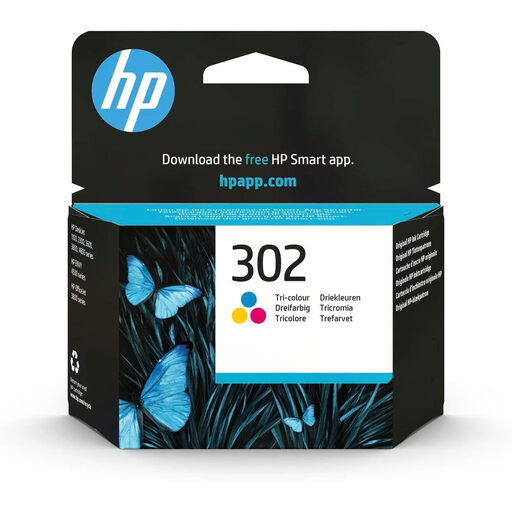
Why this choice suits this profile: A standard colour cartridge for occasional printing on compatible DeskJet, ENVY and OfficeJet models.
The 302 reference and compatibility list help reduce the risk of choosing the wrong cartridge when similar-looking options are available.
Cyan, magenta and yellow inks, with a stated yield of approximately 165 pages according to the ISO/IEC 24711 standard.
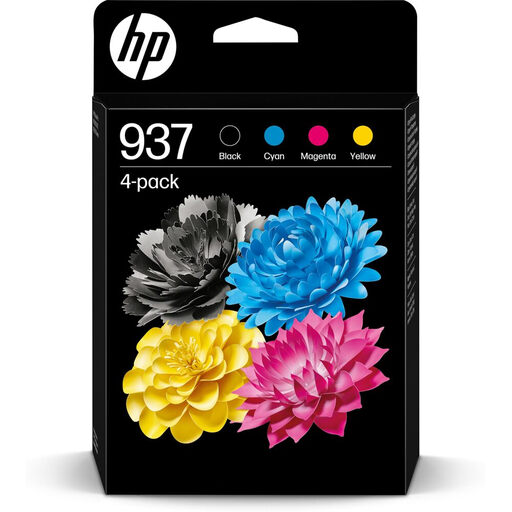
Why this choice suits this profile: A four-colour pack for OfficeJet Pro users who regularly print professional documents.
The four cartridges are separate, and compatibility is specified for several OfficeJet Pro models.
Stated yield of 1,450 black pages and 800 pages per colour according to the ISO/IEC 24711 standard.
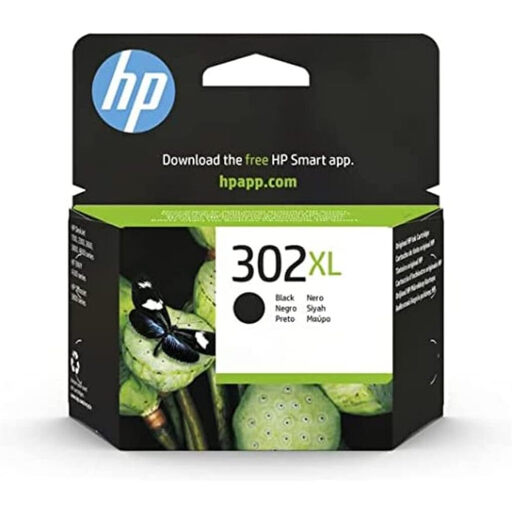
Why this choice suits this profile: A high-capacity cartridge for households, students and people working from home who often print in black and white.
The stated yield of approximately 480 pages helps extend the time between replacements when the printer correctly accepts the 302XL reference.
Pigment black ink and stated yield according to the ISO/IEC 24711 standard.
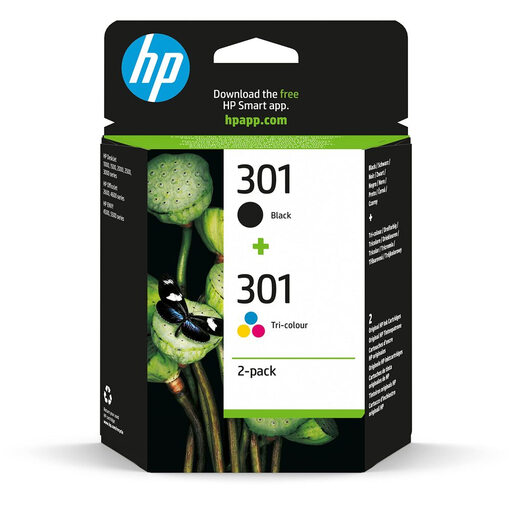
Why this choice suits this profile: A practical black and tri-colour duo for compatible DeskJet, ENVY and OfficeJet printers.
The pack contents are clearly stated: one black HP 301 and one tri-colour HP 301, with no colour missing.
Stated yield of approximately 190 black pages and 165 colour pages.
We have compiled a complete, real-time updated list of products that meet these demanding selection criteria and European safety regulations.
For recycling, follow your local guidelines or use the collection service offered by the manufacturer or retailer. If ink comes into contact with your eyes, rinse thoroughly with water. If irritation persists, seek medical advice.
Check the label on the old cartridge, the printer manual or the “consumables” menu. Note the complete reference, including the series number and the XL designation. Then check the list of compatible printers on the product page.
No. It may be worthwhile if you print frequently and use all the ink before storing the cartridge for a long period. For occasional use, a standard cartridge may better suit your printing habits. Compare the price with the ISO/IEC 24711 yield rather than focusing solely on the stated quantity of ink.
It depends on the printer model. Some allow monochrome printing when the colour cartridge is empty, while others require all cartridges to be installed. Check your device’s manual before ordering a black HP cartridge on its own.