
Livraison le jour même ou le lendemain

Qualité garantie

Débloquez vos offres de bienvenue: Livraison GRATUITE | Jusqu'à -80 % | 30 jours d'essai gratuits à JoyPlus
Téléchargez l'application
Turning a simple white wall into a cinema screen? It's an appealing idea, especially when every square foot counts. The mini projector emerges as the ideal solution: flexible and affordable, it recreates the home cinema experience without the bulk of an XXL television. Movie nights with friends, immersive gaming sessions, or even cartoons projected onto a child's bedroom ceiling... these compact devices can do it all.
But faced with an overwhelming number of options and often cryptic spec sheets, it's hard to find your way. This guide is here to decode the jargon and help you choose the portable video projector that perfectly fits your needs and budget.
Before diving into our selection, let's review the key technical criteria for making an informed choice.
This is the crucial factor: image quality. Two terms constantly appear: "native resolution" and "supported resolution."
Expressed in ANSI lumens, brightness determines the projector's ability to combat ambient light. Unlike the often inflated marketing "lumens," the ANSI standard is a reliable and comparable measure across devices.
A modern Wi-Fi Bluetooth mini projector must be easy to use. And this simplicity comes down to its connectivity.
We have selected three models that stand out for their technical specifications and price-to-performance ratio, each tailored to a specific use case.
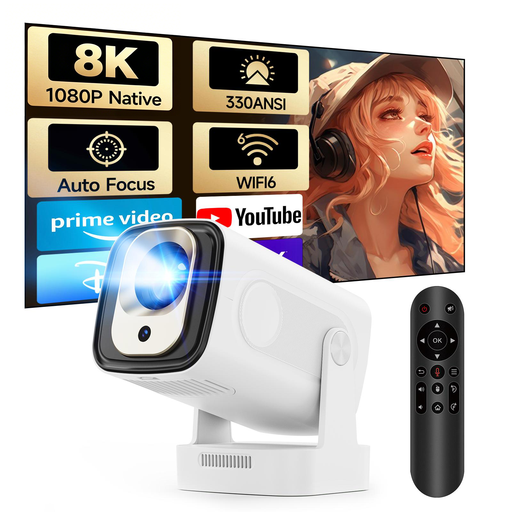
The Focus: Simplicity above all. The HY310 is all about a "plug-and-play" experience. Thanks to its auto-focus and vertical keystone correction, the image is sharp and straight in seconds, without tedious manual adjustments. It's the ideal entry point for a hassle-free home cinema.
Pros:
Who is it for? For those looking for a simple and effective "plug and project" solution for movie nights at home or on the go.
See details for the MAGCUBIC HY310
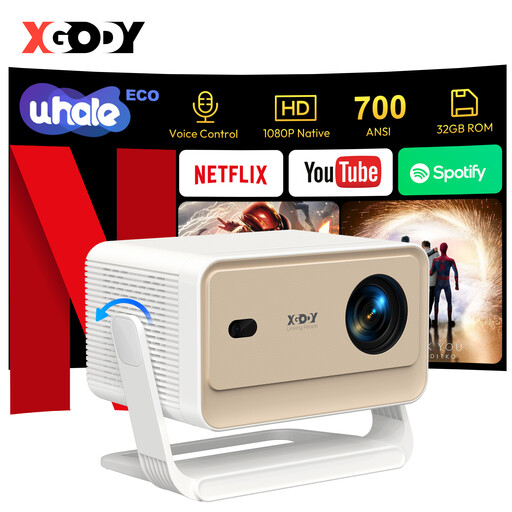
The Focus: The Streaming King. The main advantage of the XGODY N6 Pro is its official Netflix license, guaranteeing a smooth, hitch-free streaming experience. Its high brightness of 700 ANSI lumens allows it to stand out from the competition, offering a more vivid image even when the room isn't completely dark.
Pros:
Who is it for? For series and movie buffs who want an optimal streaming experience and an image that holds its own, even if the room isn't pitch black.
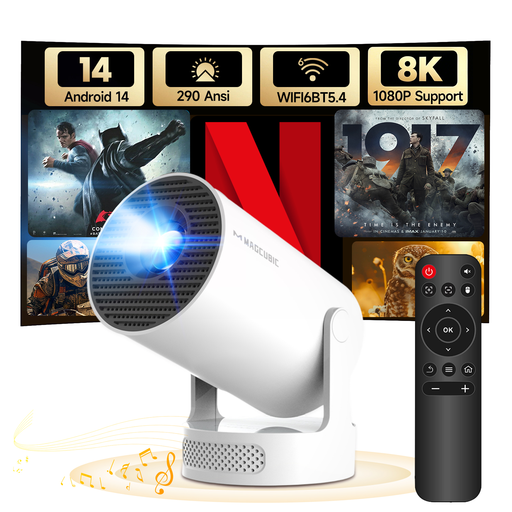
The Focus: The Ultra-Flexible Nomad. The HY300Pro+ was designed for mobility. Its key advantage? A 180° rotating stand that lets you project anywhere: on the wall, the ceiling, at an angle... anything is possible. Its feather-light weight and built-in speaker make it the ideal entertainment companion for impromptu movie nights.
Pros:
Who is it for? For travellers, students, or anyone who wants a versatile projector that can adapt to unconventional spaces for an impromptu movie session.
Explore the MAGCUBIC HY300Pro+
Your home cinema project is unique. If these three models don't check all your boxes or if you're simply curious to explore other options, a much wider range awaits you.
Discover all our projector accessories
It's all a matter of size, portability, and use case. A mini projector is by definition compact, lightweight, and often standalone (battery, integrated OS), making it perfect for portable use or temporary setups. In contrast, a standard video projector is larger, more powerful (and brighter), and designed for a fixed installation in a dedicated room. It offers top-tier performance, but at the expense of flexibility.
This is the main challenge. It all depends on the projector's ANSI brightness. Most mini projectors are designed for dim lighting. A model with 500 ANSI lumens or more will perform respectably in a room with the curtains drawn, but don't expect miracles in broad daylight: the image will severely lack contrast and vibrancy.
To connect a portable projector to your smartphone, you have two options: