
Livraison le jour même ou le lendemain

Qualité garantie

Débloquez vos offres de bienvenue: Livraison GRATUITE | Jusqu'à -80 % | 30 jours d'essai gratuits à JoyPlus
Téléchargez l'application
Does the “?Insufficient Storage?” message keep popping up on your smartphone?? Is your new action camera shooting choppy 4K videos?? Choosing a microSD card seems simple, but it's a minefield of potential pitfalls. Make the wrong choice, and your performance will suffer, leading to instant buyer's remorse.
As the Head of Tech at Joybuy, I'm here to cut through the noise. Let's forget the marketing jargon and get straight to the point: here are the mistakes to avoid and the specs that truly matter.
Before you even start looking at deals, remember this: not all memory cards are created equal, even at the same capacity.
To make the right choice, there are three performance indicators to look for. The good news is they are almost always printed right on the card itself.
That “MB/s” speed plastered on the packaging by manufacturers? It's often the maximum read speed, measured in a lab. Don't take it at face value. The write speed, which is far more critical for recording, is thankfully indicated by standardized classes.
A simple rule of thumb: check your device's manual (smartphone, camera, console) to find out its compatibility.
A slightly older device that is only SDHC compatible will never read a 64GB or larger microSDXC card. While most modern devices are SDXC compatible, a quick check will save you from an unpleasant surprise. Good to know: many cards are sold with an sd card adapter, which is handy for using them in a camera or a card reader on a PC/Mac.
Instead of an endless list, here are our targeted recommendations, chosen to meet specific needs.
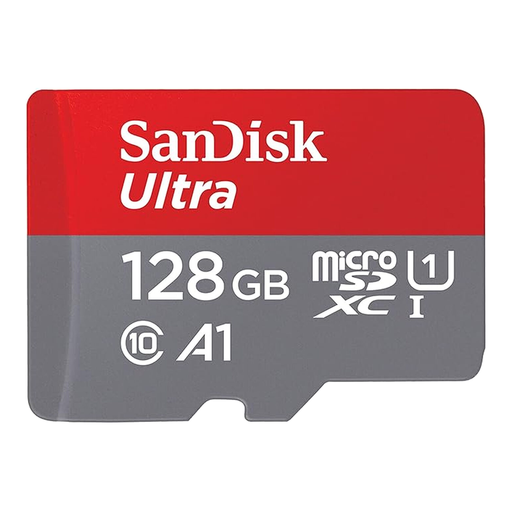
Why we chose it: The perfect balance for expanding an Android smartphone's storage. Its 128GB provides ample space for thousands of photos and hours of Full HD video, all at an affordable price.
This SanDisk Ultra card is A1 certified. In practical terms, this guarantees optimised performance for launching apps, putting an end to the frustrating lag found on basic cards.
Its read speed of up to 140 MB/s (according to the manufacturer) speeds up file transfers to a computer. The included SD adapter makes it even more versatile.
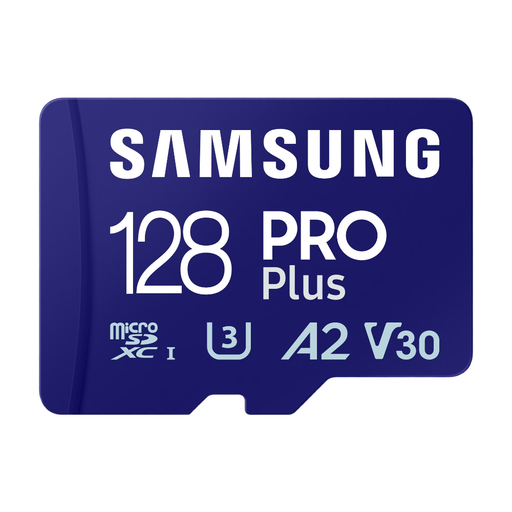
Why we chose it: The go-to card for drones, action cams, and cameras. Its high write speeds are a prerequisite for shooting in 4K UHD without frame drops or overheating.
This Samsung PRO Plus proudly displays its U3 and V30 certifications. They guarantee a minimum write speed of 30 MB/s, allowing you to say goodbye to the choppy recordings typical of slower cards.
Samsung advertises speeds of up to 130 MB/s write and 180 MB/s read. This will significantly speed up your post-production workflow when offloading footage.
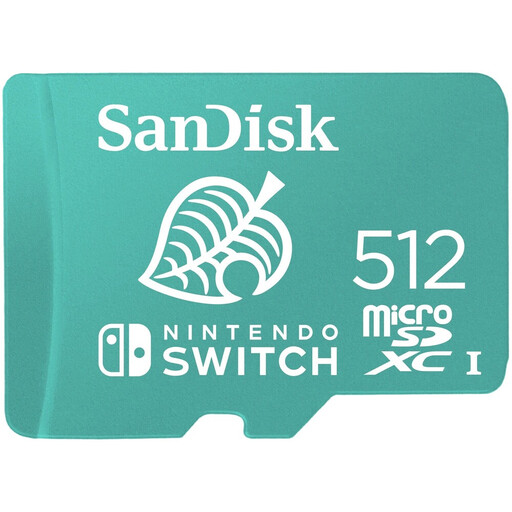
Why we chose it: This is an officially licensed Switch memory card from Nintendo. It guarantees perfect compatibility and reliable performance for storing a vast library of digital games.
Its official product status eliminates any risk of incompatibility or sluggish performance, a common problem with cards not optimised for the console.
With 512GB, you can store dozens of large games. SanDisk advertises a transfer speed of up to 100 MB/s, which means reduced loading times.
Explore our full selection of memory cards, all tested and approved according to these same criteria for performance and reliability.
What's the difference between an SD card and a microSD card? It's primarily a matter of form factor. Tiny microSD cards are designed for smartphones, drones, and action cams. The larger SD cards are mostly used in cameras. Fortunately, most microSD cards are sold with an sd card adapter to make them compatible with standard SD readers.
How do I know if a microSD card is compatible with my device? The easiest and safest way is to check the user manual or the manufacturer's website. The technical specifications will always indicate the maximum supported capacity (e.g., “up to 512GB”) and the supported card type (microSDHC or microSDXC).
Will a faster card boost my smartphone's performance? Yes, but in a specific way. A card certified A1, and especially A2, will significantly reduce loading times for apps and games installed on it. While it won't speed up the operating system itself, the day-to-day user experience will be much smoother.