
Livraison le jour même ou le lendemain

Qualité garantie

Débloquez vos offres de bienvenue: Livraison GRATUITE | Jusqu'à -80 % | 30 jours d'essai gratuits à JoyPlus
Téléchargez l'application
By Joybuy, Your Product ExpertPublished: August 26, 2026
The "Insufficient Storage" notification always pops up at the worst possible moment. Whether you're about to capture a family video, download a new game to your console, or record an important drive with your dash cam, running out of memory is a universal frustration. The natural reflex is simple: buy a microSD card. However, the market is a confusing jungle of options.
Choosing the wrong card isn't just a waste of money—it can also lead to losing precious data. Before you decide, watch out for these common pitfalls:
This guide is here to cut through the noise and help you make an informed choice that's perfectly suited to your needs.
To avoid disappointment, it's crucial to understand the technical specifications on the packaging. Here are the three parameters you should never overlook.
Capacity is often the first spec people look at, but it must align with your actual usage.
For many devices, having a fast microSD card is simply essential. Speeds are indicated by different classes:
Not all cards are created equal when it comes to wear and tear.
To help you match the right product to the right use case, here are some of our recommendations, each tailored to a specific user profile.
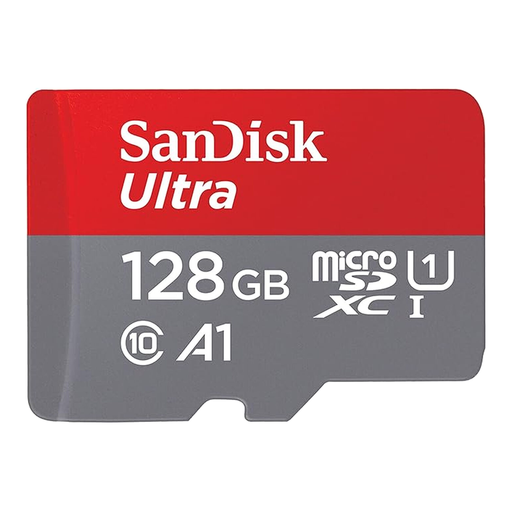
Why we chose it: It's the quintessential balanced solution for expanding an Android smartphone's memory. It offers a comfortable capacity for photos, videos, and apps without breaking the bank. The A1 class ensures good responsiveness for apps installed on it.
This card prevents you from overpaying for extreme speeds that are unnecessary for daily use. Its A1 class is specifically designed for smartphones, unlike purely video-focused cards.
An excellent capacity-to-price ratio for versatile use. The included SD adapter (microSD card with adapter) makes it compatible with computers and cameras.
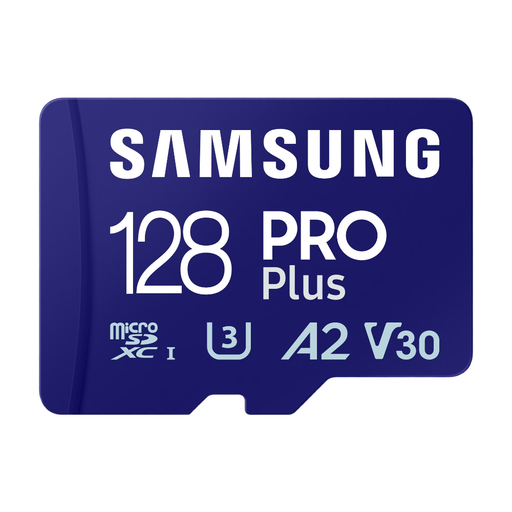
Why we chose it: Tailor-made for drones, action cameras, and mirrorless cameras. Its high write speeds (up to 130 MB/s advertised by Samsung) and V30 certification ensure 4K recording with no dropped frames or stuttering.
It directly tackles the "slow card" pitfall. By guaranteeing a minimum write speed of 30 MB/s (V30), it meets the demands of modern devices for high-resolution video capture.
Write performance. That's the strength of a model like the Samsung PRO Plus: it allows you to quickly transfer large video files to a computer, streamlining the entire post-production workflow.
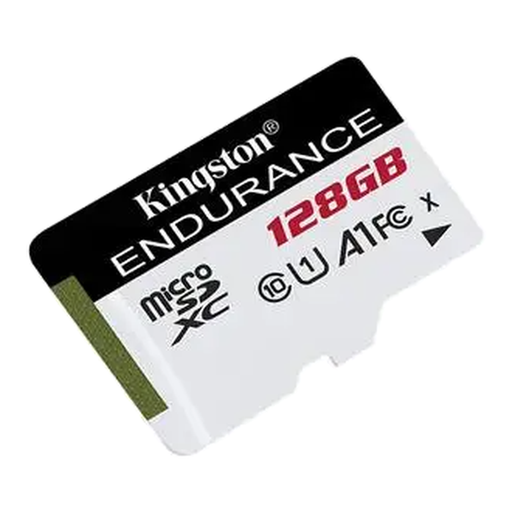
Why we chose it: Engineered for rock-solid reliability under intensive write conditions. It's ideal for dash cams and home security cameras that record and rewrite data 24/7.
This is the direct solution to the premature wear-and-tear pitfall. Its "High Endurance" design allows it to withstand thousands of write cycles where a standard card would fail.
Peace of mind. Its rugged build is designed to resist shock, water, and extreme temperatures—common conditions in a vehicle or outdoors.
We have curated a complete, up-to-date list of products that meet our strict selection criteria and safety standards.
It is highly recommended to format a new card directly in the device you plan to use it in (smartphone, camera, console). This ensures optimal compatibility and performance. The option is usually found in the device's storage settings.
The lifespan depends on the card type and the intensity of its use. A standard card used for storing photos can last for many years. In contrast, a standard card in a dash cam can wear out in less than a year. A "High Endurance" card is designed to last for several years under the same continuous recording conditions.
Yes, to a certain extent. If you install apps on the card, a model with an A1 or A2 certification will reduce their loading times. For the phone's general operation, the impact will be less noticeable, as the operating system remains on the device's internal memory.