
Livraison le jour même ou le lendemain

Qualité garantie

Débloquez vos offres de bienvenue: Livraison GRATUITE | Jusqu'à -80 % | 30 jours d'essai gratuits à JoyPlus
Téléchargez l'application
Is the dreaded "Storage Almost Full" notification popping up on your smartphone at the worst possible moment? Are your 4K video recordings stuttering or stopping altogether? At first glance, choosing a microSD card seems straightforward. But between the obscure standards, speed classes, and dizzying capacities, it's easy to get lost.
Don't panic! This guide is here to demystify the jargon and help you find THE perfect memory card for your smartphone, gaming console, camera, or drone.
By the Joybuy team, your high-tech product experts.
Before diving into our top picks, let's review the three key criteria that will guide your purchase: capacity, speed, and compatibility.
This is often the first number people look at, and for good reason. Here are a few benchmarks to help you decide:
Speed ratings are crucial for performance. They guarantee a minimum write speed, which is essential for tasks like smooth video recording.
An essential check before you buy: verify your device's compatibility.
Here are three models that caught our eye, each tailored to a specific user profile—from everyday storage to professional demands.
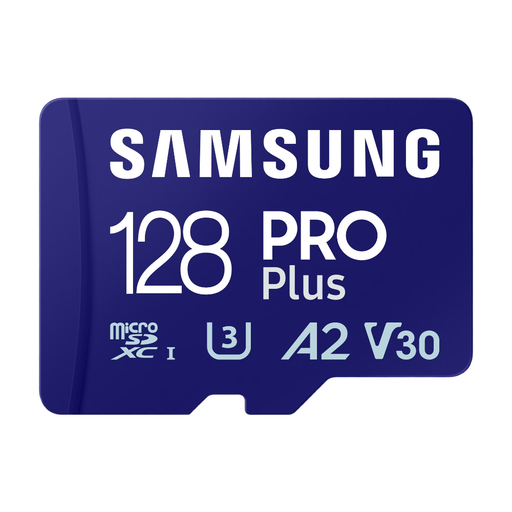
Why it stands out: The Samsung PRO Plus card offers the ideal balance of speed, reliability, and capacity. With advertised speeds of up to 180 MB/s read and 130 MB/s write, it's perfectly suited for intensive use.
Pros:
Best for: Owners of recent Android smartphones, drones, or action cams looking for a reliable and fast card to shoot in 4K and launch their apps without any lag.
See the Samsung PRO Plus 128GB Card
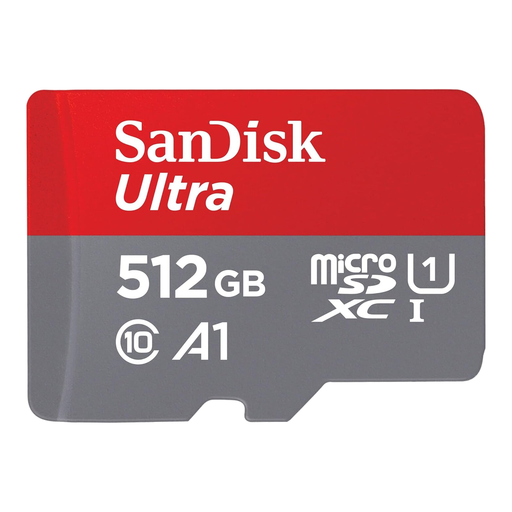
Why it stands out: The SanDisk Ultra is the smart choice for those who prioritise storage capacity above all else. With 512GB, it allows you to store an impressive volume of data, perfect for long holidays or for archiving your media files.
Pros:
Best for: Those who primarily want to boost the storage of their Android smartphone or tablet to hold a mountain of photos, Full HD videos, music, and other files, without necessarily aiming for record-breaking write speeds.
See the SanDisk Ultra 512GB Card
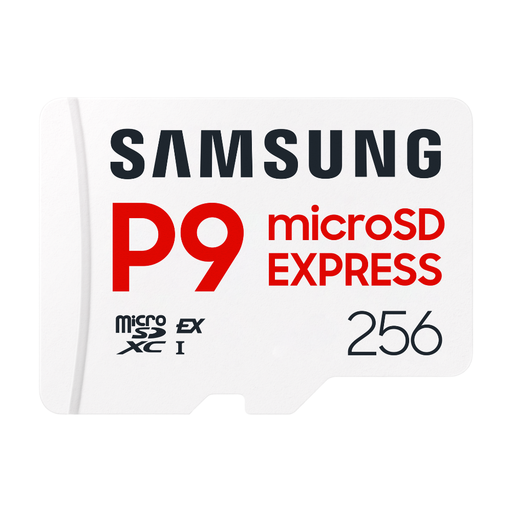
Why it stands out: This model embodies the future of memory cards. By leveraging the SD Express standard, it shatters records with theoretical read speeds of up to 800 MB/s, approaching SSD-level performance. It's a future-proof solution for professional workflows.
Pros:
Best for: Photographers, videographers, and content creators equipped with the latest generation of SD Express compatible hardware (cameras, workstations). It's an investment for those who handle very large files daily and for whom every second counts.
See the Samsung P9 Express 256GB Card
Some devices, like security cameras or dashcams, record continuously. This intensive use, known as 'continuous writing,' puts a heavy strain on cards and requires high-endurance models, often featuring MLC-type memory.
For this type of use, we recommend checking out our selection of MLC memory cards for dashcams.
The Nintendo Switch is compatible with microSD, microSDHC, and microSDXC cards. Nintendo recommends a card with a UHS-I interface and a speed class of U1 or higher. A card with good read speeds (like the Samsung PRO Plus or SanDisk Ultra models) will significantly reduce your game loading times.
The safest bet is to check your device's manual (smartphone, camera, etc.) or the manufacturer's website. Look for the SDHC or SDXC logos. As a reminder, an SDXC-compatible device will read SDHC cards, but the reverse is not true. Also, remember to check the maximum capacity your device supports.
These classes indicate the guaranteed minimum write speed, a crucial factor for video recording. A V30 card ensures a rate of 30 MB/s, which is sufficient for most 4K recording. A V60 card goes up to 60 MB/s, a rate required for more demanding video formats on some professional cameras or for 8K.