
Livraison le jour même ou le lendemain

Qualité garantie

Débloquez vos offres de bienvenue: Livraison GRATUITE | Jusqu'à -80 % | 30 jours d'essai gratuits à JoyPlus
Téléchargez l'application
Buying a MacBook Apple M5 AZERTY isn't just about picking a colour or screen size. Between the MacBook Air M5, the MacBook Pro M5 and the MacBook Pro M5 Pro, the differences in memory, connectivity and display can transform your day-to-day experience.
A student, a developer, a remote worker or a video editor all have different needs. Here are the key factors to consider so you don't pay for a configuration that's overkill — or regret a choice that's too limited.
An Apple M5 chip can be paired with 16 GB or 24 GB of unified memory, 512 GB or 1 TB of storage, and different graphics capabilities. Two laptops both labelled "M5" won't necessarily suit the same tasks.
For office work, web browsing and video calls, 16 GB is usually enough. Video editing, development with multiple environments open, or using creative tools benefit more from 24 GB, which gives you welcome breathing room.
A 13-inch MacBook is all about portability, while a 15-inch model offers a noticeably more comfortable workspace. At 14 inches, the MacBook Pro sits in between and adds a more advanced display.
Screen size alone, however, isn't enough to judge image quality. A Liquid Retina XDR display with ProMotion isn't in the same league as the standard Liquid Retina display on the MacBook Air.
The "AZERTY" label deserves careful checking. Some products may offer a Belgian variant or a layout different from the one used in France. Before ordering, examine the product page, the keyboard photo and the exact model reference.
Also check for Touch ID, backlighting and keys that match your typing habits. An external keyboard can compensate for a layout you're not happy with, but it inevitably reduces the appeal of a laptop.
Unified memory is shared between the processor and the graphics side. It's generally not designed to be upgraded easily after purchase. So it's better to anticipate your needs rather than rely on a later upgrade.
Apple Intelligence features and tools compatible with macOS Tahoe can also use local resources. Their availability depends on the system version, the selected language and the services involved.
A 512 GB SSD works well for many uses, as long as you keep large archives on an external drive or in the cloud. 4K videos, Lightroom libraries, development environments and work files can quickly eat up available space.
A 1 TB SSD gives you a more comfortable buffer if you carry your projects with you. It also saves you from having to plug in an external drive permanently, while maintaining good loading speeds.
The MacBook Air M5 features a high-definition Liquid Retina display, with a brightness of 500 nits on the configurations shown. The MacBook Pro M5 adds a Liquid Retina XDR display, a ProMotion refresh rate of up to 120 Hz, more comprehensive connectivity and advanced HDR content handling, according to the model's specifications.
Also check the available ports: some MacBook Air models have two Thunderbolt 4 ports, while several MacBook Pro models add three Thunderbolt ports, an HDMI output and an SD card reader. This difference can make connecting an external monitor, camera or fast SSD either simpler — or more complicated.
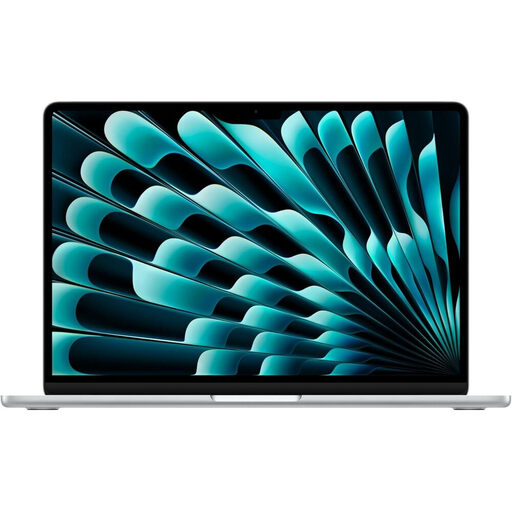
Why this choice suits this profile: Its 13.6-inch form factor and stated weight of 1.23 kg make it easy to carry between home, campus and work. Its 16 GB of memory handle everyday tasks and study needs without any trouble.
The product page details the memory, 512 GB SSD, AZERTY keyboard and two Thunderbolt 4 ports. This means you avoid paying for capacity or connectivity you wouldn't use.
M5 chip with 10-core CPU, 13.6-inch Liquid Retina display, Touch ID and up to 18 hours of battery life for video playback, according to the product page.
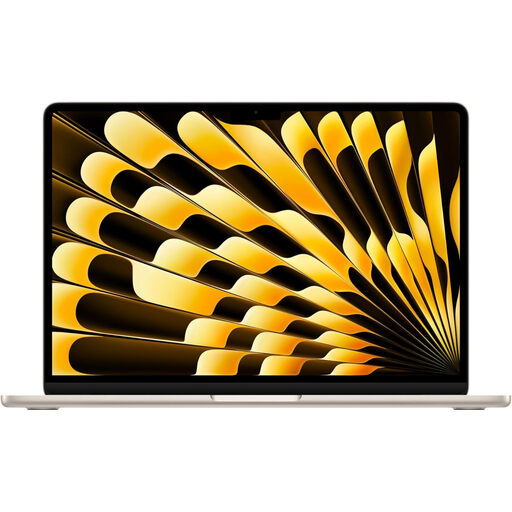
Why this choice suits this profile: Its 15.3-inch screen is ideal for remote work, viewing documents side by side and watching content. Its fanless chassis is said to remain silent.
The 1 TB SSD reduces the risk of running out of space quickly. The stated dimensions and weight also let you check that the laptop will fit in your bag.
15.3-inch Liquid Retina display, 16 GB unified memory, 1 TB SSD, Wi‑Fi 7 and two Thunderbolt 4 ports, according to the information provided.
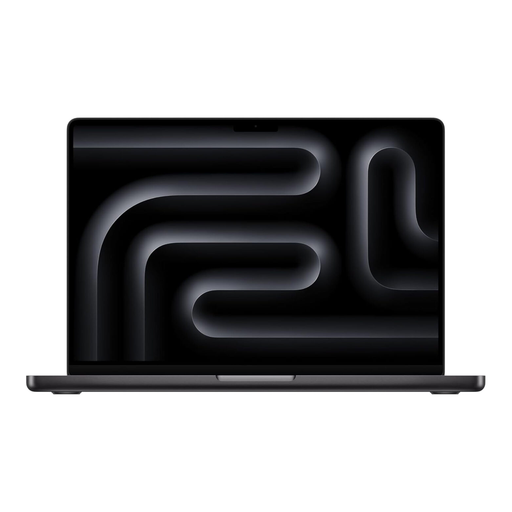
Why this choice suits this profile: The M5 Pro chip, 24 GB of memory and Liquid Retina XDR display are aimed at video editors, developers, creatives and anyone who regularly handles large files.
The 24 GB of memory and 1 TB SSD reduce compromises when multitasking. Thunderbolt 5 ports, HDMI and MagSafe 3 make it easy to integrate into a full workstation.
M5 Pro chip with 15-core CPU and 16-core GPU, 14.2-inch XDR display, ProMotion up to 120 Hz and up to 22 hours of battery life for video playback.
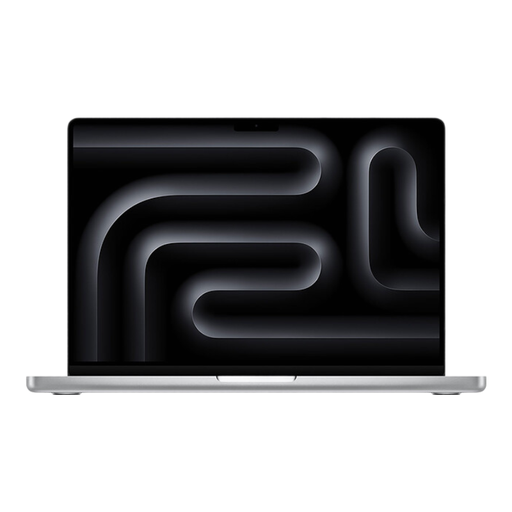
Why this choice suits this profile: It's aimed at those who want full connectivity and a premium display for development, creating visuals or hybrid working.
The stated inclusion of Thunderbolt ports, an HDMI output and an SD card reader reduces the need for adapters, which are often overlooked in the initial budget.
14.2-inch Liquid Retina XDR display, ProMotion, 16 GB memory, 1 TB SSD and 12 MP camera with auto-framing, according to the product page.
We've put together a complete, real-time updated selection of products that meet these demanding criteria, while complying with European safety regulations.
Yes, as long as you check that it's a French layout. The product page and photos should confirm the position of characters, accents and punctuation keys. A Belgian variant may have some differences in symbols.
For studies, office work and remote working, 16 GB is a balanced configuration. Video editing, intensive development or running many applications at once justify 24 GB, which gives you a welcome buffer. Also consider how long you plan to keep the laptop.
Power consumption depends on screen brightness, the applications you use, connected accessories and how often you charge. The models shown use a lithium-polymer battery and a compatible USB-C adapter. To keep costs down and slow wear, use a suitable charger, avoid extreme temperatures and keep macOS up to date.