
Livraison le jour même ou le lendemain

Qualité garantie

Débloquez vos offres de bienvenue: Livraison GRATUITE | Jusqu'à -80 % | 30 jours d'essai gratuits à JoyPlus
Téléchargez l'application
The all-new 13-inch MacBook Air, powered by the Apple M5 chip, is finally here. And with every new release, the burning question on everyone's mind is the same: which configuration is truly right for you? Between unified memory, SSD storage, and the new finishes, it's easy to get lost. Whether you're a student, a creative, or a mobile professional, the goal remains the same: to invest in a powerful and durable tool that is perfectly calibrated for your needs, without making a mistake.
This guide is designed to help you see things more clearly. Our mission, as Joybuy product experts, is to decode the different options for you and guide you toward an informed choice, all without unnecessary marketing jargon.
Before even looking at the MacBook Air M5 price, it's essential to take stock of your actual needs. Here are the three key criteria to analyse to find the machine that will support you every day without ever letting you down.
Unified memory (or RAM) is the core of your Mac's multitasking performance; it's what ensures fluidity when you're juggling multiple applications.
The SSD (Solid State Drive) does more than just store your data; its speed is crucial for booting macOS and launching your applications.
For optimal typing comfort, an AZERTY keyboard is of course essential in France. In terms of design, the 2026 MacBook Air M5 comes in several finishes, including the new and very successful Sky Blue MacBook Air. A touch of freshness that complements the timeless Silver, Starlight, and Space Grey.
To help you make your choice, here are three configurations we've selected, each tailored for a specific user profile.
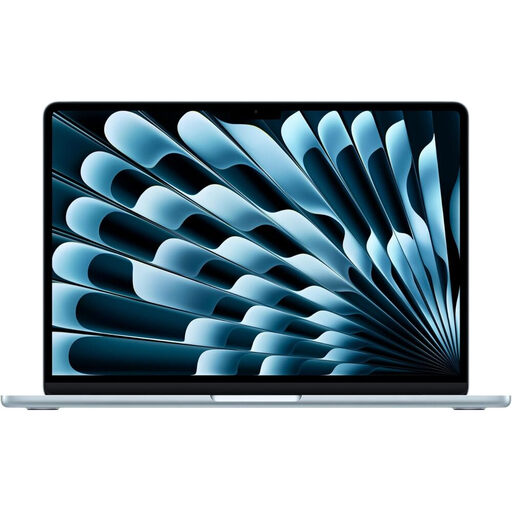
The Balanced Choice: This is the most versatile configuration. It offers the perfect compromise between power and storage for a majority of uses, all in a featherlight chassis and a standout finish.
Highlights:
Who is it for? Ideal for students, teachers, consultants, and all mobile professionals looking for a reliable, high-performance, and easy-to-carry machine.
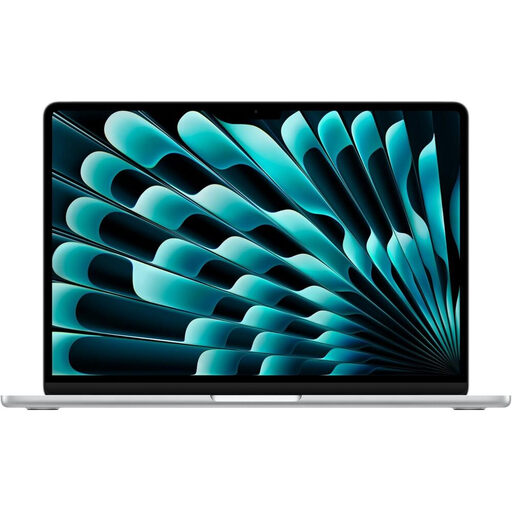
The Powerhouse: This configuration is built for raw performance. With 24GB of RAM and 1TB of storage, it's ready to tackle the most demanding workflows without breaking a sweat.
Highlights:
Who is it for? Aimed at content creators, developers, photographers, and video editors who need a machine capable of handling multiple resource-intensive applications simultaneously.
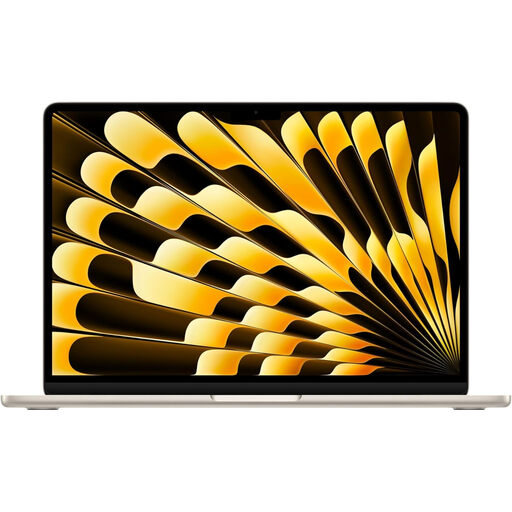
The Storage Marathoner: The smart compromise. This version combines a very generous 1TB of storage with 16GB of RAM, an ideal configuration for those who need space above all else.
Highlights:
Who is it for? Ideal for those who juggle huge volumes of data (researchers, avid photographers, media collectors) but whose daily software doesn't require making the leap to 24GB of RAM.
Does your quest for the perfect gear go beyond computing? If you're also looking to equip your kitchen, for example, take a look at our other selections.
Discover our selection of Silver Ovens
The MacBook Air M5 price logically varies depending on the configuration (memory, storage, and sometimes finish). Base models start at a more accessible price point, while the "maxed-out" versions with 24GB of RAM and 1 or 2TB of SSD represent a more significant investment. To see real-time pricing, the easiest way is to check our product pages directly.
Absolutely. The M5 chip is more than capable of handling video editing, including 4K. For optimal comfort, we recommend choosing a configuration with the 10-core GPU and at least 16GB of RAM. The 24GB version, meanwhile, will be a dream for the most complex projects with numerous real-time effects.
Nothing could be simpler! Choose the configuration that suits you from our selection above, then click on "See product details". You will be redirected to the dedicated page on Joybuy to verify the specifications and finalise your order securely.