
Livraison le jour même ou le lendemain

Qualité garantie

Débloquez vos offres de bienvenue: Livraison GRATUITE | Jusqu'à -80 % | 30 jours d'essai gratuits à JoyPlus
Téléchargez l'application
With the new MacBook Air M4, Apple is once again redefining the ultra-portable market. But beyond the powerful Apple M4 chip, one question remains: which configuration should you choose? Between screen size, RAM, and storage, the options can be overwhelming. Don't worry, this guide is here to help you make sense of it all and find the model tailored to your needs, whether you're a student, an on-the-go creative, or simply looking for a powerful machine for everyday use.
By our product experts, July 4, 2026.
Before diving into our top picks, let's review the crucial points that will guide your decision when it's time to buy a MacBook Air.
The choice of screen size often comes down to a trade-off between portability and user comfort.
RAM and storage are the two most critical factors for your machine's responsiveness.
The Apple M4 chip is the true heart of this new Apple laptop. It integrates the CPU, GPU, and Neural Engine for stunning performance and power efficiency. Paired with macOS Sequoia, it introduces new artificial intelligence features and ensures perfect synergy with the Apple ecosystem. The different versions of the chip (with varying numbers of GPU cores) directly impact graphics performance—a decisive factor for creatives.
Here are three configurations we've selected, each designed for a specific user profile.
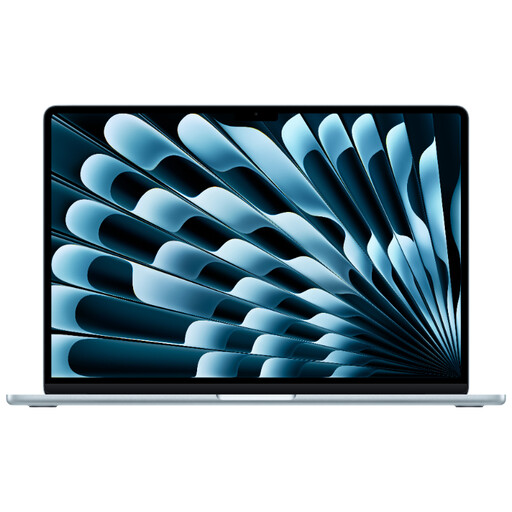
What sets it apart: This is simply the pinnacle of the Air lineup. It combines the large 15.3-inch Liquid Retina display with the maximum amount of RAM (24 GB of RAM) and a comfortable 512 GB of storage. A true mobile workstation, without the weight.
Highlights:
Who is it for? Creatives, developers, and demanding users who want maximum power and a large screen, with the added benefit of portability.
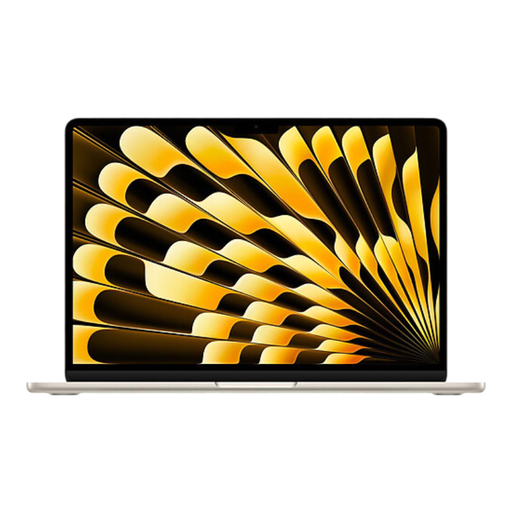
What sets it apart: This is the most balanced configuration, the sensible choice. It combines the portability of the 13-inch format, 16 GB of RAM to keep you running smoothly for years to come, and a generous 512 GB of storage so you never feel constrained.
Highlights:
Who is it for? Mobile professionals, students, and anyone looking for a high-performance, future-proof machine that's easy to take anywhere.
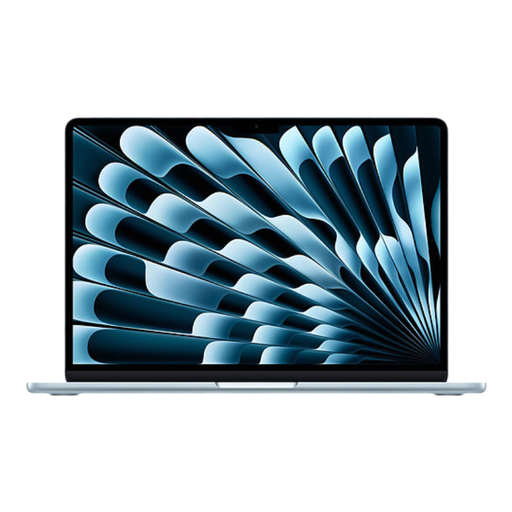
What sets it apart: An excellent entry point into the M4 universe that makes the right trade-off by not skimping on RAM. With 16 GB of RAM, it ensures far greater responsiveness than the base model, while remaining a champion of mobility.
Highlights:
Who is it for? Students and users who focus on office work, web browsing, and multimedia, and who prioritize long-term responsiveness while relying on the cloud for storage.
None of these configurations a perfect fit? Is your budget different? No problem, many other variations are available. Feel free to explore our complete selection to find the perfect match.
Discover our full range of laptops on Joybuy.com
The price of a MacBook Air M4 can vary significantly depending on the chosen configuration: screen size, RAM, storage, number of GPU cores... To see the most up-to-date pricing, the easiest way is to check the product pages directly.
Yes, the MacBook Air M4 is more than capable of handling video editing, including 4K footage. The Apple M4 chip and its Neural Engine accelerate many encoding tasks. For optimal comfort, a configuration with at least 16 GB of RAM is recommended. For very long projects or exports, its fanless design may lead to slight thermal throttling to manage heat, but for most uses, it will perform admirably.
Absolutely. All Apple laptop models we feature for the English-speaking market are equipped with a MacBook Air QWERTY keyboard. This information is always indicated on our product pages to avoid any surprises.