
Livraison le jour même ou le lendemain

Qualité garantie

Débloquez vos offres de bienvenue: Livraison GRATUITE | Jusqu'à -80 % | 30 jours d'essai gratuits à JoyPlus
Téléchargez l'application
Printing your memories at home seems straightforward… until the colours lack vibrancy, the ink takes forever to dry, or the sheets get stuck in the printer. Choosing Kodak photo paper isn't just about looking at the number of sheets on the packet.
Family photos, cards, invitations or decorative creations: three mistakes crop up time and again. People confuse weight with actual thickness, they pick a finish that doesn't suit the purpose, and they forget to check compatibility with the paper tray. Here are the criteria to consider before ordering, along with a selection of products available on Joybuy.
Commercial terms like "professional", "ultra premium" or "Fine Art" give you an idea of where the product sits, but they don't replace the technical specifications. Always check the size, weight, finish and compatible printing technology.
Paper designed for a laser printer won't necessarily work with an inkjet model. The products featured here are stated as compatible with inkjet printers, but your printer manufacturer's recommendations should always be your first port of call.
Glossy photo paper visually enhances contrast and works well for images you look at directly. On the flip side, its surface reflects more light and easily picks up fingerprints.
Matt or textured photo paper reduces these reflections. It's better suited to albums, cards, graphic reproductions and images you plan to annotate or handle regularly.
Photo paper at 210 g/m² or 280 g/m² feels stiffer and thicker. But not all home printers can feed it properly through the standard tray. Before ordering a large pack, check your printer's manual, the recommended paper path and the maximum weight your model can handle.
The Kodak products in this selection are listed as A6 (10 × 15 cm) – a very common size for family photos, portraits and holiday memories. In practice, 10 × 15 cm is the photo size supported by many home printers. However, the exact dimensions may differ slightly from the standard A6 definition, so do check your printer and layout software instructions.
The right choice depends on the look you're after, but also on the room's lighting and how often the prints will be handled.
Weight is expressed in g/m². It isn't enough on its own to determine a sheet's stiffness, but it does let you compare products within the same paper range.
A pack of 50 sheets is enough for an album or several one-off projects. Packs of 60 sheets give you more leeway for regular printing. With its 20 sheets, the self-adhesive photo paper featured here is aimed more at targeted creative projects than large print runs.
In the print driver, select the setting that matches the finish: "glossy photo paper", "matt paper" or "Fine Art", if these options are available. Always do a test print on one sheet to identify the printable side, especially when it isn't clearly marked.
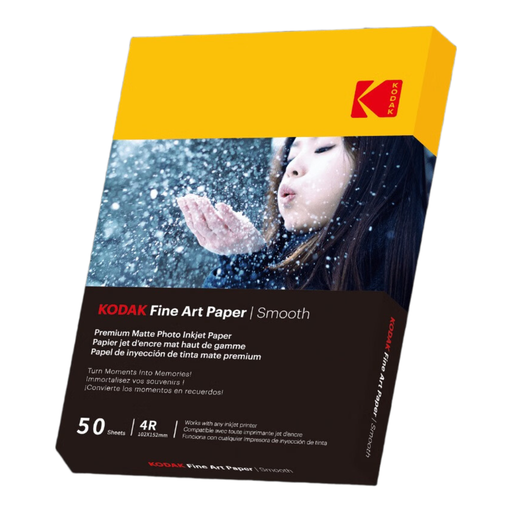
Why this choice suits this profile: its 10 × 15 cm size is ideal for family photos, cards and presentations printed at home.
Its matt finish reduces reflections and stops you automatically opting for glossy on creations that are handled often. The listing states compatibility with inkjet printers.
50 sheets, 10 × 15 cm size and Fine Art matt finish. The detailed listing mentions a weight of 180 g/m²; check the packaging if a different value appears in the title.
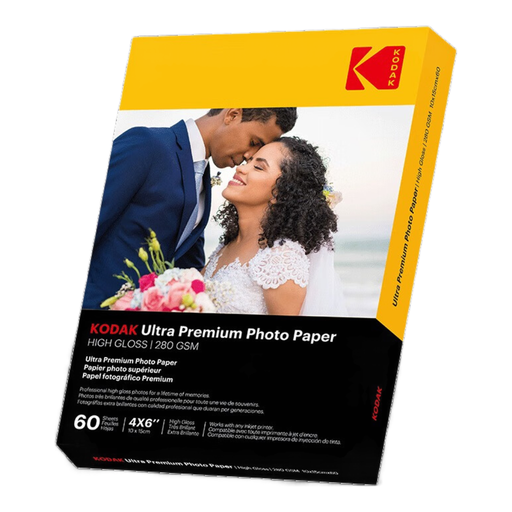
Why this choice suits this profile: it's aimed at home users who print 10 × 15 cm photos regularly and want a glossy surface with a stiffer feel.
Its stated weight of 280 g/m² is clearly listed. However, you must still confirm that your printer's tray can handle this thickness.
60 sheets, 10 × 15 cm size, high-gloss finish and intended for use with inkjet printers. The listing also states quick drying.
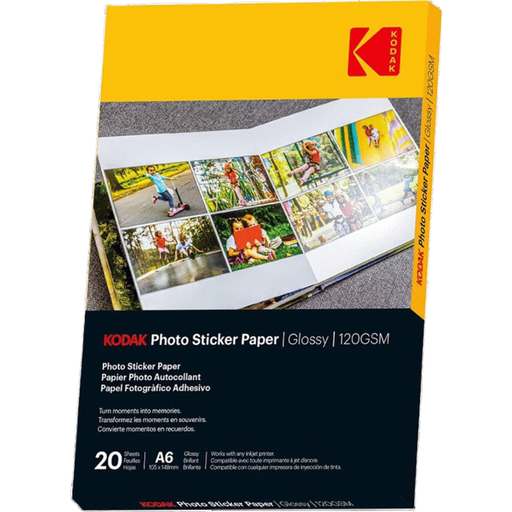
Why this choice suits this profile: this product is aimed at creatives, students and families making notebooks, decorations or personalised gifts.
The adhesive backing is clearly stated. No need to buy separate glue to fix your prints onto smooth surfaces.
20 sheets, 10 × 15 cm size, glossy surface, stated weight of 120 g/m² and compatibility indicated with inkjet printers.
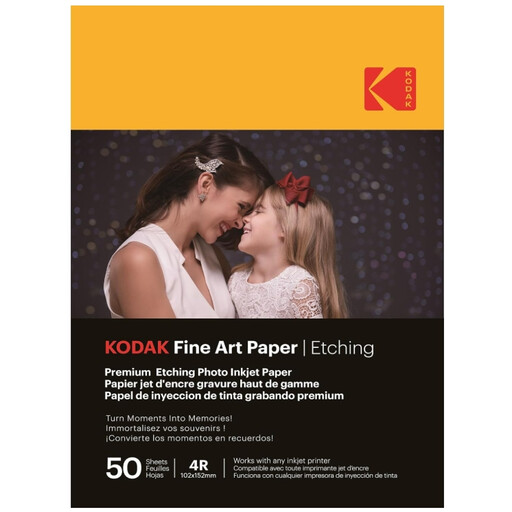
Why this choice suits this profile: its matt, textured canvas effect is ideal for reproductions, mini-posters, portraits and cards made at home.
The texture is stated directly in the listing, rather than leaving you to assume that glossy photo paper works for every project.
50 sheets, 10 × 15 cm size, weight of 210 g/m² and a textured matt finish with a canvas or engraving effect, according to the product listing.
We've put together an up-to-date selection of products that meet these criteria and suit different home printing needs.
The lifespan of a print depends on the ink used, its exposure to light, humidity levels and the storage medium. For memories that will stay in an album for a long time, avoid very damp rooms and direct sunlight.
The listings for the selected products indicate compatibility with inkjet printers. However, the tray, paper path and maximum accepted weight vary from model to model. Check your printer's manual, especially for papers weighing 210 g/m² and 280 g/m².
Glossy works well for photos where you want contrasting colours and a smooth surface. Matt reduces reflections and fingerprints. For a more artistic look, textured Kodak Fine Art paper offers a finish that's very different from standard photo paper.
Not necessarily. The cost per print depends on the pack price, the number of sheets, the weight and your success rate. Compare the price per sheet and choose a weight your printer can actually handle to minimise jams and wasted prints.