
Livraison le jour même ou le lendemain

Qualité garantie

Débloquez vos offres de bienvenue: Livraison GRATUITE | Jusqu'à -80 % | 30 jours d'essai gratuits à JoyPlus
Téléchargez l'application
Finding the right PC monitor for professional use can quickly become a challenge. Between the eye strain that sets in after long hours, the cables that clutter your desk, and the need for a perfectly sharp display, there are plenty of criteria to consider. This guide has one mission: to give you key insights and practical advice for choosing the right iiyama office monitor for you, without the unnecessary marketing jargon.
As product experts at Joybuy, our role is to find the gems that will boost your daily productivity and comfort.
Before diving into our selection, let's review the essential points that will guide your decision.
These two features define both the sharpness of the display and your actual workspace.
An ergonomic monitor is not a luxury but a necessity for maintaining good posture and reducing fatigue. Be sure to check the stand's adjustment options:
The proliferation of peripherals can quickly turn a desk into a nest of cables. A monitor with a built-in USB hub is a game-changer, centralising the connection for your keyboard, mouse, or USB drive directly on the screen.
The holy grail of simplicity is the USB-C monitor. A single cable is all it takes to transmit the video signal, data from peripherals connected to the screen, and even charge your laptop (be sure to check the power output, or Power Delivery, measured in watts).
Here are three iiyama models that meet different professional needs, chosen for their technical specifications and excellent value for money.
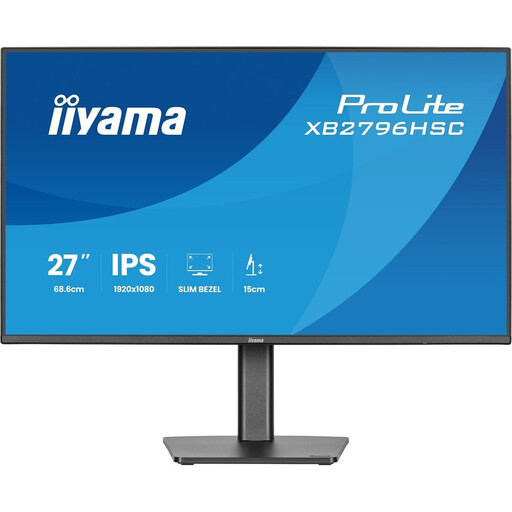
Why it stands out: This is the ultimate all-in-one solution for professionals on the go. Its USB-C port with 65?W of power is enough to connect and charge your laptop with a single cable, while also giving you a large screen and a hub for your peripherals.
Advantages:
Who is it for? Mobile professionals and remote workers who want a clean, functional workstation in a single step. Its high fluidity also makes it very enjoyable for mixed use (work and leisure).
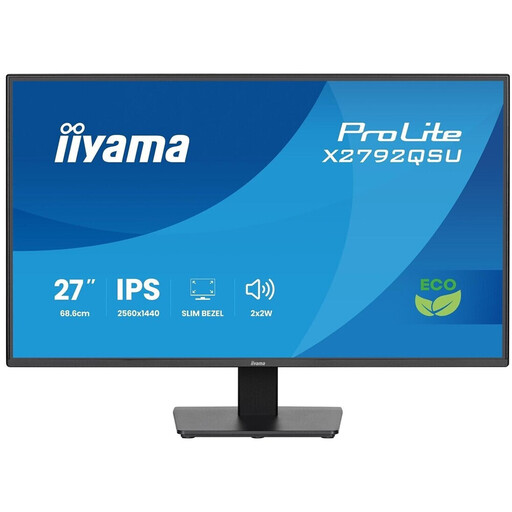
Why it stands out: With its WQHD (2560 x 1440) resolution on a 27-inch IPS panel, this monitor delivers surgical image precision, which is essential for visual professions, design, or data analysis.
Advantages:
Who is it for? Graphic designers, photographers, developers, and all professionals for whom detail accuracy and image quality are non-negotiable criteria.
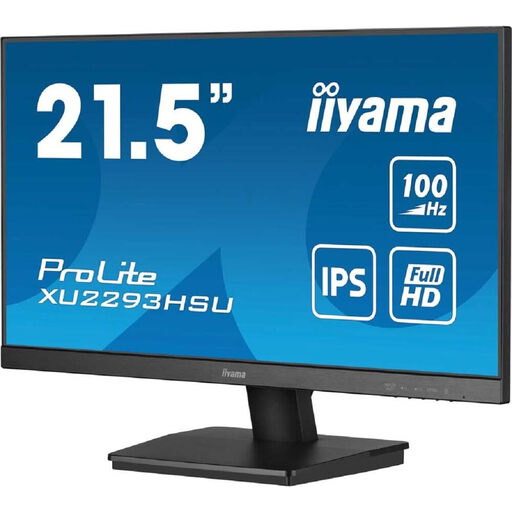
Why it stands out: This 21.5-inch monitor is the ideal solution for smaller desks or multi-monitor setups. It makes no compromises on image quality with its IPS panel and includes all the essentials for efficient daily office work.
Advantages:
Who is it for? Users looking for a reliable and full-featured professional PC monitor for their daily tasks, or those who want to build a dual- or triple-monitor setup without breaking the bank.
Our selection highlights very versatile models, but your needs might be more specific. If a perfectly organised desk is your top priority, other monitors might be a better fit.
To explore a wider range of monitors equipped with a hub, take a look at our dedicated category: Monitors with USB Hub.
1. What is the difference between IPS, VA, and TN panels?
2. Is a USB-C monitor compatible with all laptops? No, compatibility is not guaranteed. For the video signal to work, your laptop's USB-C port must support "DisplayPort Alternate Mode". For the charging function, also ensure that the power delivered by the monitor (e.g., 65?W) is sufficient for your machine. Be sure to check the technical specifications of both devices before making a purchase.
3. Why choose an iiyama monitor for professional use? The iiyama brand has built a solid reputation for offering monitors that combine reliability, pro-oriented features (ergonomics, connectivity), and excellent value for money. Their ProLite range, in particular, is designed to withstand long workdays and intensive use.