
Livraison le jour même ou le lendemain

Qualité garantie

Débloquez vos offres de bienvenue: Livraison GRATUITE | Jusqu'à -80 % | 30 jours d'essai gratuits à JoyPlus
Téléchargez l'application
Choosing the wrong reference can make a cartridge unusable, even if its packaging looks just like your old one. With standard and XL formats, separate or tri-colour cartridges, and the many HP series — 301, 302, 303, 304, 305, 62, 364, 903, 912, 924 or 937 — it’s best to do a few checks before placing your order.
Here are the main pitfalls to avoid:
The reference printed on your old cartridge is a good starting point. Also check the full printer model in its manual, its settings menu, or on the label at the back of the device.
For example, an HP 301 cartridge works with several HP DeskJet 1000, 1050, 2050, 3000 and 3050 printers, as well as some ENVY and OfficeJet models. An HP 305 cartridge, on the other hand, is mainly for the DeskJet 2700 and 4100 series, plus certain HP ENVY 6000 and 6400 models, depending on the variant.
So don’t stop at a general statement like “compatible with HP printers”. Compare the list of compatible models and the full cartridge reference.
Black cartridges often use pigment-based ink, designed to produce sharp, long-lasting text. Colour cartridges may contain dye-based ink, which is better suited to graphics and photos.
Page yield is expressed in pages according to the ISO/IEC 24711 standard. This method allows you to compare products on a standardised basis, but the actual number of pages depends on the print coverage, the quality selected, and how often you clean the print head.
Here are some benchmarks among the products available:
The standard format is suitable for occasional use, such as printing a few admin documents or school homework. An HP XL cartridge can space out replacements for remote workers, families or small businesses, provided the cost per page remains attractive.
An HP black and colour cartridge pack is handy when both tanks run out at roughly the same time. For regular use, a pack of four separate cartridges lets you replace only the colour that has run out. This is an advantage over a tri-colour cartridge, which has to be changed as soon as one of the colours runs low.
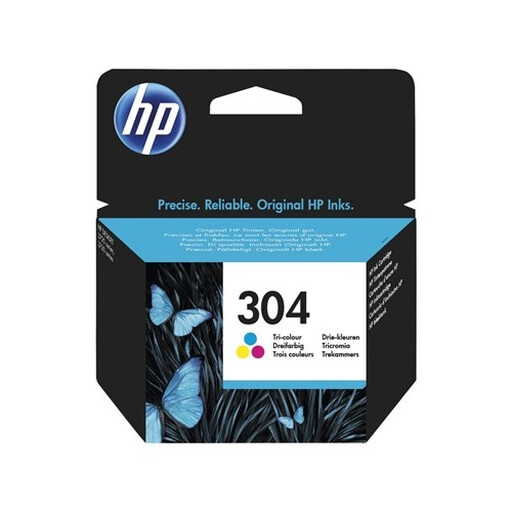
Why this choice suits this profile: This HP colour cartridge is ideal for users of DeskJet 2620, 2630, 3720, 3730 and 3750 printers, as well as ENVY 5020 and 5030 models, who print documents and images occasionally.
The compatibility list and reference N9K05AE make it easy to check before ordering. With a stated yield of around 100 pages, this cartridge also avoids paying for unnecessarily high capacity.
Original HP tri-colour cartridge, with dye-based ink and stated yield according to ISO/IEC 24711.
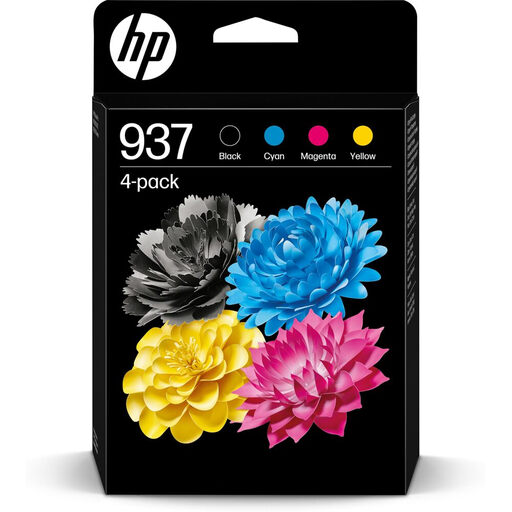
Why this choice suits this profile: This four-cartridge pack is aimed at users of OfficeJet Pro 9110b, 9120e, 9130e, 9720 or 9730 who need separate consumables for frequent professional printing.
The four colours are separate: you can replace only the empty cartridge without changing the whole colour set.
Pigment-based ink in all four colours, with a stated yield of 1,450 pages in black and 800 pages per colour.
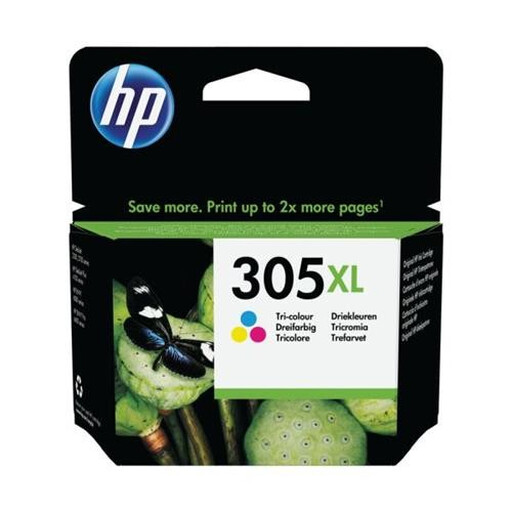
Why this choice suits this profile: The XL format is ideal for households, students and remote workers using an HP DeskJet 2700, 2730, 4100 or 4130, or an HP ENVY 6000 or 6400.
The stated yield of around 200 pages is calculated according to ISO/IEC 24711. This lets you compare the XL format with the standard HP 305 cartridge.
High-capacity HP colour cartridge, with dye-based ink and manufacturer reference 3YM63AE.
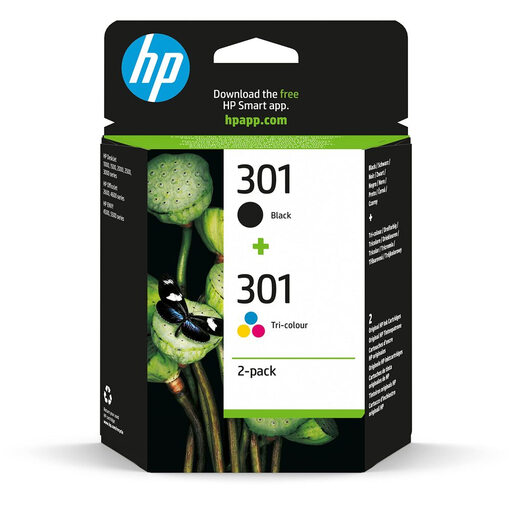
Why this choice suits this profile: This pack combines one HP black cartridge and one tri-colour cartridge for DeskJet, ENVY and OfficeJet printers compatible with the 301 series.
The pack contents are clearly detailed: one black cartridge and one colour cartridge, with stated yields of 190 and 165 pages.
Pack of two original HP cartridges, with pigment-based black ink and dye-based colour ink.
We’ve put together a comprehensive, real-time updated list of products that meet these strict selection criteria as well as European safety regulations.
Keep the cartridge in its sealed packaging until you’re ready to replace it. When installing:
Store cartridges vertically, in a dry place away from direct sunlight and extreme temperatures. Keep them out of reach of children. A cartridge compatible with an HP printer should always be installed in the intended model: never force a casing that doesn’t fit properly.
Start by noting the full printer model and the reference on your old cartridge. Then check the product’s compatibility list. An HP 301, HP 302, HP 303, HP 304 or HP 305 shouldn’t be chosen based on its shape alone.
Not necessarily. The XL format offers a higher stated yield, but it’s mainly worthwhile if you print regularly. For occasional use, a standard cartridge can avoid keeping unused stock. Compare the pack price with its yield according to ISO/IEC 24711.
Keep it sealed in its original packaging, upright, at a moderate temperature and away from direct light. Check the date or any instructions on the packaging. After opening, install it promptly to reduce the risk of drying out or print defects.