
Livraison le jour même ou le lendemain

Qualité garantie

Débloquez vos offres de bienvenue: Livraison GRATUITE | Jusqu'à -80 % | 30 jours d'essai gratuits à JoyPlus
Téléchargez l'application
Is your printer light flashing right when you have an urgent document to print? Running out of ink is a classic problem. Choosing a new cartridge can quickly become a headache with all the different part numbers, capacities, and packs available. It's easy to get lost.
No need to worry—this guide is here to demystify the HP 305 cartridge lineup. We'll review the different options to help you confidently find the perfect consumable for your needs and your printer. The goal? To get you back to printing without delay.
Before grabbing the first box you see, a few key points deserve your attention. Understanding these differences will ensure you make the right choice and avoid any mistakes.
The main distinction within the HP 305 range is the printing capacity, also known as page yield.
Your choice will simply depend on which cartridges need replacing.
This is a crucial step: make sure your printer is compatible. HP 305 cartridges are specifically designed for certain HP models. They work with the following series:
If you're looking for an HP Deskjet 2700 printer cartridge or an HP Envy 6000 cartridge, the 305 series is the correct one. If in doubt, the model's part number, such as 3YM61AE for the standard black, is also an excellent way to ensure you get the right one.
To help you make your choice, here is our selection of the essential cartridges in the HP 305 lineup.
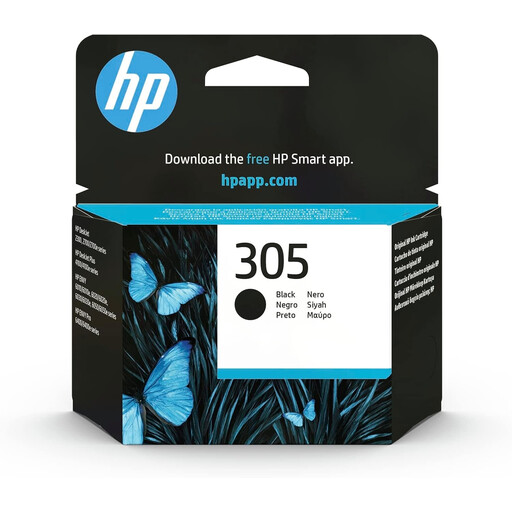
Why it stands out: This is the go-to cartridge for everyday printing. Its pigment-based ink ensures sharp, long-lasting black text that is even resistant to water and highlighters. Its official HP design guarantees reliability and instant recognition by your printer.
Advantages:
Who is it for? Ideal for individuals and families who occasionally print homework, tickets, recipes, or administrative documents.
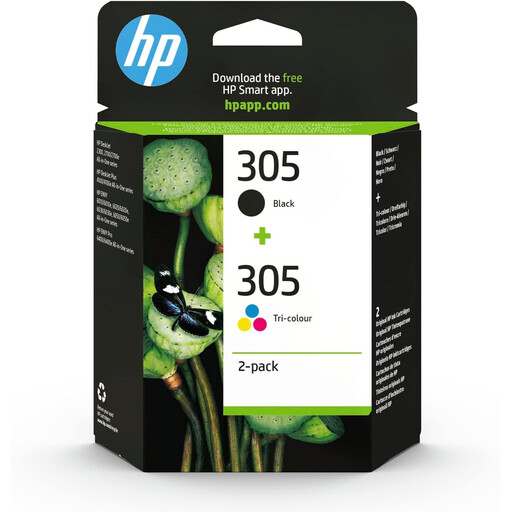
Why it stands out: This pack is the ultimate all-in-one solution. It combines a black and a tri-colour cartridge, making it ideal for replacing all your consumables at once and being ready for both black-and-white and colour printing.
Advantages:
Who is it for? Perfect for versatile users who need to print text documents as well as graphics, presentations, or a few photos.
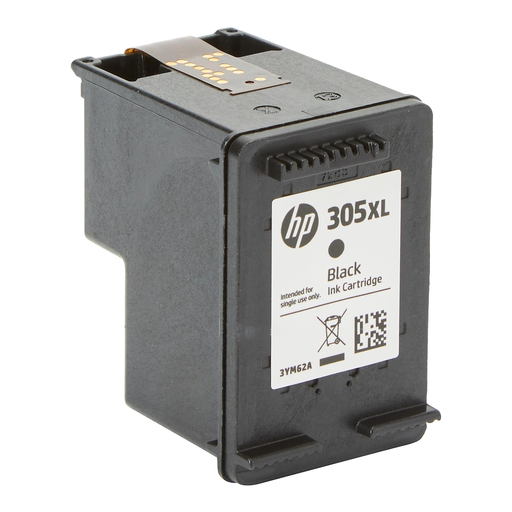
Why it stands out: The XL version is the marathon runner of the lineup. With double the yield of the standard cartridge, it's designed to extend the time between replacements and reduce costs for high-volume printing.
Advantages:
Who is it for? Recommended for students, remote workers, and small businesses that regularly print reports, coursework, or invoices in large quantities.
If the HP 305 cartridge isn't the right one for your printer, don't worry. Our full catalogue is available for you to explore a wide range of consumables from all brands.
? Explore our complete selection of printer cartridges
1. How do I know if my printer is compatible with the HP 305 cartridge? The easiest way is to check your printer's manual or the label on the device itself. Compatible models are also always listed on the cartridge packaging and its online product page. The main compatible series are HP DeskJet 2700/4100 and HP ENVY 6000/6400.
2. What is the difference in page yield between an HP 305 and an HP 305XL cartridge? The difference is significant: the standard HP 305 black cartridge prints approximately 120 pages (according to the ISO/IEC 24711 standard), while the HP 305XL version reaches up to 240 pages. It doubles the output, making it much more cost-effective for heavy use.
3. Can I print in black if my colour cartridge is empty? Yes, most compatible HP printers allow this. The device will switch to "black ink only" mode. However, to ensure the longevity of the printheads, it is recommended to replace the empty colour cartridge as soon as possible.