
Livraison le jour même ou le lendemain

Qualité garantie

Débloquez vos offres de bienvenue: Livraison GRATUITE | Jusqu'à -80 % | 30 jours d'essai gratuits à JoyPlus
Téléchargez l'application
The blinking printer light, the dreaded "Low Ink" message… There's no doubt it's time to replace your HP 303 ink cartridge. But which one should you choose? Between standard or XL versions, black or colour, the choice can quickly become a puzzle. Should you opt for the lower price of a standard cartridge for occasional use, or invest in a high-yield model to reduce your cost per page?
This guide is here to help you make an informed decision. We'll break down the differences between the HP 303 cartridges so you can find the perfect model for your needs and your printer, whether it's an HP ENVY Photo or an HP TANGO.
To ensure you make the right choice, here are the points to check before you buy. From capacity to ink type, every detail matters for optimal results.
The choice between a standard cartridge and an HP 303XL cartridge mainly depends on your printing volume.
HP 303 cartridges use two distinct ink technologies, each with its own strengths:
This is the crucial step: a cartridge must be compatible with your printer to work. The HP 303 series cartridges are specifically designed for the following models:
Before any purchase, double-check the exact model of your printer. The reference is usually written on the device or in the user manual.
To help you make your choice, here is our selection of official HP 303 cartridges, with their key features and target audience.
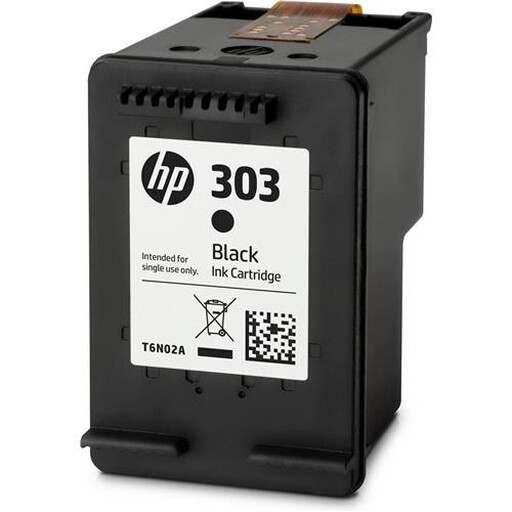
Highlights: This is the benchmark standard-capacity black cartridge. A reliable choice for everyday office needs, delivering the quality and consistency expected from a genuine consumable.
Benefits:
Who is it for? For individuals or remote workers who occasionally print text documents (invoices, letters, schoolwork) and are primarily looking for a low initial cost.
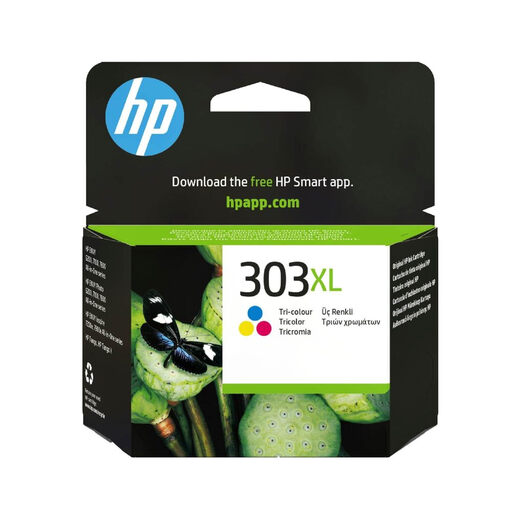
Highlights: This high-yield colour cartridge is perfect for photo enthusiasts and families. It combines a high page yield with inks that produce vibrant and faithful images.
Benefits:
Who is it for? For users who regularly print photos, graphics, or colour presentations and are looking for the best balance between image quality and page yield.
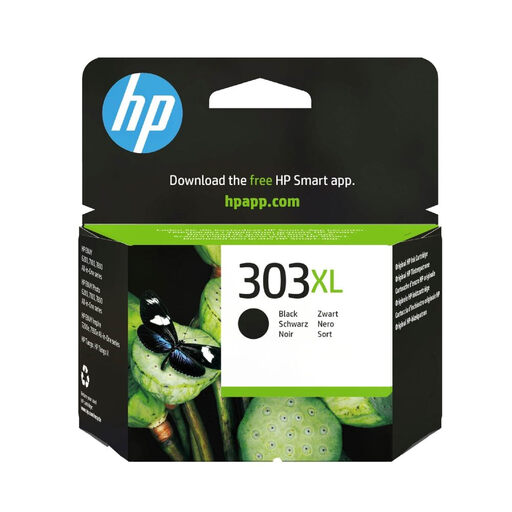
Highlights: With its ability to print approximately 600 pages, this cartridge is the ultimate cost-saving option for high-volume black and white printing. It maintains the quality of pigment-based ink while reducing the frequency of replacements.
Benefits:
Who is it for? For home office professionals, students, or small businesses that print large volumes of documents and want to optimise their long-term costs.
Is your printer not compatible with HP 303 cartridges? Don't worry, our catalogue is packed with other models for all brands.
Discover other models and brands on our dedicated ink page.
The difference comes down to the amount of ink and therefore the yield (the number of pages you can print). According to ISO/IEC 24711 standard estimates:
Absolutely not. They are designed for a very specific list of models: the HP ENVY Photo (6200, 7100, 7800) and HP TANGO printer series. Attempting to use an incompatible cartridge will not work and may even damage your printer. Verification before purchase is a non-negotiable step!
Generally, no. Most of the relevant HP printers require both cartridges (black and colour) to be installed and contain some ink to operate, even if you only want to print in black. This system helps prevent the printheads from drying out and becoming damaged. You will need to replace the empty cartridge to resume printing.