
Livraison le jour même ou le lendemain

Qualité garantie

Débloquez vos offres de bienvenue: Livraison GRATUITE | Jusqu'à -80 % | 30 jours d'essai gratuits à JoyPlus
Téléchargez l'application
Turning your living room into a private cinema is a dream for many cinephiles and families. The centrepiece of this transformation? The home cinema projector, of course. But faced with a plethora of options and sometimes obscure technical jargon (ANSI lumens, native 1080p, keystone correction…), making the right choice can often be a puzzle.
This guide is here to shed some light. Our mission: to decode the spec sheets for you and give you the keys to finding the projector that's perfectly suited to your needs and your home, far from the siren song of marketing.
Before diving into our selection, let's review the essential criteria that will guide your choice.
The quality of a projected image rests on two inseparable pillars: resolution and brightness.
The days of needing to plug in a computer for everything are over. A connected projector or smart projector greatly simplifies the experience.
A good projector should be simple to set up and use daily. Features like autofocus and automatic keystone correction automatically adjust the image to be perfectly sharp and rectangular, even if the device isn't positioned perfectly opposite the wall. This is a significant advantage, especially for a portable projector.
We have selected three models that stand out for their performance and cater to very specific needs.
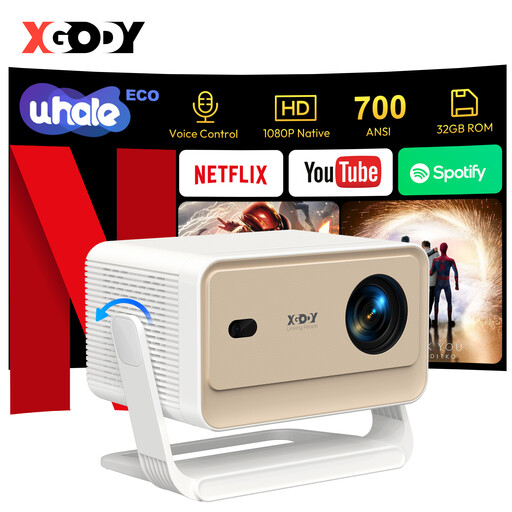
Why it stands out: The XGODY N6 Pro presents itself as a particularly accessible all-in-one solution. Its key feature? Its WhaleOS 3.0 operating system, which includes an official Netflix license. In practical terms, this guarantees smooth, high-definition streaming, free from the compatibility bugs or throttled resolutions found on many competing devices.
Pros:
Who is it for? Ideal for families and anyone looking for a "ready-to-use" solution for their movie and series nights, without any technical hassle.
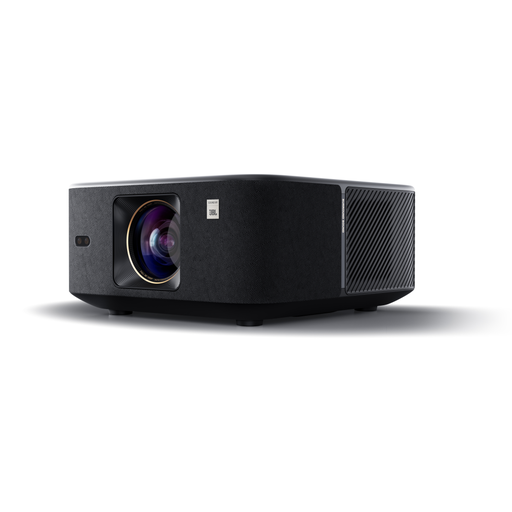
Why it stands out: The Yaber K3 focuses on a top-tier audiovisual experience. With a stated brightness of 1000 ISO lumens and an audio system designed in partnership with JBL, it's aimed at those who want to make no compromises on power, for both image and sound.
Pros:
Who is it for? For cinephiles and sports fans who want an image that pops even without complete darkness, and who demand superior sound quality without adding extra equipment.
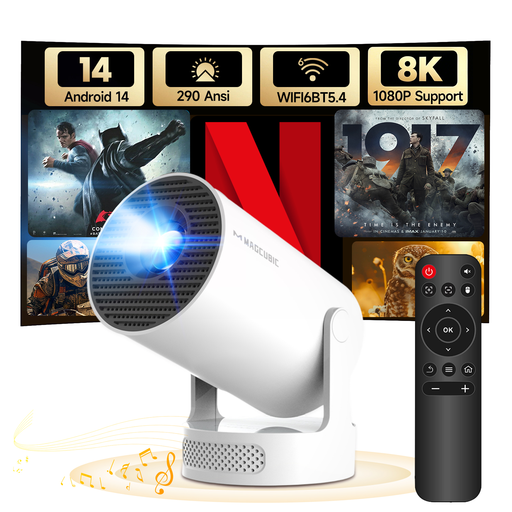
Why it stands out: The MAGCUBIC HY300Pro+ perfectly embodies the concept of a nomadic mini projector. Ultra-compact, it features a 180° rotating stand that allows it to project an image absolutely anywhere, including on the ceiling. It's the ideal companion for an impromptu movie session in the bedroom, on the patio, or on holiday.
Pros:
Who is it for? Perfect for students, young professionals in apartments, or anyone looking for a portable projector to carry from room to room, or to slip into a suitcase for the holidays.
This selection is, of course, just a glimpse of the possibilities available today. Every user has different expectations, and your ideal projector might be found elsewhere.
To discover a wider range of models, from native 4K projectors to more budget-friendly solutions, feel free to explore our complete collection of HD projectors.
A native 4K projector has a display chip with 8.3 million pixels (3840 x 2160), which guarantees a 4K image displayed with maximum sharpness. A 4K-compatible model (often native 1080p) can receive a 4K source signal, but it downscales it to display at its lower native resolution. The improvement in quality over a 1080p source is noticeable, but the image doesn't achieve the crispness of true native 4K.
It all depends on the brightness of your room.
Yes, provided you choose a very bright projector (over 1000 ANSI lumens) and, ideally, pair it with a specialised projection screen (known as "gain" or "ALR" for Ambient Light Rejecting). However, to achieve optimal contrast and vibrant colours, nothing beats a dimly lit room. Models like the Yaber K3 are specifically designed to perform better in these challenging conditions than entry-level projectors.