
Livraison le jour même ou le lendemain

Qualité garantie

Débloquez vos offres de bienvenue: Livraison GRATUITE | Jusqu'à -80 % | 30 jours d'essai gratuits à JoyPlus
Téléchargez l'application
Running out of ink just as you need to print an important document, a school assignment or an invoice can quickly become a headache — and cost you more than you expected. The price tag isn’t the only thing to watch out for: the wrong reference, a misunderstood page yield or a suspicious package could leave you with a cartridge that simply won’t work.
To choose genuine HP ink cartridges, three factors really matter: the exact printer model, the cartridge type and your expected print volume. Here are the checks you need to make before ordering a black HP cartridge, a colour one, an XL or a pack.
HP references 301, 302, 303, 304, 305, 364, 62, 912, 903 and 924 are not interchangeable. Even when they seem designed for similar printers, their shape, electronic chip and compatibility can differ.
An HP 301 cartridge will not automatically work in a printer that uses an HP 302 cartridge. Before placing your order, check the number printed on your old cartridge, in the manual or on your printer’s display.
An HP XL cartridge generally contains more ink than the standard version of the same family. However, it is not universal. An HP 302XL, for example, must be installed in a printer that is compatible with the 302 series.
The stated page yield is still an estimate based on the ISO/IEC 24711 standard. The actual number of pages you get depends on your document coverage, how often you print in colour and the automatic printhead cleaning cycles.
An HP cartridge pack may include black and the three colours, but your needs might not be balanced. If you mostly print text, buying a separate HP black cartridge could be more sensible. On the other hand, a household that prints photos, graphics or school materials will be better off choosing a complete set.
Compatibility with your HP printer is the first criterion, and the one where no compromise is possible. Note down the full model of your device — DeskJet, ENVY, OfficeJet or Tango — then compare it with the list provided on the product page.
For example:
If in doubt, also check the product code — for example N9K05AE, F6U65AE or 6ZC74AE — rather than relying solely on the commercial number.
An HP colour cartridge typically contains cyan, magenta and yellow. An HP black cartridge often uses pigment-based ink, which is particularly well suited to text documents. Some references therefore combine a pigment-based black ink with dye-based colour inks.
The technical data sheet may also specify the type of ink used:
These details help you match the cartridge to your usage, without guaranteeing identical results on all paper types.
Compare the stated number of pages rather than just looking at the pack price. As a guide, the references on offer show different yields:
These figures are established according to the ISO/IEC 24711 standard. They serve primarily as benchmarks for comparing different references.
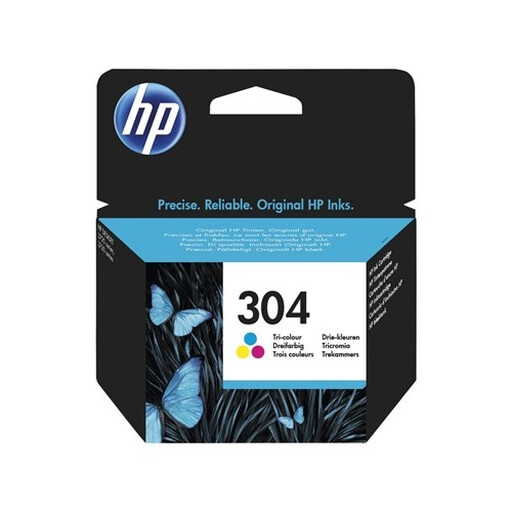
Why this choice suits this profile: This colour cartridge is ideal for occasional printing of documents, homework and a few images on compatible DeskJet and ENVY models.
The N9K05AE reference and the list of compatible printers let you check the model before buying, rather than choosing based on the packaging colour alone.
Dye-based colour ink, stated yield of approximately 100 pages and sold individually.
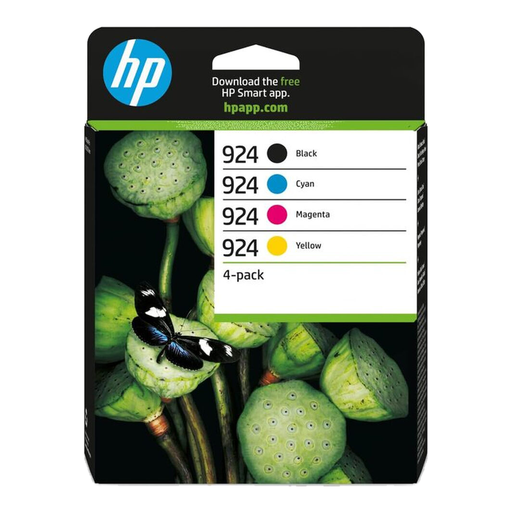
Why this choice suits this profile: This complete pack is aimed at users of a compatible HP OfficeJet Pro who need a black and colour set for the office or home working.
The pack clearly details the 924 black and 933 colour combination, reducing the risk of mixing up two cartridge families.
Pigment-based black ink, dye-based colours, approximately 500 pages in black and 400 pages per colour.
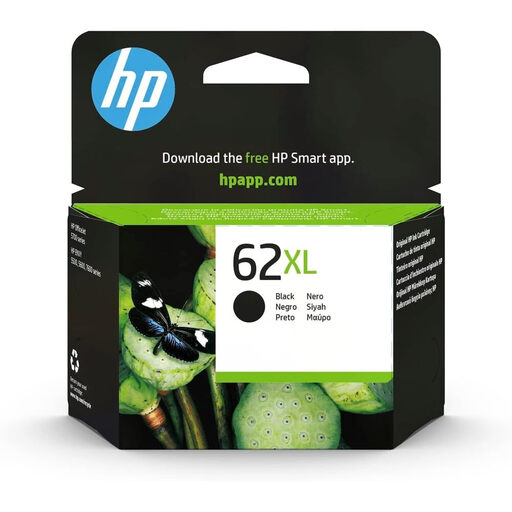
Why this choice suits this profile: Its stated capacity is ideal for households, students, freelancers and small businesses that print regularly in black.
The 62XL label refers to a specific reference and a list of compatible ENVY and OfficeJet printers, rather than a general promise of longevity.
Pigment-based black ink and stated yield of approximately 600 pages according to ISO/IEC 24711.
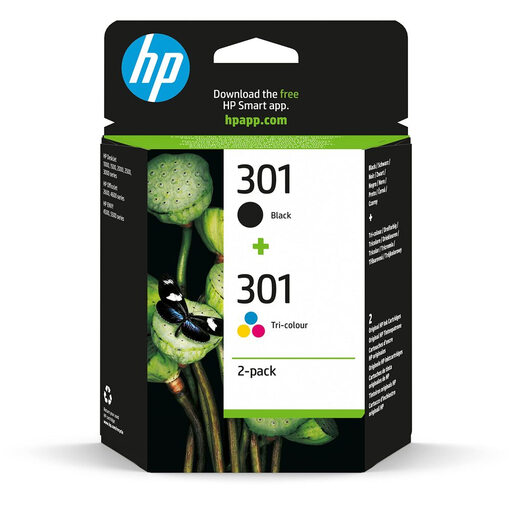
Why this choice suits this profile: This black and tri-colour duo lets you replace both cartridges in a compatible printer with a single order.
The pack contents are clearly detailed: one black cartridge and one tri-colour cartridge, with compatibility stated for several DeskJet, ENVY and OfficeJet series.
Approximately 190 pages in black and 165 pages in colour, with pigment-based black ink and dye-based colour ink.
We have put together a comprehensive list, updated in real time, of products that meet these strict selection criteria and European safety regulations.
Keep cartridges in their sealed packaging until you are ready to install them. Store them upright, away from direct sunlight and extreme temperatures. Do not touch the copper electronic contacts or the metal nozzles: any dirt or clumsy handling can cause print defects.
After removing the protective seal, install the cartridge immediately into the correct slot. A click usually confirms it is properly in place. Never force a cartridge into an incompatible printer and keep it out of reach of children.
Note down the full model of your printer, then compare it with the list on the product page. Also check the cartridge number and, if possible, its manufacturer code.
Not necessarily. The page yield varies depending on the reference. For example, the HP 302XL black states approximately 480 pages, while the standard HP 302 colour cartridge states approximately 165 pages. Use the figures based on the ISO/IEC 24711 standard as a basis for comparison.
Keep it sealed, upright, in a dry, temperate place away from direct light. After opening, install it promptly to reduce the risk of drying out and print defects.