
Livraison le jour même ou le lendemain

Qualité garantie

Débloquez vos offres de bienvenue: Livraison GRATUITE | Jusqu'à -80 % | 30 jours d'essai gratuits à JoyPlus
Téléchargez l'application
By our Joybuy product experts, July 16, 2026
Is your printer's ink light flashing? That's the signal to order a new cartridge. What seems like a simple task can quickly become a headache: which is the right part number? Is this model truly compatible? Faced with a jungle of options, it's easy to feel lost.
Don't panic. This guide is here to help you see clearly and choose the genuine HP cartridge that's perfectly suited for your device. Follow our advice to get it right every time.
Before you check out, a few simple checks will help you avoid ordering mistakes and ensure you buy the right supply.
This is the number one step, and one you should never skip: ensuring the HP cartridge's compatibility with your printer model. There are several ways to do this:
Every online product page lists the compatible printers in detail. Always take the time to check that your model is on the list.
HP ink cartridges are available individually or in packs. The HP cartridge combo pack usually contains one black HP cartridge and one colour cartridge. This is often the most cost-effective option if you use both regularly. For printers with separate colour cartridges (cyan, magenta, yellow), a full combo pack is also a great idea to always have a spare set on hand.
For many part numbers, HP offers a standard size and a high-yield (XL) format. XL cartridges contain more ink and allow you to print a significantly higher number of pages. Although their purchase price is higher, they offer a much lower cost per page. It's the smart choice for heavy use, both at home and in the office.
To guide you, here is our selection of the most popular and reliable HP ink cartridges available now.
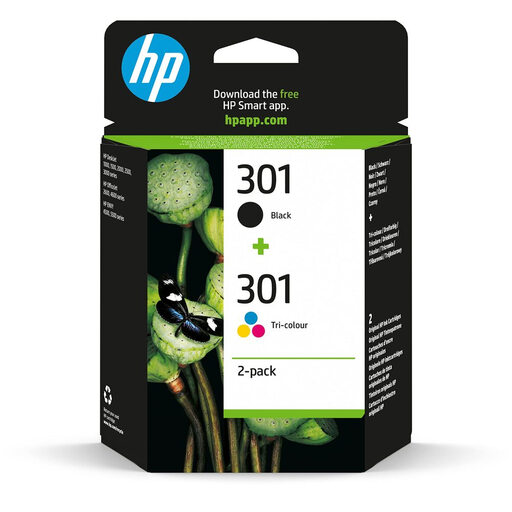
This pack is a classic choice for many households with entry-level HP DeskJet, ENVY, or OfficeJet printers. It includes one black cartridge and one tri-colour cartridge.
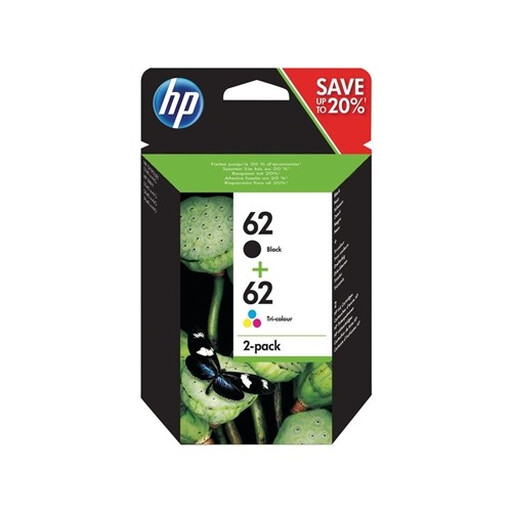
The HP 62 cartridge is for printers in the HP ENVY and OfficeJet ranges, which are often chosen for their versatility in handling both documents and photos.
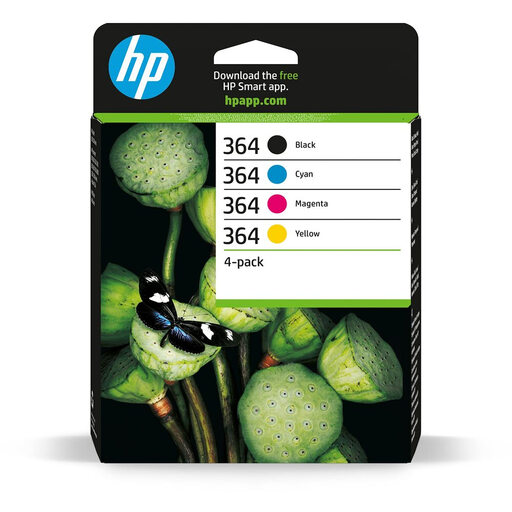
The HP 364 cartridge system uses separate inks for cyan, magenta, and yellow, in addition to black. This four-pack is the complete solution for photo-oriented printers, such as the HP Photosmart series.
Our catalogue covers a wide range of supplies for all needs. And if your projects go beyond printing standard documents (like creating badges, ID cards, etc.), take a look at our selection of card printers.
A genuine HP cartridge is the only one made by HP, for HP. It is designed and tested to work in perfect harmony with your printer, guaranteeing seamless compatibility and optimal print quality. A compatible cartridge, on the other hand, is produced by a third-party manufacturer. While its price is often more attractive, its reliability, ink quality, and yield can be inconsistent. Be aware that using non-genuine cartridges may, in some cases, affect your printer's warranty.
The surest way is to cross-reference three pieces of information: your printer model (e.g., HP DeskJet 3700), the cartridge part number (e.g., HP 304), and the compatibility list shown on the packaging or the online product page. If your printer is on the list, you're good to go!
HP cartridges have an "end of warranty" date on their packaging, but not an expiry date, strictly speaking. It is highly recommended to use them before this date for perfect print quality. After this date, the ink may degrade (it can thicken or dry out), which can negatively affect print quality or even clog the printheads. Our advice: store your new cartridges in their sealed packaging at room temperature and away from direct light.