
Livraison le jour même ou le lendemain

Qualité garantie

Débloquez vos offres de bienvenue: Livraison GRATUITE | Jusqu'à -80 % | 30 jours d'essai gratuits à JoyPlus
Téléchargez l'application
Choosing a new gaming PC monitor can feel like an uphill battle. Between impenetrable spec sheets and marketing jargon, it's easy to get lost and end up regretting your purchase. This guide is here to help you see things more clearly, decode the essential features, and find THE monitor that truly fits your needs and budget—without falling for the common pitfalls.
The market is flooded with technical terms designed to impress. Before you pull out your credit card, be aware of these three common and potentially costly mistakes.
Making an informed choice is all about balancing these key parameters with your specific use case.
The refresh rate, measured in Hertz (Hz), indicates how many images your screen can display per second. A 144?Hz gaming monitor is now the standard for a truly smooth gaming experience. Models at 180?Hz, 240?Hz, or higher push the envelope even further, providing a real advantage in fast-paced competitive games (like FPS and racing titles).
However, this fluidity must be balanced with resolution?:
The panel technology determines colour quality, contrast, and responsiveness.
The most popular size is the 27-inch gaming monitor, a very comfortable format for QHD. Curved screens (1800R, 1500R...) aim to wrap around your field of view to heighten immersion. Ultimately, it's a matter of preference?: some love it, while others swear by flat screens for strategy games or precision tasks.
Here are a few options that cater to different user profiles, keeping in mind the criteria and pitfalls we've discussed.
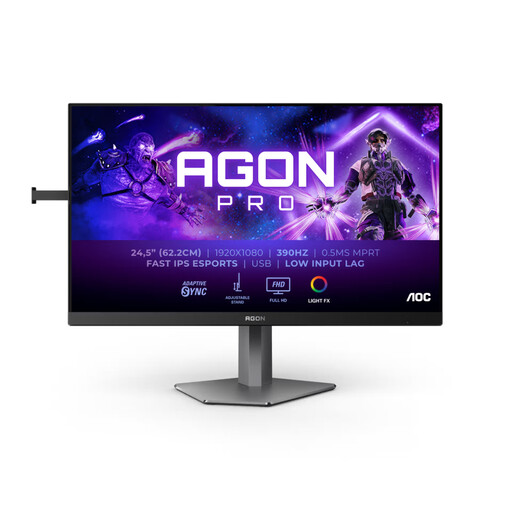
Why it's a perfect match : This monitor is a powerhouse, built for pure performance. Its compact 24.5-inch size and FHD resolution are esports standards : they keep the focus on the action and maximize FPS. Its extreme 390 Hz refresh rate offers a decisive advantage in fluidity and reaction time.
It avoids the MPRT trap thanks to its Fast IPS panel, which ensures excellent GtG responsiveness. It's also aimed at a savvy audience with the PC hardware to leverage such a high refresh rate, thus avoiding the pitfall of buying an underutilised, overpowered monitor.
Native 360 Hz refresh rate (overclockable to 390 Hz) for absolute smoothness. Fast IPS panel combining faithful colours and responsiveness. Fully adjustable ergonomic stand.
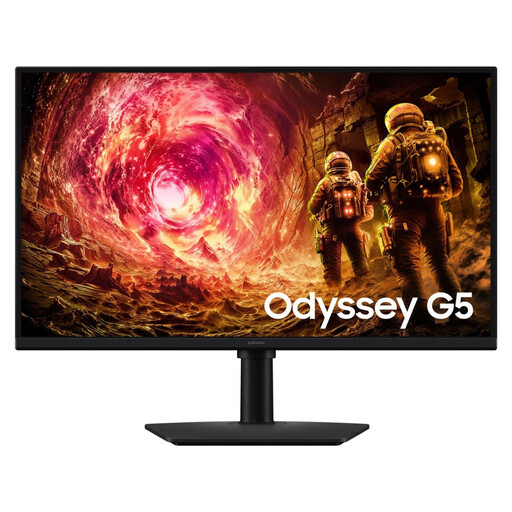
Why it's a perfect match : This 27-inch QHD monitor strikes the perfect balance. It offers superb image quality for single-player games and great fluidity (180 Hz) for multiplayer matches. It's also an excellent companion for productivity and multimedia.
It offers a balanced combination of resolution (QHD 2560x1440) and refresh rate (180 Hz), a pairing that is perfectly manageable for most mid-range graphics cards. Its Fast IPS panel ensures accurate colours and flawless responsiveness (1 ms GtG).
QHD resolution for a sharp, detailed picture. 180 Hz refresh rate for impeccable smoothness. AMD FreeSync Premium compatibility for gaming without screen *tearing*.
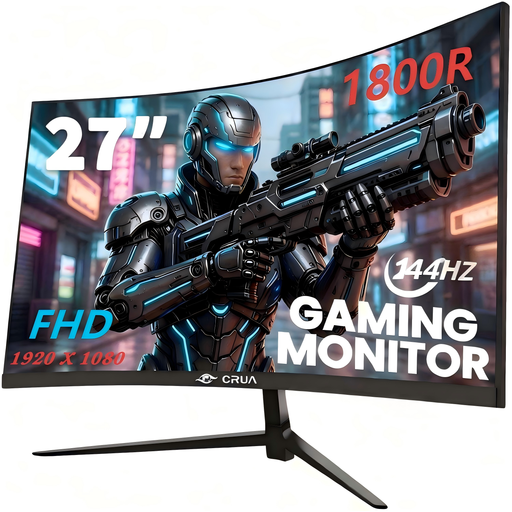
Why it's a perfect match : For gamers who want a smooth experience without breaking the bank, this monitor focuses on the essentials : FHD resolution, a 144 Hz refresh rate, and a curved panel for immersion, all at a highly competitive price.
It's all about the price-to-performance ratio. By opting for a VA panel, it prioritizes contrast (3000:1) while still delivering a 144 Hz refresh rate—a very smart compromise for tight budgets.
144 Hz refresh rate for smooth gameplay. 1800R curvature for enhanced immersion. 120% sRGB colour gamut coverage and AMD FreeSync compatibility.
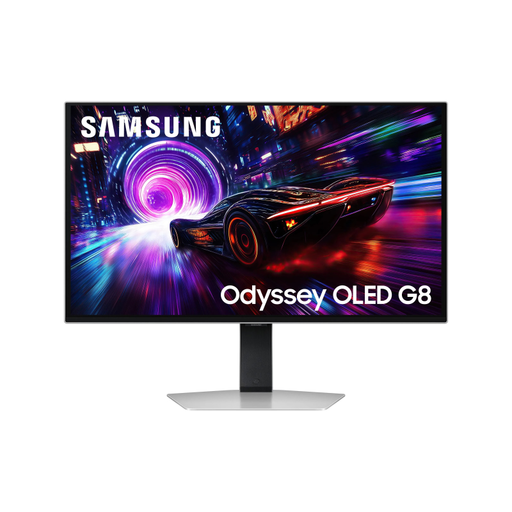
Why it's a perfect match : This monitor is the best of both worlds : 4K resolution for absolute precision in graphic design or video editing, and cutting-edge gaming performance thanks to its 240 Hz OLED panel. The choice for those who refuse to make any compromises.
With its OLED panel, it ends the IPS vs. VA debate by offering infinite contrast and a near-instantaneous response time (0.03 ms). Its premium positioning is justified by an exceptional spec sheet (4K, 240 Hz, OLED) that checks every box.
Spectacular 4K OLED image quality. Extreme fluidity at 240 Hz with a 0.03 ms response time. HDR True Black 400 support for stunning contrast. Perfect ergonomics with a fully adjustable stand.
Discover our complete, up-to-date selection of monitors that meet our demanding selection criteria and current safety standards.
For the vast majority of gamers, a 144?Hz or 180?Hz monitor already offers a very smooth experience and a significant improvement over a standard 60?Hz monitor. A 240?Hz (or higher) screen is primarily for high-level competitive players in fast-paced titles like Valorant or CS:GO, where every millisecond counts. To take advantage of it, you'll of course need a graphics card capable of generating that many frames per second.
This is purely a matter of preference. A curved screen enhances immersion, especially in simulation games (racing, flight) or FPS titles, as it wraps around your field of view. On the other hand, for strategy games or productivity tasks that require perfectly straight lines (graphic design, spreadsheets), many people still prefer a flat screen.
There are two things to check. First, the connectivity?: make sure your graphics card has the right port (usually a DisplayPort 1.4 or HDMI 2.1 for high resolutions and refresh rates) so the monitor can reach its maximum refresh rate. Second, raw power?: look for online benchmarks of your graphics card in your favorite games at the resolution of the monitor you're considering. This will give you a clear idea of the FPS you can expect and help you choose a suitable refresh rate.