
Livraison le jour même ou le lendemain

Qualité garantie

Débloquez vos offres de bienvenue: Livraison GRATUITE | Jusqu'à -80 % | 30 jours d'essai gratuits à JoyPlus
Téléchargez l'application
Choosing a new gaming monitor can be a real headache. Between resolution, refresh rate, response time, and the different panel types, it's easy to get lost. This guide is here to decode the technical jargon and present a selection of field-tested monitors. Whether you're a PC esports pro, a next-gen console enthusiast, or a content creator, we'll help you make the right choice.
Before diving into our selection, here are the essential points to check to ensure you make the right decision.
The balance between resolution (for sharpness) and refresh rate (for smoothness) is crucial.
The size and shape of the screen directly influence your gaming experience.
The connectivity on your gaming monitor is essential for getting the most out of your hardware.
Here are three models from the iiyama G-Master range that cater to distinct player profiles, from immersive big-screen gaming to pure, hardcore esports performance.
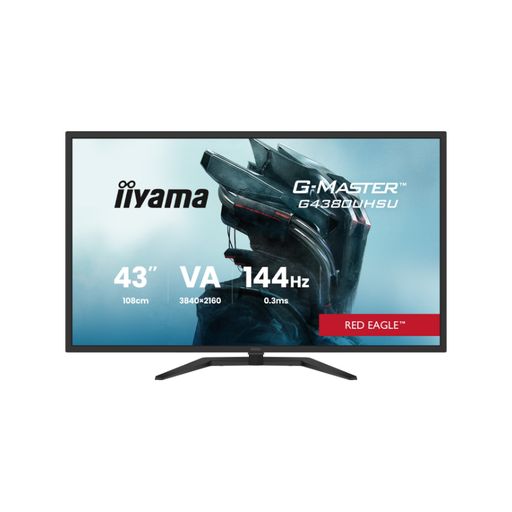
What sets it apart Its 42.5-inch 4K UHD VA panel offers a giant display area and remarkable image sharpness. It transforms your desk into a true entertainment hub, perfect for both console and PC gaming.
Key Features
Who is it for?? Next-gen console gamers (PS5, Xbox Series X) and fans of single-player PC games (RPGs, adventure) seeking total visual immersion on a giant screen.
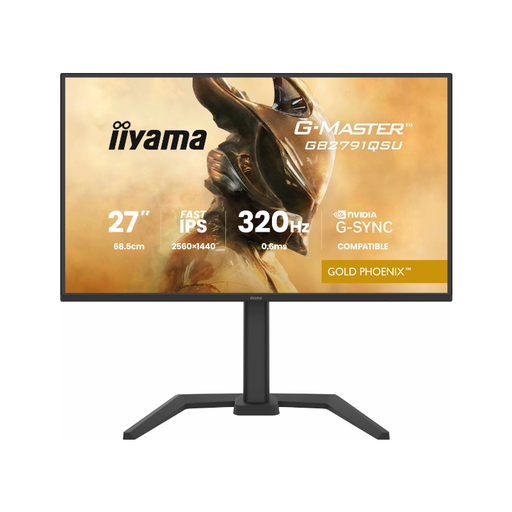
What sets it apart This monitor is built for speed. With its 320?Hz refresh rate and Fast IPS panel, it promises absolute responsiveness for the most demanding competitive players.
Key Features
Who is it for?? Esports players and fierce competitors in titles like Valorant, CS:GO, or Apex Legends, for whom every millisecond and every frame counts in gaining the upper hand.
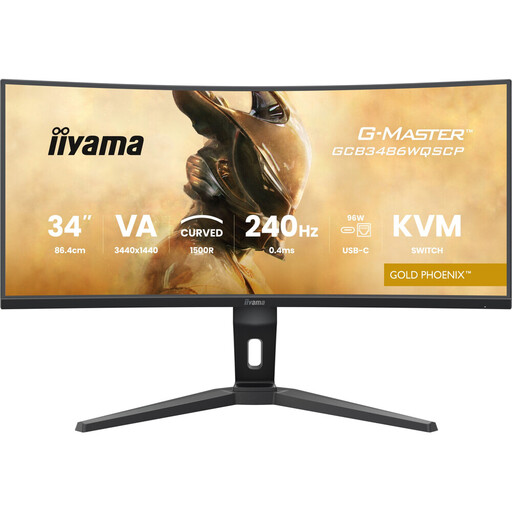
What sets it apart This is the ultimate all-rounder. It combines an immersive gaming experience, thanks to its 240?Hz curved ultrawide format, with advanced productivity features like a KVM switch and USB-C dock.
Key Features
Who is it for?? Gamers looking for a monitor that is as comfortable for work as it is for play. Ideal for simulation fans, content creators, and professionals who want a setup that is both clean and ultra-powerful.
This selection is just a glimpse of what's possible. If your needs are different or you simply want to explore other options, many other configurations are available.
Explore our complete collection of gaming monitors to discover other sizes, resolutions, and features that might meet your needs.
1. Should I prioritise resolution or refresh rate?? It all depends on your favourite games! For fast-paced, competitive titles (FPS, etc.), a high refresh rate (144?Hz and above) is essential to ensure smoothness and responsiveness. For adventure or strategy games with stunning graphics, a high resolution (QHD, 4K) will enhance the image and deepen the immersion.
2. Is a curved monitor really useful for gaming?? Absolutely, especially on large screens or ultrawide formats. The curve reduces the distance between your eyes and the edges of the screen, which enhances immersion and can reduce eye strain by maintaining a more consistent viewing distance across the entire surface.
3. Which gaming monitor should I choose for a PS5 or Xbox Series X?? To unlock the full potential of these consoles, look for a PS5-compatible or Xbox Series X monitor equipped with at least one HDMI 2.1 port. This is essential for playing in 4K at 120?Hz and taking advantage of VRR (Variable Refresh Rate), which eliminates screen tearing and ensures perfect fluidity.