
Livraison le jour même ou le lendemain

Qualité garantie

Débloquez vos offres de bienvenue: Livraison GRATUITE | Jusqu'à -80 % | 30 jours d'essai gratuits à JoyPlus
Téléchargez l'application
Remote work, long gaming sessions, intensive study… we are spending more and more time sitting down. The result: back pain sets in, posture deteriorates, and productivity drops. In this context, an ergonomic office chair is no longer a luxury, but a crucial investment in your daily health and comfort.
But with a sea of options, how do you make the right choice? This guide is here to cut through the noise and give you the keys to finding THE ergonomic office chair that’s right for you, without the marketing fluff.
Before diving into our top picks, let's review the essential criteria for making an informed decision.
To be effective, an ergonomic chair for your back must conform to the natural curve of your spine. A desk chair with lumbar support is therefore not an option, but a priority. Check for these two crucial points:
The choice of upholstery is crucial for your comfort, especially if you spend hours in the chair.
Ergonomics is about the chair's ability to adapt to your body, not the other way around. Beyond the backrest, the following adjustments make all the difference:
Keeping these criteria in mind, we have selected three models that excel in their category, perfect for a remote work office chair or for intensive use.
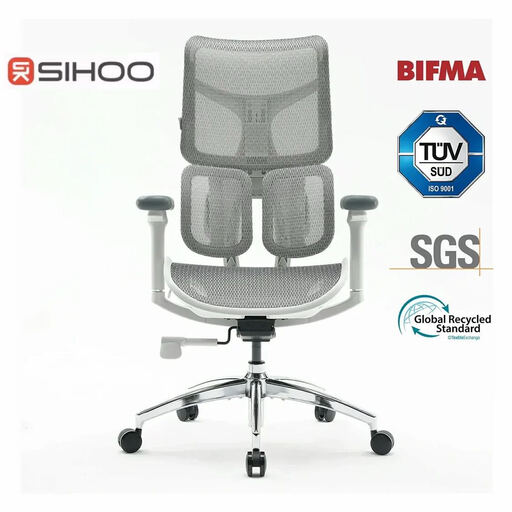
Its Standout Feature: The SIHOO Doro S100 is all about cutting-edge back support. Its dual dynamic lumbar support mechanism, equipped with four springs, adapts in real-time to your postural changes for support that is both enveloping and personalized.
Highlights:
Who is it for? For professionals and intensive users who demand flawless lumbar support and a chair that dynamically adapts to their movements throughout the day.
See the SIHOO Doro S100 on Joybuy.fr
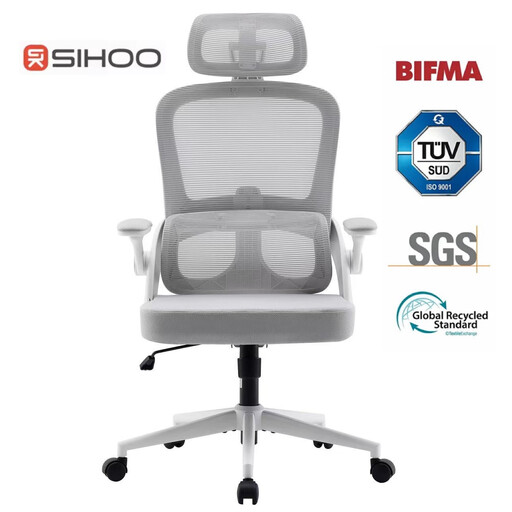
Its Standout Feature: The SIHOO M102C shines with its versatility and practicality, thanks in particular to its flip-up armrests. A clever feature that allows the chair to be easily slid under the desk, making it a significant space-saver.
Highlights:
Who is it for? For those who work in smaller spaces or who like to be able to stow their chair away to free up room. It's a very well-balanced option for remote work and versatile office use.
See the SIHOO M102C on Joybuy.fr
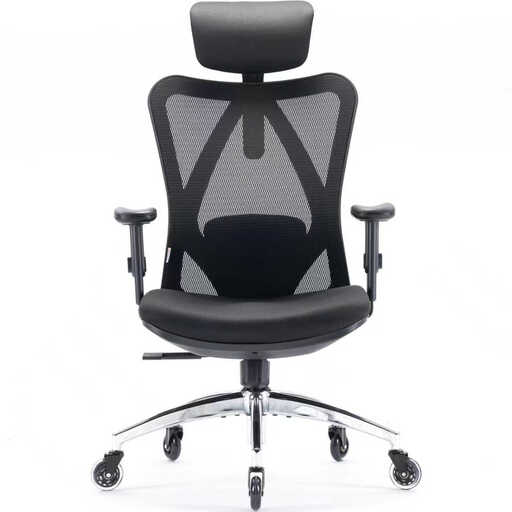
Its Standout Feature: The SIHOO M18 office chair is the ideal entry point into the world of ergonomics. It checks all the essential boxes (backrest, headrest, height, recline, armrests) at an affordable price point.
Highlights:
Who is it for? For students, remote workers, and anyone looking for their first reliable and full-featured ergonomic chair without breaking the bank.
See the SIHOO M18 on Joybuy.fr
A good chair is the foundation of a healthy workstation, but it's just the beginning. For truly comprehensive ergonomics, your entire environment needs to be cohesive. The ideal solution is to pair your chair with a desk that is also height-adjustable.
Discover our selection of adjustable computer desks with wheels to create a dynamic and fully personalised workspace.
1. Ergonomic chair vs. classic office chair: what's the difference? A standard office chair offers limited adjustments (often just the height). An ergonomic chair, on the other hand, is designed to adapt to your body through multiple adjustments (lumbar support, armrests, seat depth, recline, headrest) to promote good posture and reduce muscle strain.
2. How do I properly adjust my ergonomic chair? Start by adjusting the seat height so your feet are flat on the floor and your knees are at a 90-degree angle. Next, adjust the lumbar support to fit the natural curve of your lower back. Finally, set the armrests so your shoulders are relaxed and your forearms are parallel to the floor when typing.
3. Is there an adjustment period for a new ergonomic chair? Yes, an adjustment period of a few days to a week is completely normal. A good ergonomic chair will correct your posture, which may engage your muscles differently. Take the time to experiment with the settings to find the perfect configuration for you.