
Livraison le jour même ou le lendemain

Qualité garantie

Débloquez vos offres de bienvenue: Livraison GRATUITE | Jusqu'à -80 % | 30 jours d'essai gratuits à JoyPlus
Téléchargez l'application
By Joybuy, your product expert
Is your HP Color LaserJet Pro printer flashing the dreaded "Low Toner" message at the worst possible time? For a small business, freelancer, or home office, printing downtime means lost productivity. And when you see the price of original cartridges, the bill can quickly add up. Fortunately, reliable and cost-effective alternatives exist.
This guide gives you everything you need to choose the right compatible HP 203X toner cartridge for your needs. We'll break down the essential technical points and present our top picks so you can get back to printing without delay—and most importantly, without sacrificing the quality of your professional documents.
Before you buy, a few simple checks will help you avoid compatibility errors and ensure optimal performance.
This is fundamental: make sure the cartridge is designed for your specific printer model. The HP 203A and HP 203X references are compatible with several printers in the HP Color LaserJet Pro series, including the very popular HP M281fdw and HP M254dw.
The main difference between these two references is their capacity:
Modern printers use an electronic chip on each cartridge to communicate crucial information, such as the remaining toner level. A quality compatible cartridge must include a recent, functional chip. This guarantees that your printer will recognise it without displaying error messages and that the installation will be seamless. Products intended for the European market generally meet this requirement.
For professional documents, print quality is not optional. A good, affordable HP 203X toner should make no compromises on text sharpness or colour vibrancy. Prioritise cartridges that promise perfectly legible text and vivid colours for graphics. A black 203X cartridge must produce deep, consistent blacks, while a colour cartridge like the CF540A cyan should deliver accurate and constant hues.
To help you make an informed choice, we have selected compatible cartridges that meet our criteria for performance and reliability in a professional setting.
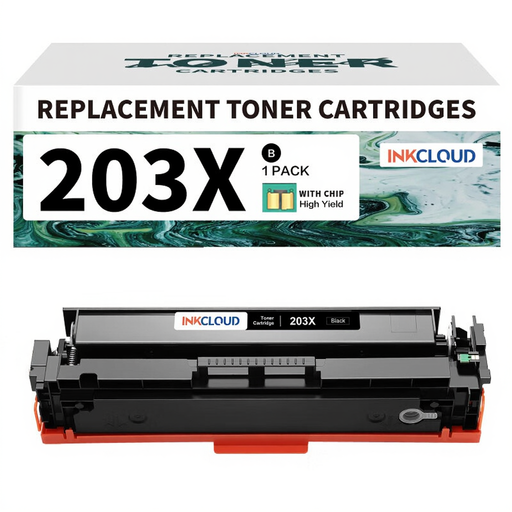
Why it stands out: This cartridge is positioned as a direct and high-performing alternative to the HP 203A (CF540A) and HP 203X (CF540X) models. Its key strength: producing flawlessly sharp black text, a fundamental need for all administrative documents, reports, and invoices.
Benefits:
Who is it for? Businesses and professionals who primarily print text documents and are looking to reduce their printing costs without sacrificing readability.
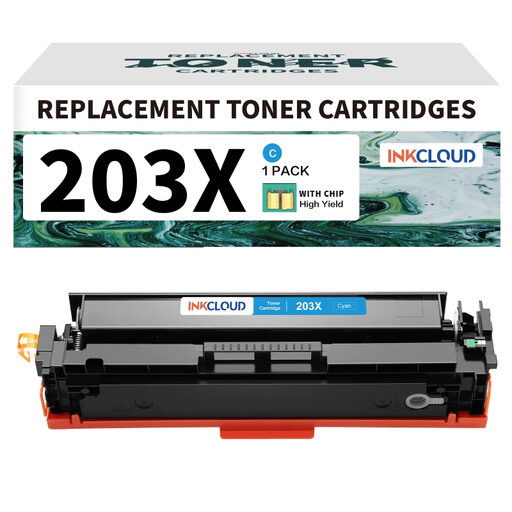
Why it stands out: Designed to replace the HP CF540X/CF540A references, this cyan cartridge focuses on delivering vibrant and consistent colours. It is essential for creating presentations, graphics, or marketing materials with an impeccable visual finish.
Benefits:
Who is it for? Users who regularly print documents in colour (graphics, logos, presentations) and demand faithful colour reproduction.
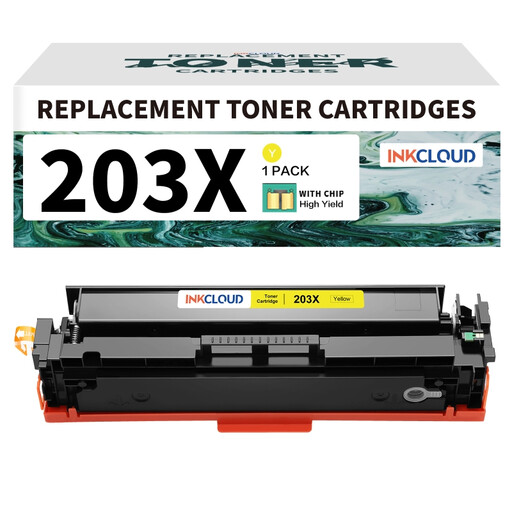
Why it stands out: This yellow toner cartridge is the perfect alternative to the HP CF540X/CF540A models, ensuring prints with vibrant colours. It is essential for completing the CMYK (Cyan, Magenta, Yellow, Black) spectrum and achieving visuals with rich colours.
Benefits:
Who is it for? SMEs, communication agencies, or marketing departments that create visual materials and need a complete and reliable colour palette.
The products featured here are just a selection for the most common needs. If you're looking for magenta, a complete pack, or a cartridge for a different printer model, other options await.
? Discover our full range of compatible toner cartridges
1. What is the difference between an HP 203A and 203X cartridge? The entire difference lies in the capacity. The HP 203A is a standard-yield cartridge, while the HP 203X is a high-yield version that contains more toner and therefore prints many more pages. The 203X version is more cost-effective if you have a high printing volume.
2. Can a compatible cartridge damage my HP M281fdw printer? No. A quality compatible cartridge, manufactured according to European standards, is designed to work safely with the specified printer models. To avoid any risk, choose products sold by trusted merchants and carefully follow the installation instructions.
3. How do I install a compatible CF540X toner cartridge? Installation is a breeze and nearly identical to an original cartridge: