
Livraison le jour même ou le lendemain

Qualité garantie

Débloquez vos offres de bienvenue: Livraison GRATUITE | Jusqu'à -80 % | 30 jours d'essai gratuits à JoyPlus
Téléchargez l'application
Choosing original Canon PIXMA ink cartridges is not simply a matter of picking the lowest price. A nearly identical reference, a misunderstood cartridge capacity or an incompatible multipack can lead to incomplete prints and more frequent replacements. For individuals, students, families, remote workers and small businesses in France, here are the key points to check before placing an order.
The references PG-540, PG-545, PG-560 and PG-585 correspond to different black cartridges. The same applies to the colour cartridges CL-541, CL-546, CL-561 and CL-586. They are not interchangeable, even when their format appears similar.
Each Canon PIXMA-compatible cartridge corresponds to a specific list of printers. For example, the PG-560 + CL-561 combination is designed for certain PIXMA TS5350, TS5351 and TS5352 models, while the PG-585 + CL-586 pack is intended in particular for the PIXMA TS7450i and TS7451i.
A high-capacity Canon cartridge generally contains more ink and allows you to extend the intervals between replacements. Its yield nevertheless varies depending on the printer model, the type of documents printed and page coverage. An XL cartridge is therefore only worthwhile if it genuinely offers a lower cost per page.
Use this simple formula to work it out:
Cartridge price ÷ stated page yield = theoretical cost per page
Yields stated according to the ISO/IEC 24711 standard make it possible to compare references on a common basis. They remain indicative, however, for everyday use involving a mix of text, tables, illustrations and photos.
CL cartridges generally combine cyan, magenta and yellow in a single reservoir. As soon as one colour runs out, the entire cartridge may need to be replaced. This design remains convenient for occasional colour printing. For frequent use, examine the yield carefully and choose an XL reference if your printer supports it.
Before ordering, note the model shown on the front panel or in your printer’s menu. Then compare it with the compatibility list displayed on the product page. The wording “Canon PIXMA” is not enough: a PIXMA MG2150, TS3350i and TS5350 use different consumables.
PG black cartridges generally use pigment-based ink, which is well suited to producing crisp, durable text. CL colour cartridges use dye-based inks designed for illustrated documents and photos. Some photo models use separate cartridges, such as the PGI-570 + CLI-571 set, which combines one pigment black cartridge with four individual colour cartridges.
This configuration allows you to replace only the colour that has run out. It is particularly well suited to users who regularly print photos, graphics or colour presentations.
A standard cartridge is often sufficient for occasional use. The XL format may be more cost-effective for a household, a student printing course materials or a remote worker who regularly produces documents. Always check the following:
Cartridges with an integrated print head, such as several FINE references, make replacement especially straightforward. Their colour yield should nevertheless be examined closely.
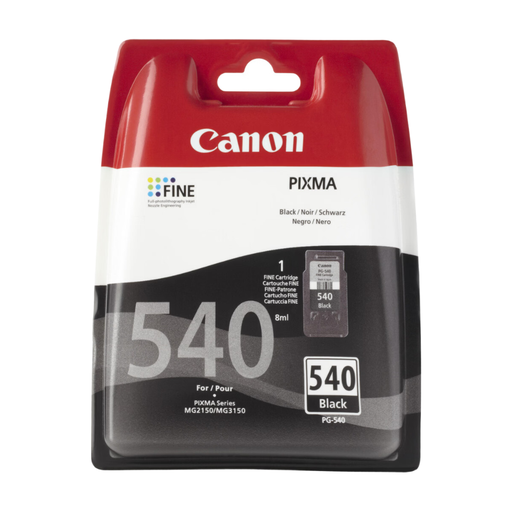
Why this choice suits this profile: this standard black cartridge is suitable for everyday printing, including emails, homework and routine documents, provided it is compatible with your PIXMA.
The PG-540 reference is clearly indicated: compare it with your printer manual or existing cartridge before confirming your order.
An original Canon black cartridge in the standard format for everyday documents on compatible PIXMA models.
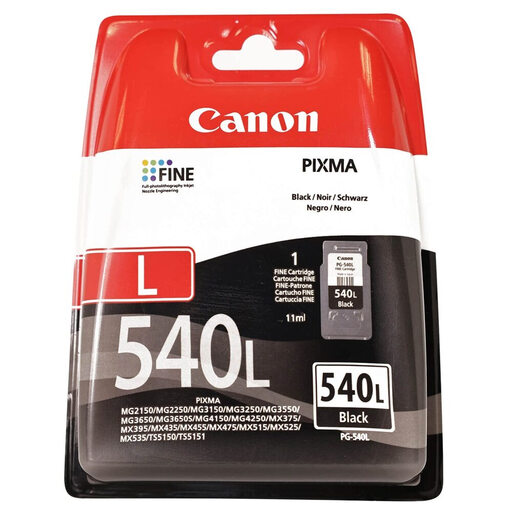
Why this choice suits this profile: with 11 ml of ink and a stated yield of approximately 600 pages according to ISO/IEC 24711, it can be a good fit for a home office or small business.
The XL suffix refers to a specific reference here: do not replace it with a PG-545XL or PG-560XL.
An XL format, pigment-based black ink and a stated yield of approximately 600 pages for compatible printers.
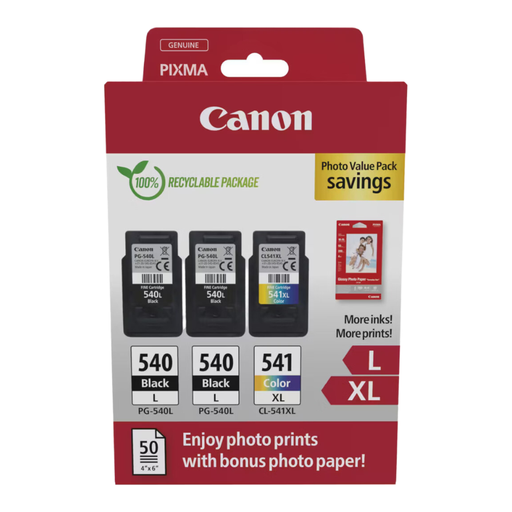
Why this choice suits this profile: this pack includes two PG-540L black cartridges and one CL-541XL colour cartridge. It helps extend the time between orders for a household that prints regularly.
The pack contents are clearly specified: make sure your printer supports the PG-540L and CL-541XL references before choosing this multipack.
A stated yield of approximately 300 black pages and 400 colour pages, according to ISO/IEC 24711.
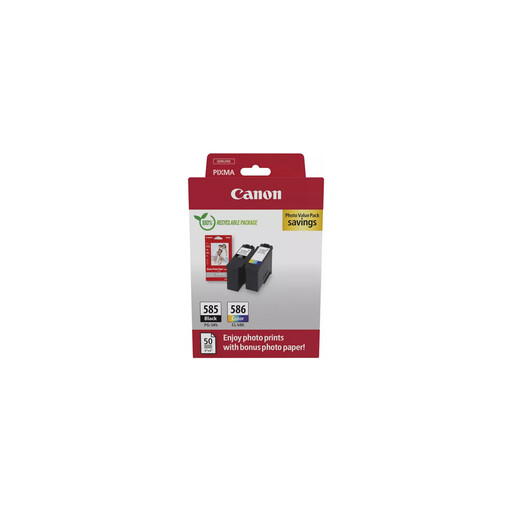
Why this choice suits this profile: this duo is designed for certain PIXMA TS7450i and TS7451i models. It combines one black cartridge with one separate colour cartridge.
Compatibility is limited to certain models: do not choose this pack simply because the PG-585 reference resembles the one on your current cartridge.
Pigment-based black ink, a separate colour cartridge and a stated yield of approximately 180 pages per cartridge.
We have put together an up-to-date selection of Canon PIXMA consumables to help you compare references, formats and compatibility.
Do not remove the old cartridge until the new one is ready to install. Remove the protective packaging as instructed in the manual, without touching the electrical contacts or nozzles. Insert the cartridge until it clicks into place, then run a test print.
Store unopened cartridges in a dry place at a stable temperature, away from direct sunlight. Never dismantle an original cartridge or attempt to refill it. Used cartridges should be taken to an appropriate collection point in accordance with local sorting and recycling regulations for electrical and electronic equipment.
Check your PIXMA’s full model reference in the manual, device menu or on its label. The PG-545, PG-545XL and CL-546 colour cartridge are compatible only with certain series. The XL suffix does not change the basic compatibility.
Not necessarily in the same proportion for every type of use. Stated yields are measured according to the ISO/IEC 24711 standard. Highly coloured prints, photos and frequent cleaning cycles can reduce the actual page count. Compare the yield and price of the exact reference instead.
A Canon black-and-colour cartridge pack can be convenient if both cartridges are nearly empty and their references match your printer. If you mainly print text, buying only a black cartridge may better suit your consumption pattern.