
Livraison le jour même ou le lendemain

Qualité garantie

Débloquez vos offres de bienvenue: Livraison GRATUITE | Jusqu'à -80 % | 30 jours d'essai gratuits à JoyPlus
Téléchargez l'application
Whether you're transferring documents, backing up holiday photos, or expanding a device's memory, the USB drive remains an essential accessory. But with an overwhelming number of options on the market, it can be difficult to find your way. Capacity, speed, connectivity... What are the criteria that really matter for your use case?
Our mission is to help you see things more clearly. This guide breaks down the key points for choosing the USB drive that will perfectly meet your needs, without getting bogged down in technical jargon.
Before diving into our top picks, let's review the key factors to guide your choice.
This is the first criterion to consider. Simply put, capacity determines how much data you can carry with you everywhere.
The USB standard has a direct impact on the read and write speeds of your files. In short: the time you'll spend waiting in front of your screen.
With the proliferation of devices, the type of connector has become a crucial selection criterion.
Let's move on to our selection of models that caught our eye, each tailored to a specific need.
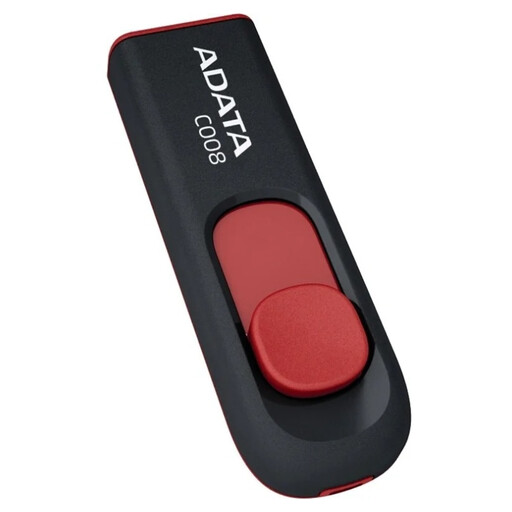
Why it stands out: The ADATA C008 gets straight to the point: it's a simple and effective storage solution. Its retractable connector design protects the USB-A plug without needing a cap. No more stress about losing it! A smart and economical choice for daily tasks.
Key features:
Who is it for? Ideal for occasional users, students, or anyone who needs to transport documents, presentations, or music for their car stereo.
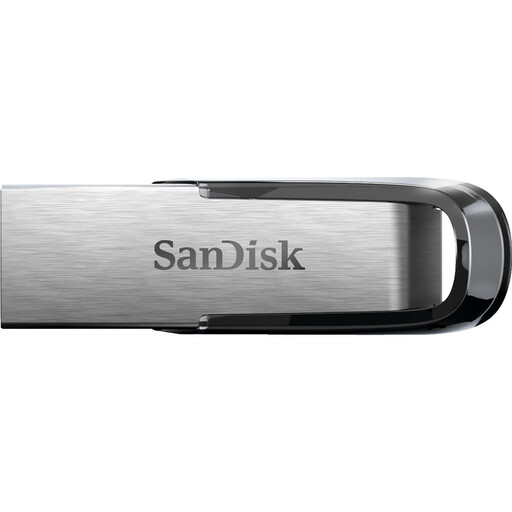
Why it stands out: The SanDisk USB drive Ultra Flair combines a comfortable 64 GB capacity with the speed of USB 3.0. Its elegant metal casing provides welcome durability for users on the go.
Key features:
Who is it for? For those seeking the perfect balance of performance, capacity, and sturdiness for versatile use (work, leisure, backups).
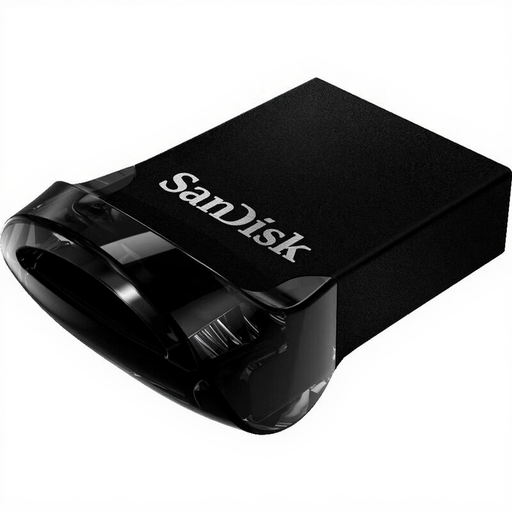
Why it stands out: This small USB drive is designed to be forgotten. Its ultra-compact "plug-and-stay" form factor is perfect for inserting into a laptop, gaming console, or car stereo and leaving it there, like a semi-permanent memory expansion.
Key features:
Who is it for? For anyone who wants to boost the memory of their laptop, console, or car in a discreet and permanent way, without compromising on speed.
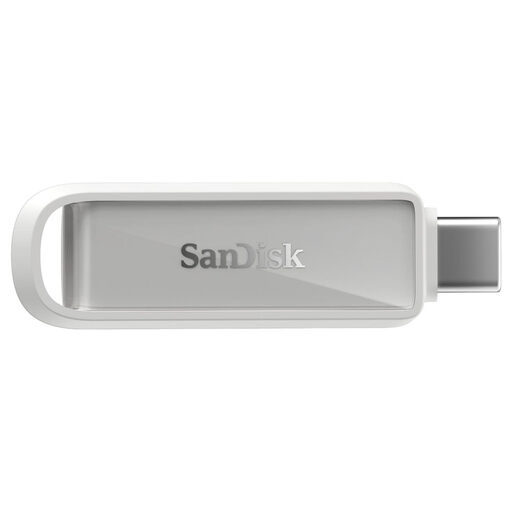
Why it stands out: This model is the Swiss Army knife of file transfers between smartphones and computers. Thanks to its dual USB-C and USB-A connectivity, it bridges the gap between all your devices: from the latest Android smartphones and iPhone 15 to more traditional PCs.
Key features:
Who is it for? Essential for smartphone users who want to free up space, back up their memories, or transfer files to a computer, without relying on the cloud or dealing with cumbersome cables.
This selection highlights models that cater to specific uses. If you can't find the right drive for you, or if you want to explore other capacities and designs, our full catalogue is waiting for you.
Explore our full range of USB drives
For common use (documents, photos, music), 32 GB may be enough. However, a 64 GB USB drive is a more future-proof choice. It will give you the flexibility to occasionally store larger files, like videos or full backups.
It's a matter of speed, and the difference is huge. A USB 3.0 drive can be up to ten times faster than a USB 2.0 drive. In practical terms, transferring a 4 GB movie will take you about 40 seconds with USB 3.0, compared to several minutes with USB 2.0. For regularly transferring large files, USB 3.0 is no longer an option—it's a necessity.
It's very simple! On smartphones with a USB-C port (the majority of Android models and iPhone 15 and newer), you just plug in the USB-C drive. Your phone will detect it as an external drive, accessible from your file manager. Brands like SanDisk even offer dedicated apps to make backups and data management even easier.