
Livraison le jour même ou le lendemain

Qualité garantie

Débloquez vos offres de bienvenue: Livraison GRATUITE | Jusqu'à -80 % | 30 jours d'essai gratuits à JoyPlus
Téléchargez l'application
Does your smartphone take forever to charge? Is the cable that came with your laptop so short it forces you to stay tethered to the outlet? Or maybe you've simply misplaced the original cord and now find yourself lost in a jungle of available options.
The world of USB-C cables can be confusing, with terms like Power Delivery, 60?W, 100?W, and all sorts of materials being thrown around. But making the wrong choice doesn't just slow down charging: in the worst-case scenario, it can also damage your precious devices.
Our mission: to help you see things more clearly. This guide breaks down the essential criteria for choosing the right cable and presents a selection of reliable models suited for all needs and budgets, whether you're using a Samsung, MacBook, another Android smartphone, or a tablet.
To find the perfect USB-C to USB-C cable for your devices, let's break down a few essential concepts together.
The first and most important criterion is the maximum power the cable can handle, expressed in watts (W). This dictates the charging speed, a crucial point for the most power-hungry devices.
The technology that orchestrates this smart charging is Power Delivery (PD). To take advantage of it, the trio of charger, cable, and device must all be compatible.
The standard one-meter length is often frustratingly short. A 2m USB-C cable offers unmatched freedom of movement, whether at your desk, on your nightstand, or in the back seat of the car.
When it comes to durability, the outer coating is an excellent indicator. While basic plastic cables tend to fray near the connectors, a braided nylon USB-C cable ensures much better resistance to daily twists and wear.
Not all USB-C cables are created equal for file transfers. The majority of charging-focused models are limited to the USB 2.0 standard, with speeds capping out at 480?Mbps. This is plenty for syncing a few photos or some music. However, if you handle large video files or want to connect an external monitor via USB-C, you'll need to look for specific cables (compatible with USB 3.1, 3.2, or even Thunderbolt), which are rarely the same ones optimized for charging power.
After analyzing technical specifications and user reviews, we have selected three models that stand out from the pack for their reliability and performance.
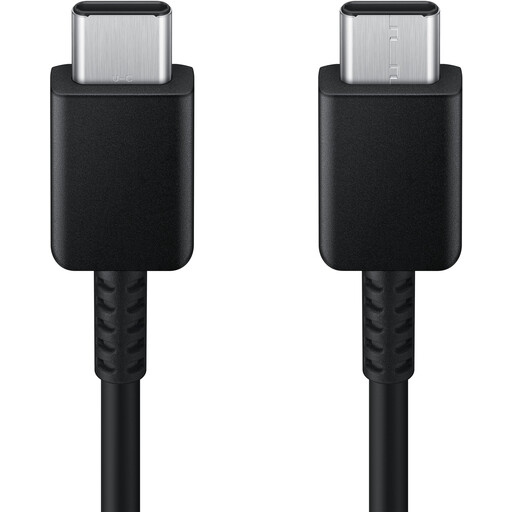
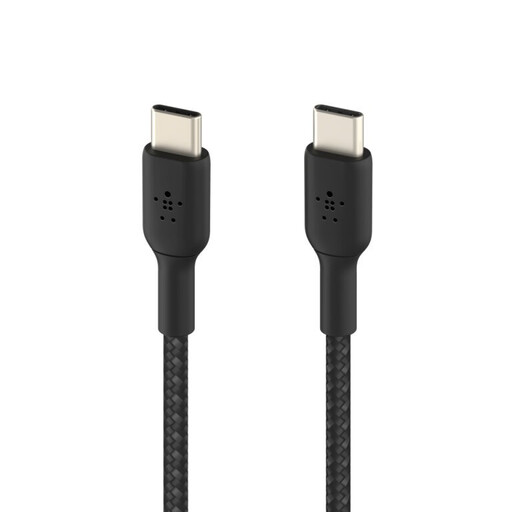
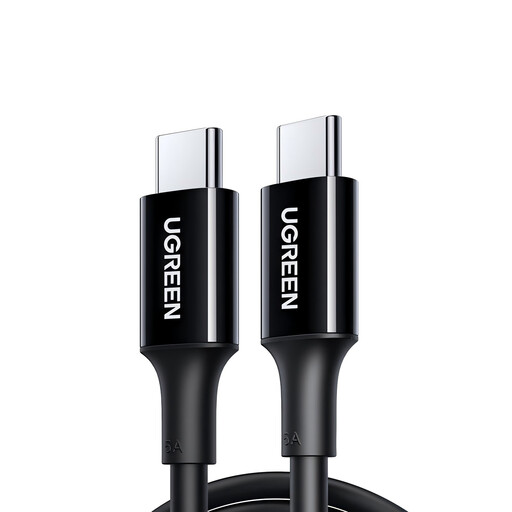
USB-C has established itself as the new standard, but many chargers, computers, and power banks are still equipped with the older USB-A port (the rectangular connector everyone knows). If you need to connect a modern USB-C device to a USB-A port, a USB-C to USB-C cable obviously won't help.
For this scenario, you need a suitable cable. Discover our selection of USB-C to USB-A cables.
A 60?W USB-C cable is perfect for smartphones, tablets, and ultrabooks. A 100?W USB-C cable, on the other hand, is essential for more powerful computers that need more power to charge properly. You can safely use a 100?W cable to charge a 60?W device (the power will adjust automatically), but the reverse is problematic: a 60?W cable will throttle the charge of a laptop designed for 100?W.
No. For the fast-charging magic to happen, you need the complete winning trio: your device (smartphone, computer), your wall charger, and your USB-C cord. The cable must explicitly mention its Power Delivery (PD) compatibility and support the power your device requires.
With good quality, certified cables, the speed difference between a 1-meter model and a 2m USB-C cable is completely negligible in daily use. The power loss is so minimal that it's unnoticeable. The convenience gained with a longer cable is well worth this tiny technical trade-off.