
Livraison le jour même ou le lendemain

Qualité garantie

Débloquez vos offres de bienvenue: Livraison GRATUITE | Jusqu'à -80 % | 30 jours d'essai gratuits à JoyPlus
Téléchargez l'application
USB-C is everywhere now: on the new iPhone 15 and 16, MacBooks, Android tablets, and even gaming consoles. However, not all cables are created equal. A low-quality model can not only throttle your charging speed but also wear out prematurely or, in the worst-case scenario, damage your valuable devices.
Faced with a jungle of technical specifications (power, transfer speed, materials), it's easy to get lost. This guide is here to help you make sense of it all by breaking down the essential criteria and presenting a selection of reliable USB-C cables to help you make the right choice.
Before diving into our selection, here are the three key points to check to find the cable that's right for you.
This is the first criterion to look at closely: the maximum power the cable can handle, expressed in watts (W). To take advantage of fast charging, a Power Delivery (PD) compatible cable is essential. This technology allows the charger and the device to "communicate" to safely adjust to the ideal power level.
A cable's lifespan primarily depends on its construction. Basic plastic models often end up fraying or shearing at the connectors—a common problem. A braided USB-C cable made of nylon or aramid offers far superior resistance to daily twists and wear. Some manufacturers guarantee resistance to tens of thousands of bends, which is an excellent indicator of longevity.
The cable length should be suited to your use case:
Here are some tried-and-tested models, chosen for their reliability, performance, and excellent value for money.
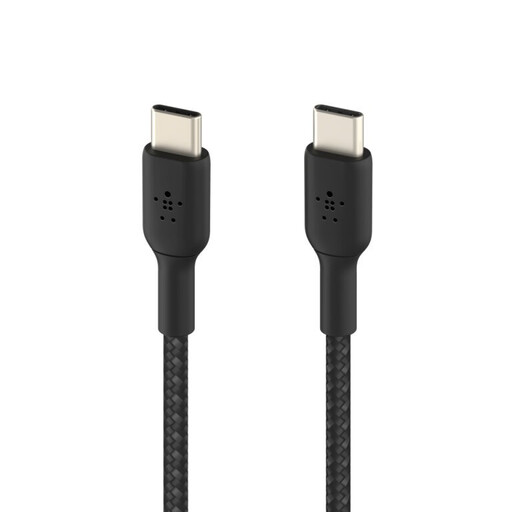
What sets it apart
This cable combines a comfortable 2-metre length with heavy-duty robustness. Its double-braided nylon sheath is built to last: Belkin claims it can withstand over 30,000 bends. It's USB-IF certified, which guarantees full compliance with safety standards.
Pros
Who is it for?
For those looking for a versatile and ultra-durable everyday cable, whether at home or in the office, who need a bit of extra length for comfort.
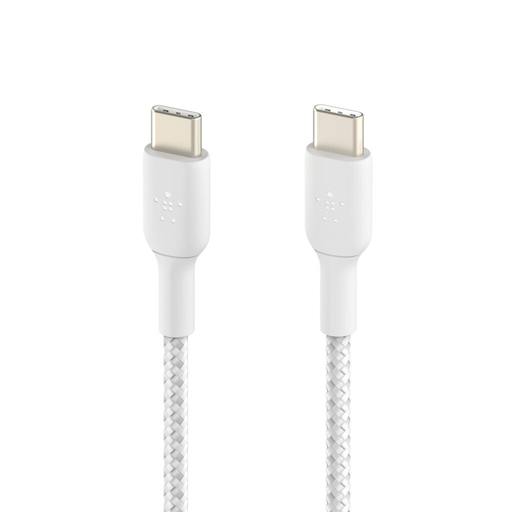
What sets it apart
This model is all about minimalism with its ultra-compact 15 cm length. It's designed for situations where a long cable would just get tangled. Despite its small size, quality is top-notch, featuring a braided sheath and USB-IF certification.
Pros
Who is it for?
Ideal for travellers, power bank enthusiasts, or anyone who wants to put an end to cable clutter on their desk or in their car.
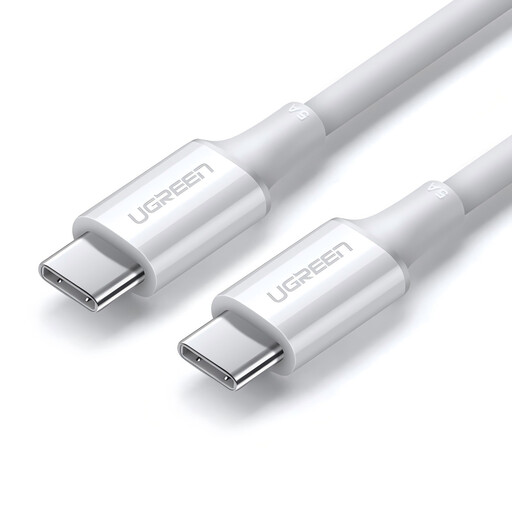
What sets it apart
The main advantage of this UGREEN cable is its ability to handle up to 100W of power. It is therefore capable of charging the most demanding laptops, like a MacBook Pro, at their maximum speed, unlike cables that are capped at 60W.
Pros
Who is it for?
For owners of USB-C laptops (MacBook Pro, Dell, HP, etc.) who need 100W for optimal charging. It's also a smart, future-proof choice, ready for your even more powerful future devices.
Although USB-C is the new standard, many chargers, computers, or car adapters are still equipped with the older USB-A port. If you need to connect a USB-C device to a USB-A port, you'll need a suitable cable.
In that case, take a look at our selection of USB-C to USB-A cables.
1. What's the difference between a standard USB-C cable and a Power Delivery cable?
A basic USB-C cable is often limited in power (typically 15W). A Power Delivery (PD) cable, on the other hand, integrates an electronic chip (e-marker) that communicates with the charger and the device to negotiate a much higher charging power (up to 240W with the latest standard), enabling both fast and safe charging.
2. Does a longer USB-C cable charge more slowly?
In theory, yes, a longer length can cause a tiny loss of power. In practice, with quality cables of typical lengths (up to 2 or 3 metres), this difference is completely negligible and unnoticeable in use. The quality of the copper wires inside is a much more important factor.
3. Can I use the same USB-C cable for my iPhone 15 and my MacBook?
Absolutely, as long as you use a quality Power Delivery compatible cable. A 100W cable like the UGREEN model will charge both an iPhone 15 and a MacBook Pro without any issues. The power automatically adjusts to safely provide each device with what it needs.
Selection curated by the Joybuy product recommendation team.