
Livraison le jour même ou le lendemain

Qualité garantie

Débloquez vos offres de bienvenue: Livraison GRATUITE | Jusqu'à -80 % | 30 jours d'essai gratuits à JoyPlus
Téléchargez l'application
Whether you're working remotely, traveling, or simply need more screen real estate, a single laptop screen quickly feels limiting. Juggling windows, comparing documents, or keeping an eye on your email can be a frustrating digital juggling act. The portable monitor emerges as the ideal solution to expand your display and boost your productivity, wherever you are.
In this guide, we'll break down the key criteria for making the right choice and introduce you to models that cater to a variety of needs, from mobile productivity to gaming.
With the vast number of models available, focusing on a few key features is essential to avoid making the wrong choice.
Connectivity is arguably the first thing to check. Most recent models feature a USB-C port. This technology is incredibly convenient: a single cable is all you need to transmit the video signal and power the monitor from your laptop. It's the dream setup for anyone looking for a second screen for their laptop without the cable clutter.
For broader compatibility, especially with older devices or gaming consoles, the presence of a Mini HDMI port is a real asset. This ensures you can connect your portable display to a PS5, a Nintendo Switch, or a desktop computer.
The screen size, typically between 14 and 18 inches, and its resolution directly impact both visual comfort and portability.
Your choice will therefore depend on the balance you seek between the light weight of a travel monitor and the visual comfort of a large, high-resolution screen.
Expressed in Hertz (Hz), the refresh rate indicates how many frames the screen can display per second. While a 60?Hz rate is plenty for office work and video, demanding gamers will want a portable gaming monitor with a rate of 120?Hz or higher. A high refresh rate ensures impeccably smooth visuals without motion blur, a critical factor in fast-paced games.
Here are three models that caught our eye, each tailored to a specific use case.
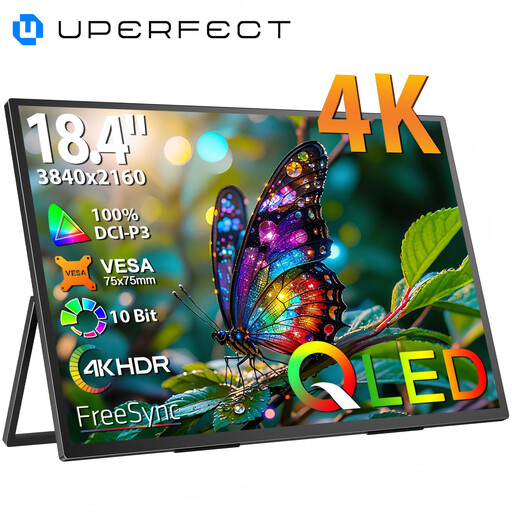
Why we chose it: With its massive 18.4-inch screen and 4K definition, this UPERFECT monitor delivers exceptional visual comfort and workspace. Its QLED panel ensures vibrant colors and deep contrasts.
Highlights:
Who is it for? Creatives, developers, and any professionals who juggle multiple applications or large files.
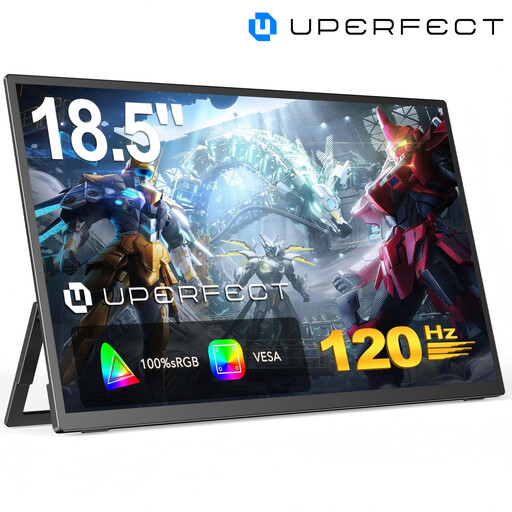
Why we chose it: Built for gaming, this monitor stands out with its 120?Hz refresh rate. The result is an ultra-smooth and responsive gaming experience, on PC and console alike.
Highlights:
Who is it for? Gamers who refuse to compromise on fluidity and responsiveness, even on the go.
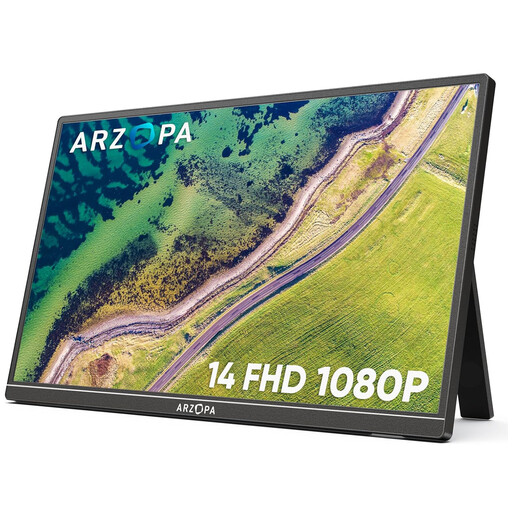
Why we chose it: The ARZOPA A1S is all about ultra-portability. At just 4?mm thick and weighing only 600?grams, it slips into any backpack without weighing you down.
Highlights:
Who is it for? Students, mobile professionals, and anyone for whom light weight and simplicity are the top priorities for office tasks.
Our selection covers the most common needs, but choosing a USB-C external display is a highly personal choice. To discover other sizes, resolutions, or features, feel free to browse our full catalog.
Discover Our Full Range of USB-C Portable Monitors
The simplest and most elegant solution is a USB-C cable. If your computer, tablet, or smartphone has a compatible port (one that supports video output, or DisplayPort Alternate Mode), a single cable is all you need for both video and power. Otherwise, the Mini HDMI option is available, but you will need to power the monitor via a second cable connected to its USB-C power port.
It all depends on your setup. With a USB-C connection to a recent laptop, power is usually supplied by the laptop itself, and no extra cable is needed. However, if you are using the HDMI port or if your source device (like a Nintendo Switch) doesn't provide enough power, you will need to connect the monitor to a power source (wall outlet, power bank) via its USB-C power port.
Absolutely. Most models equipped with a Mini HDMI port are perfect for consoles. Simply connect the console to the monitor with an HDMI cable, and then power the monitor separately. It's the ideal solution for gaming on the go or turning any room into an impromptu gaming den.