
Livraison le jour même ou le lendemain

Qualité garantie

Débloquez vos offres de bienvenue: Livraison GRATUITE | Jusqu'à -80 % | 30 jours d'essai gratuits à JoyPlus
Téléchargez l'application
Choosing a microSD card? It might seem straightforward. But with a maze of standards, speed classes, and capacities, the purchase can quickly become a headache. Yet, whether it's for your smartphone, drone, camera, or security camera, finding the right card is crucial for ensuring performance and reliability.
This guide demystifies the technical jargon and presents our selection of the best cards available today, for every use and budget. Our goal: to help you make the right choice with complete confidence.
Before diving into our top picks, let's break down the key criteria that make all the difference in performance.
This is the number one criterion, especially if you shoot video or burst photos. Manufacturers always list two values: read speed (for opening your files) and, more importantly, write speed (for saving them). To make sense of it all, several standards coexist:
It all depends on your usage habits.
For continuous recording (in a security camera or dashcam), a standard card will wear out prematurely. The constant cycles of writing and rewriting will quickly put it out of commission. This is where a high-endurance microSD card comes in, specifically designed to withstand this heavy-duty use and guarantee rock-solid reliability.
Here are our recommendations, each tailored for a specific use case.
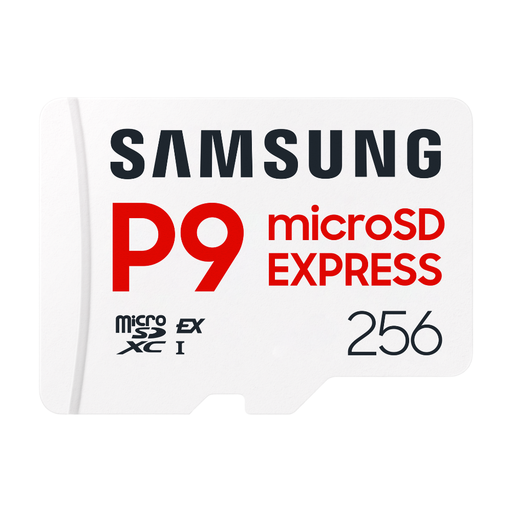
Why it stands out: By adopting the new SD Express interface, this card delivers speeds that rival those of an SSD. It was designed for professional workflows where every second counts, especially for transferring 8K videos or long RAW photo bursts at lightning speed.
Highlights:
Who is it for? Professional videographers and photographers with SD Express-compatible gear. It excels at capturing 6K/8K video and very high-speed burst photography.
See the Samsung P9 Express 256GB on Joybuy.fr
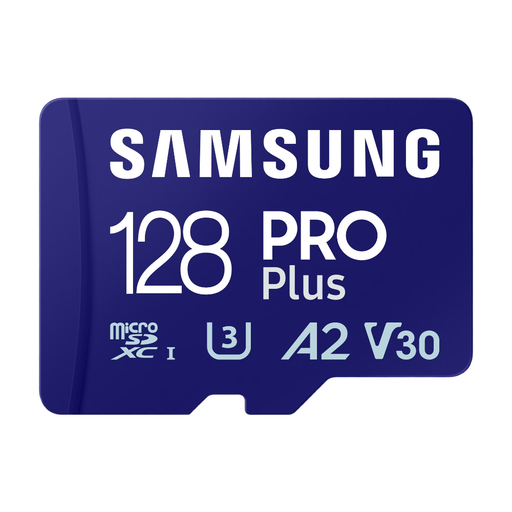
Why it stands out: The Samsung PRO Plus is the king of value for money. Perfect for both everyday use and more demanding tasks, its V30 certification and high speeds ensure smooth, hitch-free 4K UHD video recording on a drone, action cam, or mirrorless camera.
Highlights:
Who is it for? Content creators, drone pilots, and photo/video enthusiasts looking for a versatile and high-performance card for their UHS-I compatible devices.
Discover the Samsung PRO Plus 128GB on Joybuy.fr
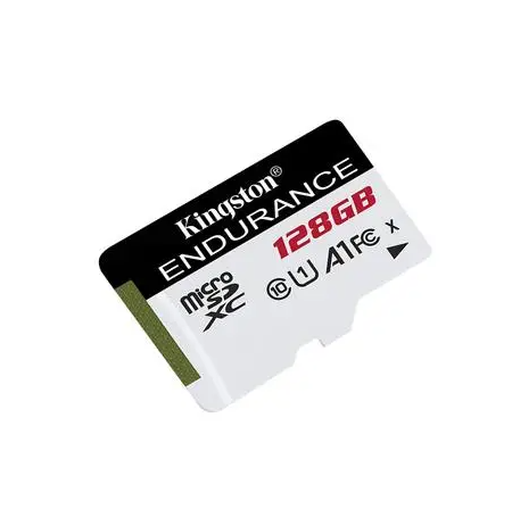
Why it stands out: Its name says it all: this high-endurance microSD card is all about longevity. Optimised for write-intensive uses like continuous video surveillance, its robust design allows it to operate in the most extreme conditions (temperature, humidity, shock).
Highlights:
Who is it for? Owners of a security camera or dashcam who need a reliable storage solution they can count on, 24/7.
Check out the Kingston High Endurance 128GB on Joybuy.fr
Our selection covers specific needs, but the market is full of options. For a different capacity, another brand, or a more standard use case, feel free to browse our complete catalogue.
Discover all our photo memory cards
The difference is primarily size. The microSD card is much more compact than a standard SD card, making it ideal for portable devices: smartphones, drones, action cams, etc. Most are also sold with an adapter so they can be used in a standard SD slot (on a computer or camera, for example).
Yes, in the vast majority of cases. The V30 (Video Speed Class 30) class guarantees a minimum write speed of 30?MB/s, which is more than enough bandwidth to shoot in 4K UHD with most consumer devices (smartphones, drones, cameras). However, for very demanding professional video streams or for 8K, a V60 or V90 card will be necessary.
Your best course of action is to check your device's user manual or the manufacturer's website. Verify two key points: the maximum supported capacity (e.g., up to 128GB, 512GB, or 2TB) and the supported speed classes (e.g., UHS-I, SD Express). Using an incompatible card can lead to malfunctions, the card not being detected, or poor performance.