
Livraison le jour même ou le lendemain

Qualité garantie

Débloquez vos offres de bienvenue: Livraison GRATUITE | Jusqu'à -80 % | 30 jours d'essai gratuits à JoyPlus
Téléchargez l'application
By our product experts, July 19, 2026
Seeing the "Storage Low" message on repeat on your smartphone? Are your 4K video recordings cutting out mid-action, or is your gaming console crying out for more space? Choosing a microSD card seems simple on the surface, but the jungle of standards and technical acronyms can quickly turn the purchase into a headache.
Don't panic. This guide is here to decode the jargon and help you find the perfect memory card for your devices and your needs. Whether you're a photographer, a drone pilot, or simply looking for external storage for your phone, follow our advice to make the right choice.
To avoid making a mistake, there are three essential points to scrutinize.
Capacity, expressed in gigabytes (GB), is the first thing that catches your eye. But be careful—aiming for the largest capacity isn't always the smartest move.
A key step before any purchase: always check the maximum capacity supported by your device (smartphone, camera, console, etc.).
A card's speed is critical for ensuring smooth recordings and fast transfers. Several acronyms coexist on the packaging, and it's easy to get lost:
Verify that the card's format (microSD, microSDHC, microSDXC) is compatible with your device. Most recent devices accept the microSDXC format, which covers capacities from 64 GB to 2 TB. For use in extreme conditions, such as with a microSD card for a drone or an action cam, choosing a model that is resistant to water, shocks, extreme temperatures, or X-rays is a worthwhile safeguard.
Now for our top picks. Here are the models that particularly caught our attention, tested and approved for specific uses.
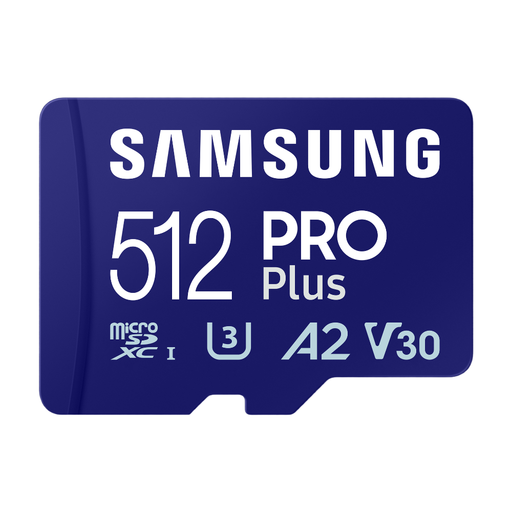
Why we recommend it: It combines massive storage capacity with speeds that will satisfy content creators and the most demanding users.
Key specs:
Who is it for? Videographers, photographers who use burst mode, drone pilots, and owners of high-end smartphones who want maximum space and performance.
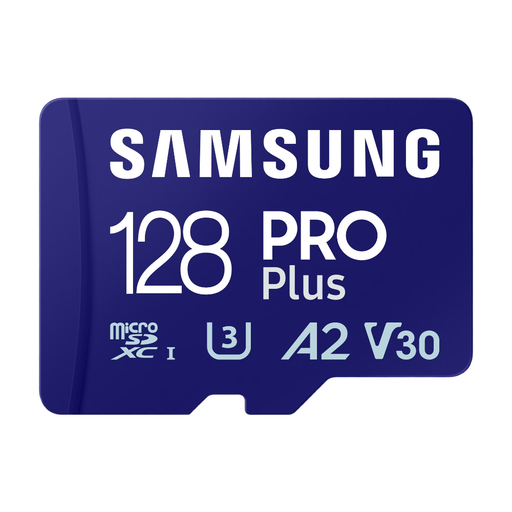
Why we recommend it: It offers the same top-tier performance as its 512 GB big brother but in a more accessible capacity, making it the ultimate all-rounder.
Key specs:
Who is it for? Gamers, Android smartphone users seeking responsiveness, and content creators who don't need XXL storage. It's also an excellent memory card for a mirrorless camera.
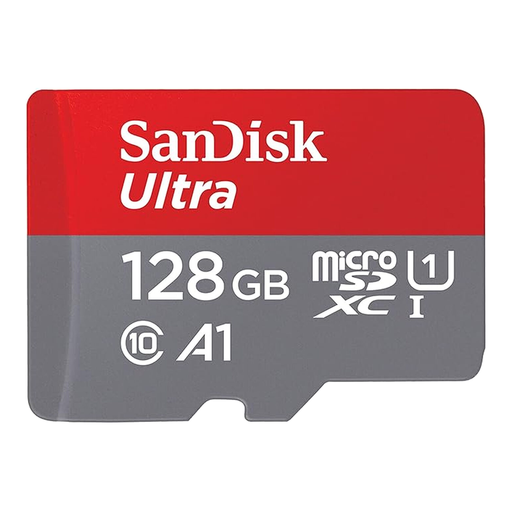
Why we recommend it: The SanDisk Ultra is a reliable choice for everyday use. It offers the perfect balance of performance, capacity, and price.
Key specs:
Who is it for? Anyone looking to boost their smartphone or tablet storage for their photos, music, and everyday apps. Its unbeatable value for money makes it an ultra-popular external phone storage solution.
Our selection covers the most common needs, but the market is full of other gems. If you need an adapter or are looking for a different capacity, feel free to explore our catalog.
? Discover our full range of MicroSD Card Adapters and other storage solutions.
1. What is the difference between microSDHC and microSDXC? The main difference lies in storage capacity. microSDHC (High Capacity) cards range from 4 GB to 32 GB, while microSDXC (Extended Capacity) cards start at 64 GB and can theoretically reach 2 TB. Be sure to check that your device is XC-compatible if you're aiming for a card of 64 GB or more.
2. Can a fast microSD card really improve my smartphone's performance? Absolutely, especially if you plan to install apps on it. A card certified A2 (Application Performance Class 2) offers much higher random read/write speeds than a standard card. In practice, this translates to faster app launches and a smoother overall experience.
3. How should I format my new microSD card for optimal performance? It's always best to format the card directly from the device that will use it (smartphone, camera, console). This process ensures the card uses the correct file system, thereby optimizing its compatibility and performance. Don't forget to back up your important data before starting the format