
Livraison le jour même ou le lendemain

Qualité garantie

Débloquez vos offres de bienvenue: Livraison GRATUITE | Jusqu'à -80 % | 30 jours d'essai gratuits à JoyPlus
Téléchargez l'application
The endless wait by a power outlet, a cable that frays after just a few months, the frustration of not being able to use the same charger for your laptop and phone… We’ve all been there. With the universal adoption of the USB-C port, finding the right accessory has become a real headache. Our mission: to help you cut through the noise and choose the fast-charging USB-C cable you need, without drowning you in technical jargon.
We'll break down the essential criteria and present our selection of the best models to power your devices, whether it's an iPhone 16, a Samsung S24, or a MacBook.
Before you jump on the first model you see, it's crucial to understand what separates a good cable from a bad one. Here are three criteria to check to make the right choice.
Charging speed doesn't just depend on your charger! The cable's ability to carry power is just as critical. Here, power, measured in watts (W), is the name of the game.
Look for compatibility with the Power Delivery (PD) standard. This technology enables smart communication between the charger, cable, and device to deliver optimal power safely. The combination of a GaN charger and a compatible PD cable is a winning formula for ultra-efficient charging.
A cable gets used, travels, and is bent in every direction. Its durability isn't optional—it's an essential purchasing criterion. A braided cable made of nylon or reinforced PVC will always be more resistant to twisting and wear than a basic plastic model. Some manufacturers mention the number of bends the cable can withstand, which is an excellent indicator of its longevity.
Length is also a key comfort factor:
Although USB-C is a universal standard, different versions exist. Most fast-charging cables stick to the USB 2.0 standard for data transfer (up to 480 Mbps), which is more than enough for syncing photos or small files. More advanced cables (USB 3.1, USB4, Thunderbolt) offer much higher speeds but are best reserved for specific use cases like transferring very large video files or connecting to external monitors. For charging-focused use, a USB-C to USB-C cable certified by the USB-IF (USB Implementers Forum) is a guarantee of compatibility and safety.
Let's dive into our top picks. We have selected several models that meet a variety of needs in terms of power, portability, and versatility.
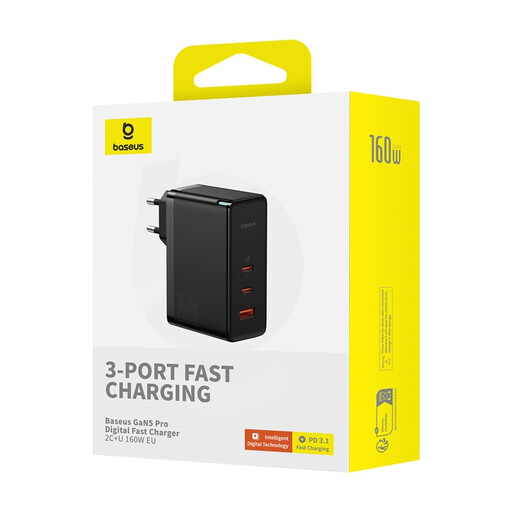
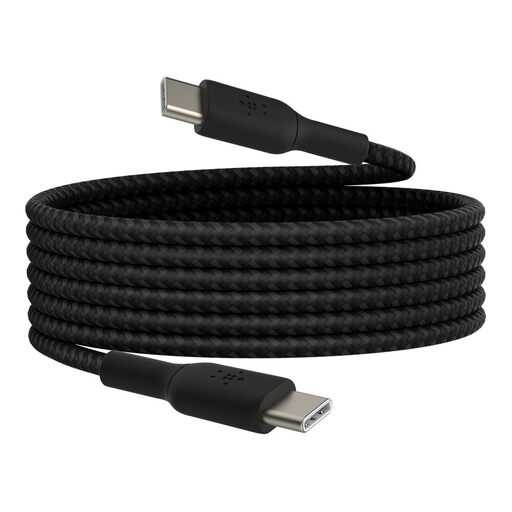
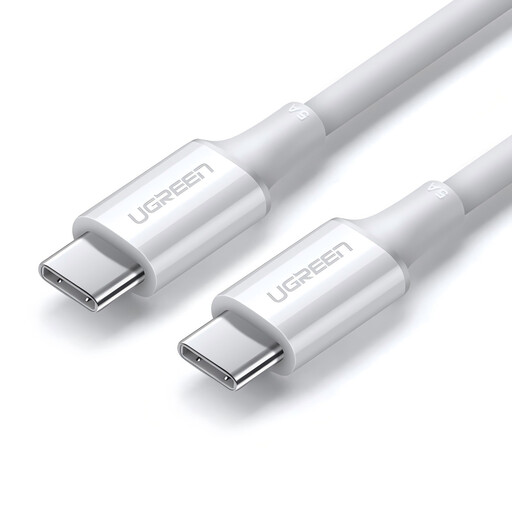
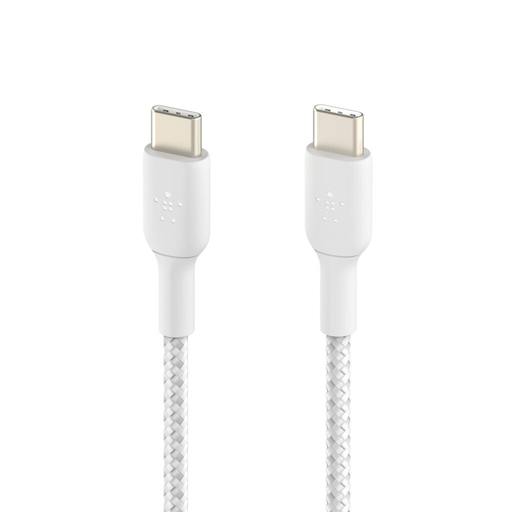
The USB-C to USB-C cable is now the standard for modern devices. However, many older chargers, computers, and peripherals still rely on USB-A ports. To connect your new USB-C device to one of them, you'll need a suitable cable.
? Discover our selection of USB-C to USB-A cables to ensure compatibility with all your equipment.
The main difference lies in the cable's ability to handle high electrical power. A fast-charging USB-C cable is designed with thicker internal conductors and an E-Marker chip (for cables over 60?W) that communicates with the charger via the Power Delivery (PD) standard. A standard cable may not be able to handle such high power. The result: slow charging, or even no charging at all for power-hungry devices like laptops.
No, there is absolutely no risk. Thanks to Power Delivery technology, the charger, cable, and your device communicate to negotiate the maximum power the device can safely accept. A 100?W cable will simply provide the 30?W your phone requires. Using a cable with a higher power rating is therefore completely safe and is actually a great investment for your future devices.
In theory, yes, since they share the same USB-C port. In practice, to benefit from fast charging, it's crucial to verify that both the cable and the charger are Power Delivery compatible and deliver sufficient wattage. For a MacBook, a 100?W cable is recommended for optimal charging. For an iPhone 16, a 30?W to 60?W model is generally sufficient. USB-IF certification remains the best guarantee of compatibility and adherence to standards.