
Livraison le jour même ou le lendemain

Qualité garantie

Débloquez vos offres de bienvenue: Livraison GRATUITE | Jusqu'à -80 % | 30 jours d'essai gratuits à JoyPlus
Téléchargez l'application
The Apple ecosystem is known for its consistency, but choosing the right accessory can sometimes be complex. With the widespread transition to USB-C, finding the right Apple USB-C charger has become a common question for many users. Should you prioritise power, portability, or versatility? As a Product Recommendation Officer at Joybuy, my role is to provide you with practical advice to help you make an informed choice, free from marketing jargon.
Before diving into our top picks, here are a few key points to consider to find the charger that truly matches your daily use.
Power, measured in watts (W), determines the charging speed of your devices.
The question is simple: do you typically charge one device at a time, or several?
Using an official Apple charger or a certified accessory not only guarantees optimal charging performance but also ensures the safety of your devices. Products that comply with European standards (CE marking) have undergone testing to ensure their reliability and safe operation.
Here are three recommended options, each catering to specific needs.
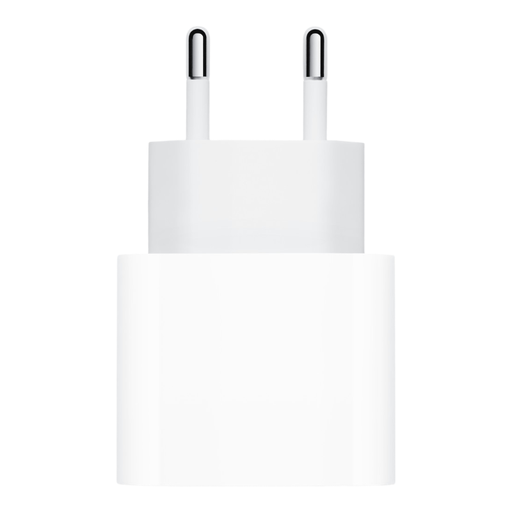
Why We Recommend It
This adapter is the standard charging solution for most iPhone and iPad users. Its compact design makes it easy to carry, whether in a handbag or a laptop bag. It's designed for fast and efficient charging. According to Apple, it can recharge an iPhone 16 battery up to 50% in around 30 minutes when paired with a suitable USB-C to Lightning cable.
Pros
Who is this product for? For owners of an iPhone (from model 8 onwards), iPad, AirPods, or Apple Watch who are looking for a reliable and high-performing primary or secondary charger for daily use.
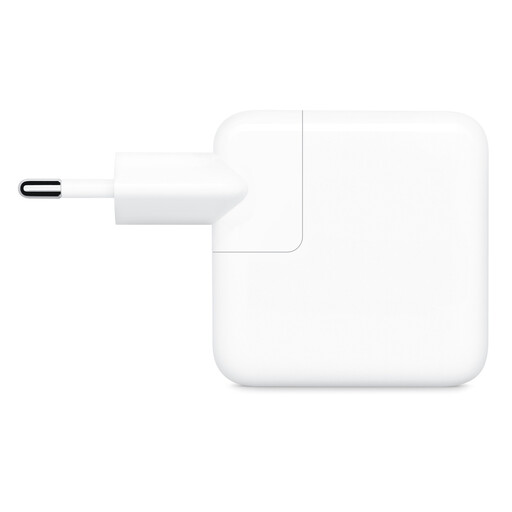
Why We Recommend It
This charger's main strength is its ability to power two devices simultaneously. It intelligently distributes its 35W of power between the two ports based on the needs of the connected devices. It's an excellent choice for saving space on a power strip or in your luggage. Apple recommends it for the MacBook Air, but its versatility makes it useful for anyone with multiple devices from the brand.
Pros
Who is this product for? For users who juggle multiple Apple devices (e.g., an iPhone and AirPods, or an iPad and an Apple Watch) and want a single, convenient charging solution for home, the office, or travel.
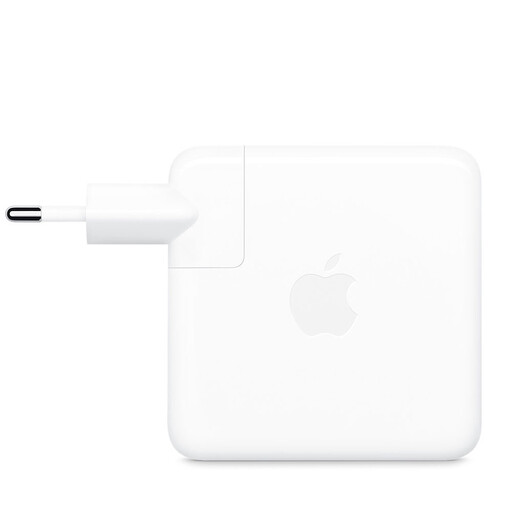
Why We Recommend It
With 70W, this adapter is all about power. It's the preferred companion for the MacBook Air and certain MacBook Pro models, offering a significantly faster charging speed. Apple states that it supports fast charging for recent MacBook Air models, allowing you to regain 50% battery in about thirty minutes. Its high wattage also makes it capable of rapidly charging any other Apple device.
Pros
Who is this product for? Primarily for users of a MacBook Air (M2/M3) or MacBook Pro (13/14-inch) who need a powerful main charger. It's also a great option for those who want a single adapter that can charge everything, from their computer to their phone, as quickly as possible.
The selection above covers the most common needs, but the market offers a wider variety of solutions. If you're looking for a different power level or specific features not mentioned here, we invite you to explore our full range.
Discover all our options in the USB Power Adapter category.
1. Can I use a more powerful Apple USB-C charger, like the 70W one, for my iPhone? Yes, it's completely possible and safe. Apple devices, like the iPhone, communicate with the charger to draw only the power they need. Using a 70W charger on an iPhone will not damage it; it will simply charge at its maximum supported speed (around 20-27W, depending on the model).
2. What's the difference between an official Apple charger and a third-party one? An official Apple charger is specifically designed to work optimally with the brand's devices. It guarantees compatibility and adherence to Apple's fast-charging protocols. While quality alternatives exist, choosing an official product is often a guarantee of peace of mind for long-term performance and safety.